WLAN configuration
82 / 157 DLT-V83 Operating Instructions V2.00
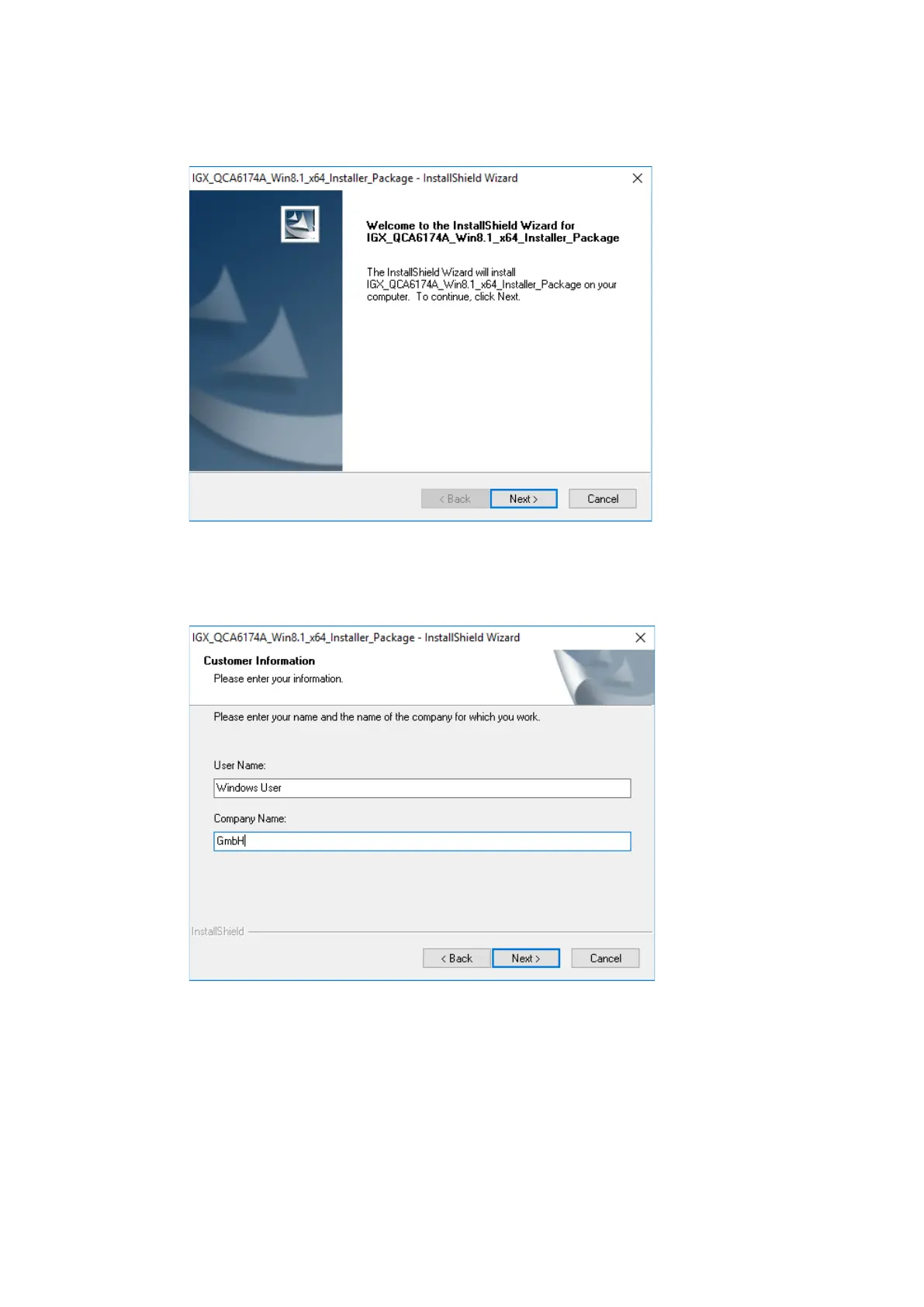
On completion, the following window is displayed that starts the actual driver installation process:
Figure 11.4: IGX driver installation Welcome dialog
Continue the installation with Next:
Figure 11.5: IGX driver installation user and company name
In this dialog, enter a username and a company name and confirm with Next.



 To Next Page