Operating the device
DLT-V83 Operating Instructions V2.00 63 / 157
9.5. DLT-V83 front keys with PCT touchscreen
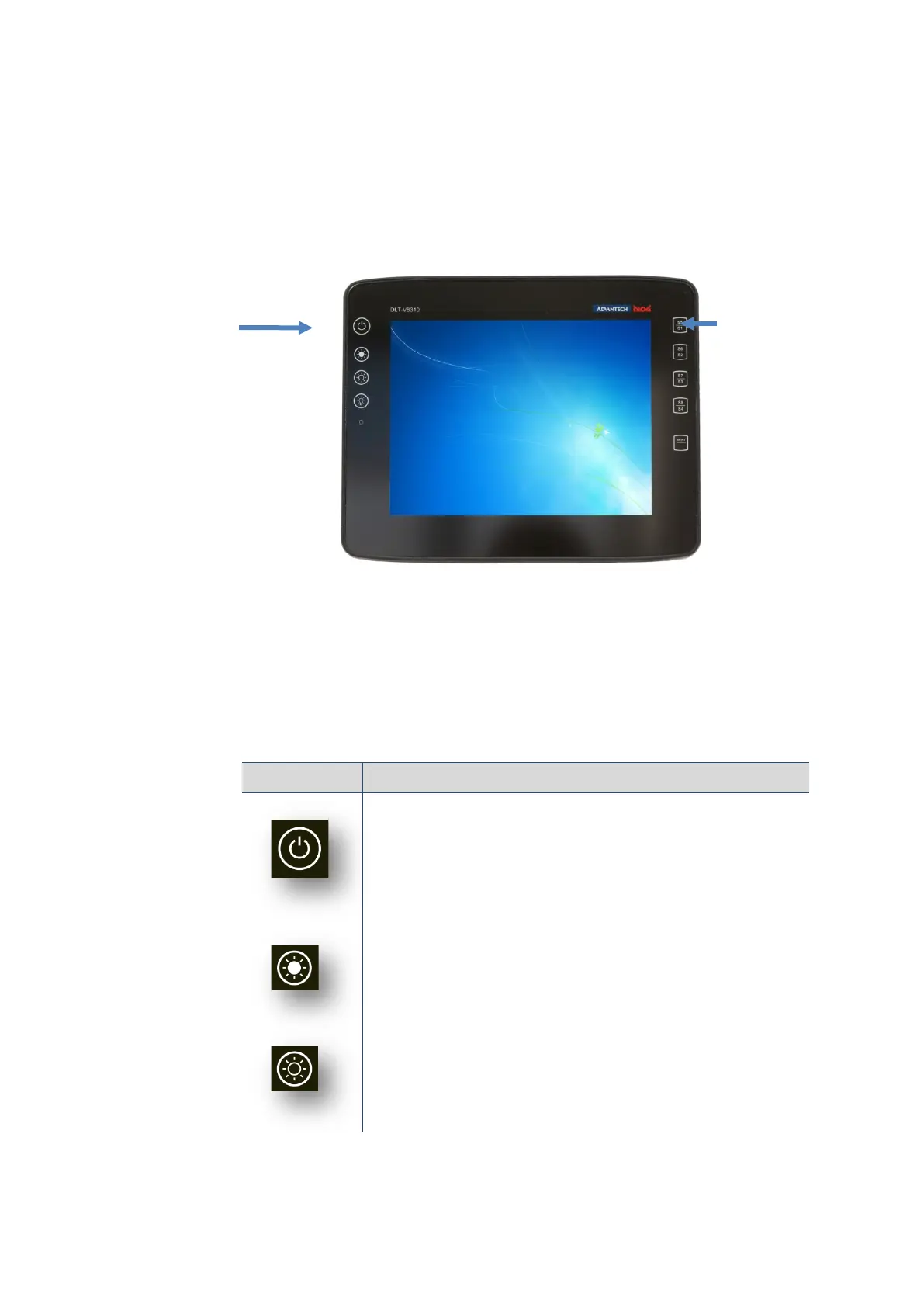
9.5.1. Overview of the operating elements on the front side
Fig. 9.3: Example: Operating elements front side DLT-V8310 with PCT touchscreen
9.5.2. Function of the front keys
The keys are backlit in blue when the device is switched on.
When the key is pressed, the lighting switches briefly to white.
Keys and LED, left on the device:
Key Explanation
<Power> button, switch device on/off:
To do this, press and hold the button for 2 seconds
After the device has been switched off, it can only be switched on
again after 10 seconds.
Manual brightness control: Display brighter
Manual brightness control: Display darker
Front keys:
- Turn on/off
- Display brighter
- Display darker
- Backlighting on/off
Front keys:
- Special keys
- Shift



 To Next Page