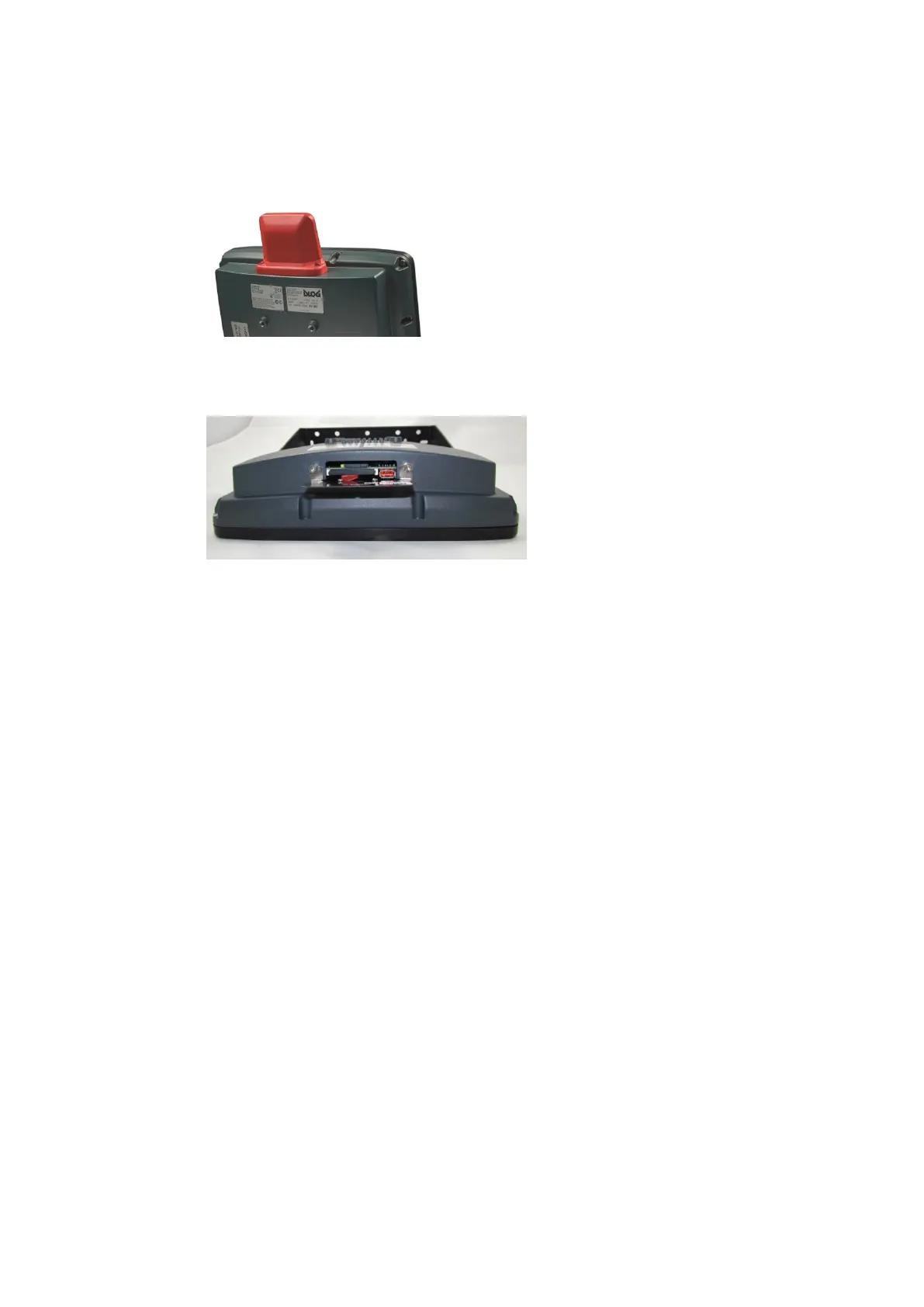
Open/close antenna (or protective cap)
DLT-V83 Operating Instructions V2.00 51 / 157
8.3.3. WLAN, WWAN 3G antenna
Open antenna:
Fig. 8.4: WLAN, WWAN 3G antenna
Unfasten both screws on the
antenna. Tool: Allen key (size 3)
Remove the antenna from the device.
Fig. 8.5: WLAN, WWAN 3G antenna opened
Service USB, CFast and mini SIM card
slot are now accessible.
For details, see section 7.5.1 Information
on service USB, CFast and Mini SIM card
slot.
Close antenna:
Place the antenna back onto the DLT-V83.
Tighten both screws (1 Nm torque).



 To Next Page