WLAN configuration
DLT-V83 Operating Instructions V2.00 81 / 157
11.6.5. Driver installation Win7Pro / Win 8.1 IndPro / Win 10 IoT
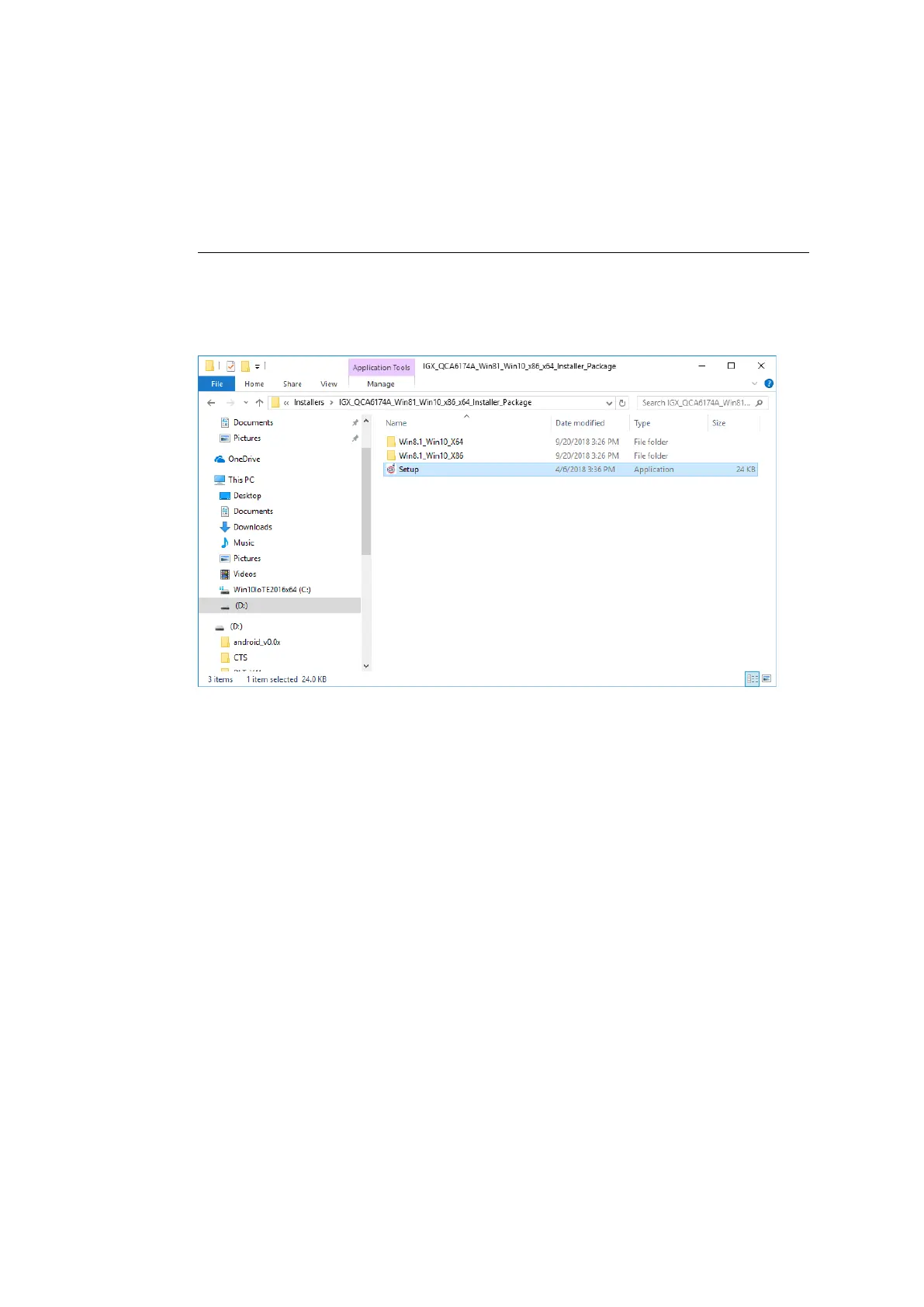
Open the corresponding installation directory depending on the operating system.
Run Setup.exe to start the installation.
NOTE
The following installation example shows the Win8.1 / 10 driver.
For Windows7 installation, please use the corresponding Win7 driver.
Figure 11.3: Setup.exe for 64 bit operating systems Win8.1 / 10
If the C++ executables / runtimes required for the installation are missing on the operating system, these
must be set up before running the WLAN driver installation.
Respond to the relevant prompt in the installation workflow.



 To Next Page