General device configuration
70 / 157 DLT-V83 Operating Instructions V2.00
Device shut down
If the operating system is shut down, all applications will be notified via the Windows message
“WM_QUERYENDSESSION” first.
Every application must then respond within the time set in the registry. If there is no response within the
preset time, the application will be hard-terminated.
It may not be possible to close an application automatically if it has unsaved data. Example: For
example, the WORDPAD.EXE program (included in Windows) cannot be closed automatically if there
are unsaved changes. In such a situation, WORDPAD.EXE will acknowledge the
“WM_QUERYENDSESSION” Windows message by prompting the user to choose whether to save or
not.
All applications that can be terminated without user confirmation using the keyboard shortcut <ALT> +
<F4> will normally also respond correctly to the “WM_QUERYENDSESSION” message and therefore do
not need to be hard-terminated.
To ensure that important data is saved correctly, the application must respond appropriately to
“WM_QUERYENDSESSION”, i.e. the backup data must be saved without user confirmation and within
the preset time.
10.7. CAN and digital I/O settings (optional)
To configure and test the CAN and digital I/O settings, the “IXXAT” driver is used.
It is available at www.advantech-service-iot.eu
Downloads -> Service -> Drivers -> Advantech-DLoG Products -> Additional-Drivers-Software
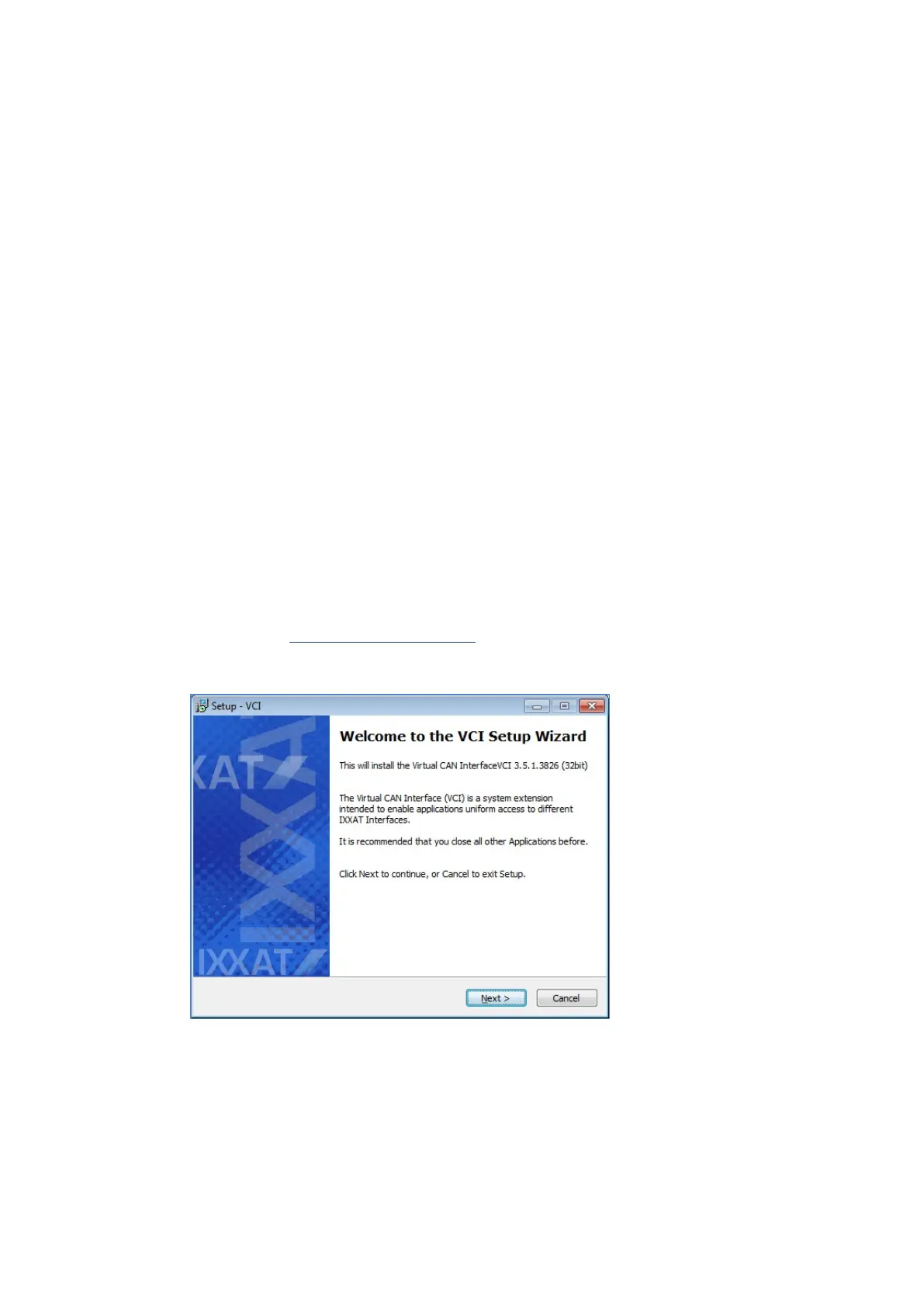
Fig. 10.2: Start of the IXXAT driver installation
When installing the “IXXAT”, configuration and test tools are copied to the DLT-V83.



 To Next Page