WLAN configuration
DLT-V83 Operating Instructions V2.00 79 / 157
11.6.4. Driver installation WinEmbStd7
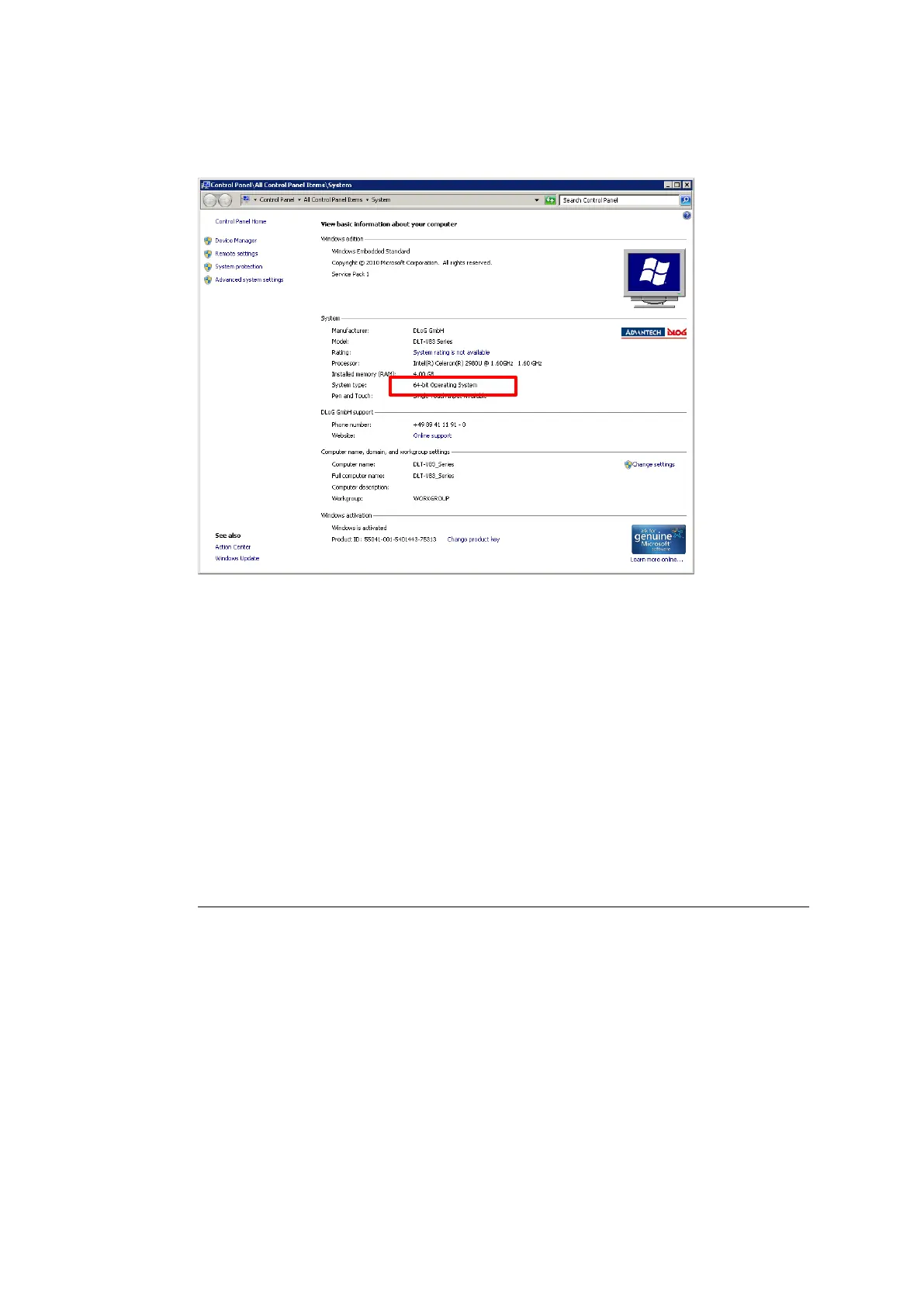
If it is not known which operating system variant (32 or 64 bit) is installed on the DLT-V83, the system
overview can be used for testing:
Figure 11.1: System overview in Control Panel
For 32 bit systems:
Open the subfolder Win7_X86.
Run Setup.exe to start the installation.
For 64 bit systems:
Open the subfolder Win7_X64.
Run Setup.exe to start the installation.
Setup.exe in the main folder is not supported in WinEmbStd7.



 To Next Page