WLAN configuration
DLT-V83 Operating Instructions V2.00 95 / 157
11.6.9.3. Establish network connection
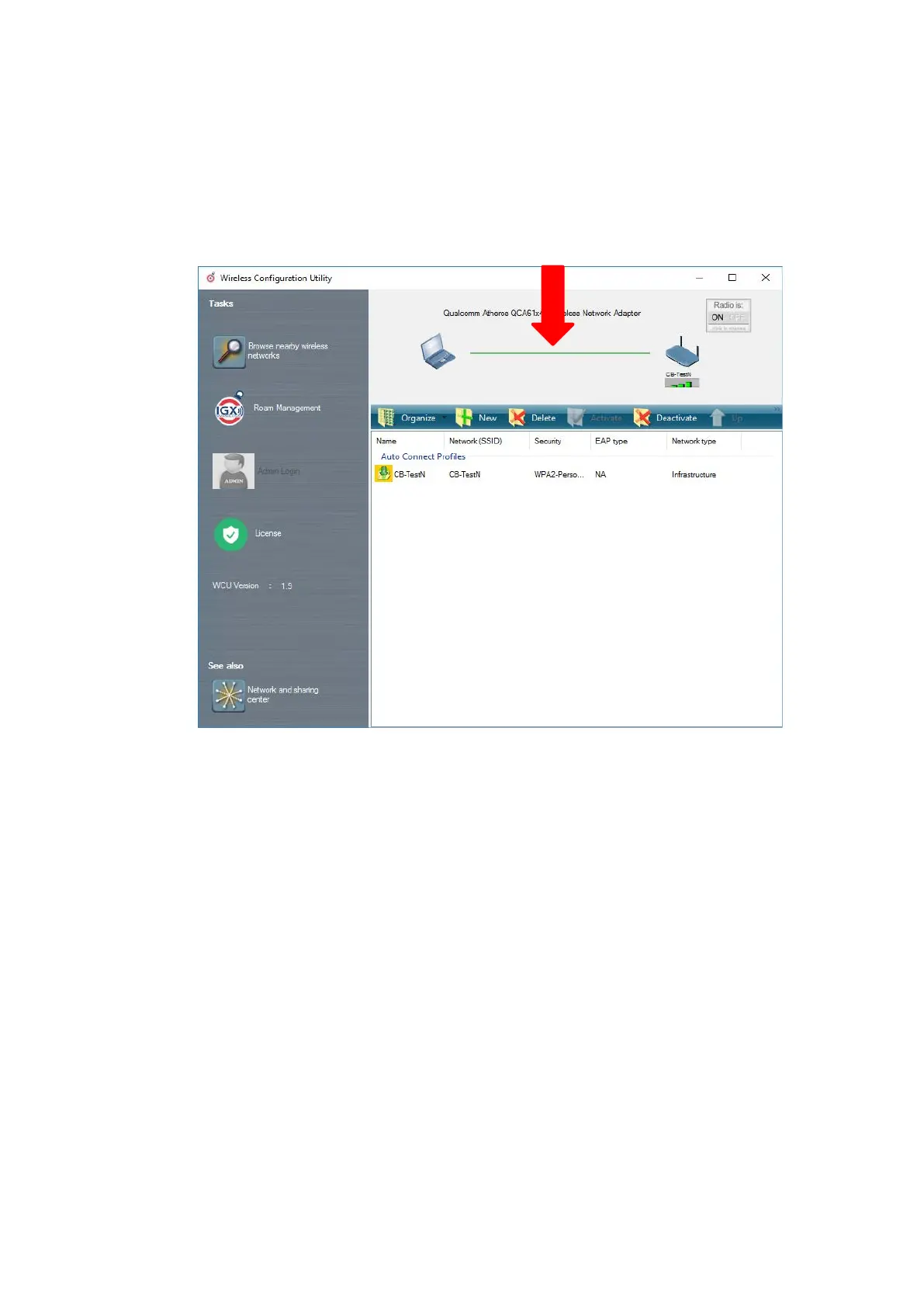
After the WLAN profile settings have been made, a connection to the network is established
automatically.
The connection setup with the selected network is successful only if the "green" connection line is
displayed in the WCU main window.
Figure 11.24: Network connection is established



 To Next Page