Interfaces, connectors
DLT-V83 Operating Instructions V2.00 47 / 157
7.5. Connections underneath the antenna/protective cap
The DLT-V83 offers the following interfaces underneath the antenna or underneath the protective cap
(depending on the device version ordered):
− Service USB slot
− CFast slot
− Mini SIM card slot
NOTICE: Property damage
These interfaces may only be used by qualified expert personnel and only for the duration of
service works (e.g. software updates, card replacement).
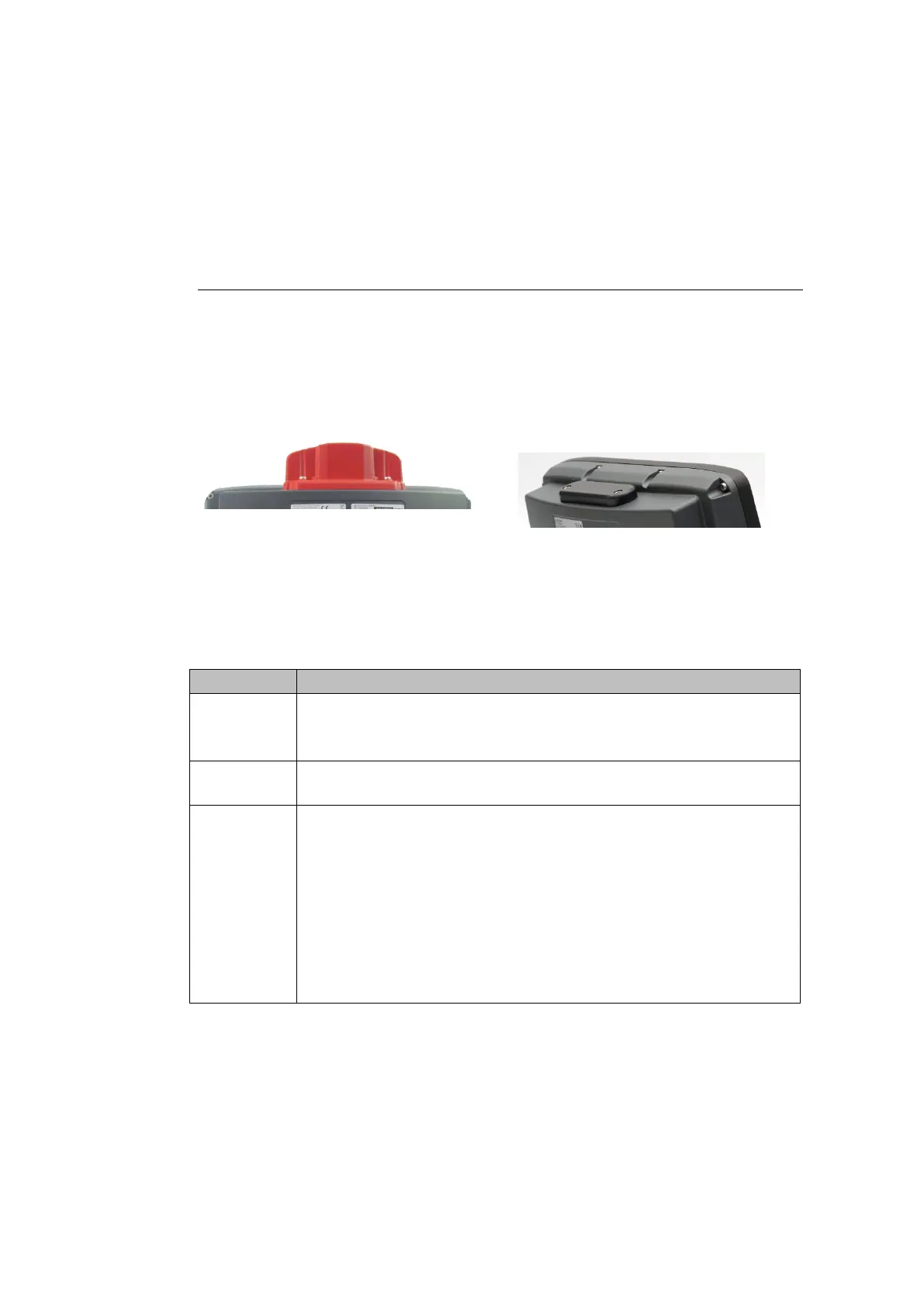
Example for antenna on the device: Example for protective cap on the device
(if no antenna is present):
Fig. 7.8: Example of antenna, type 4 in 1 Fig. 7.9: Protective cap examples
7.5.1. Information on service USB, CFast and Mini SIM card slot
Service
USB slot
Plug connector with increased pull-out force (to fulfill the specific shock and
vibration requirements of the DLT-V83).
Exercise special care when removing and plugging in USB sticks.
CFast slot Insert CFast card precisely into the slot guide rails. Otherwise, there is a risk of
the CFast card dropping into the device when inserting it.
Mini SIM
card slot for
WWAN
Insert/remove mini SIM card
− Press the yellow unlock button next to the mini SIM card slot.
The card opens and extrudes slightly from the device.
− Pull the card tray completely out of the device.
The mini SIM card can now be inserted or removed.
− Carefully push the card tray in again.
NOTICE: Push in the card tray exactly at the location provided. Otherwise,
there is a risk of the tray and mini SIM card dropping into the device when



 To Next Page