Operating the device
60 / 157 DLT-V83 Operating Instructions V2.00
Right on the device:
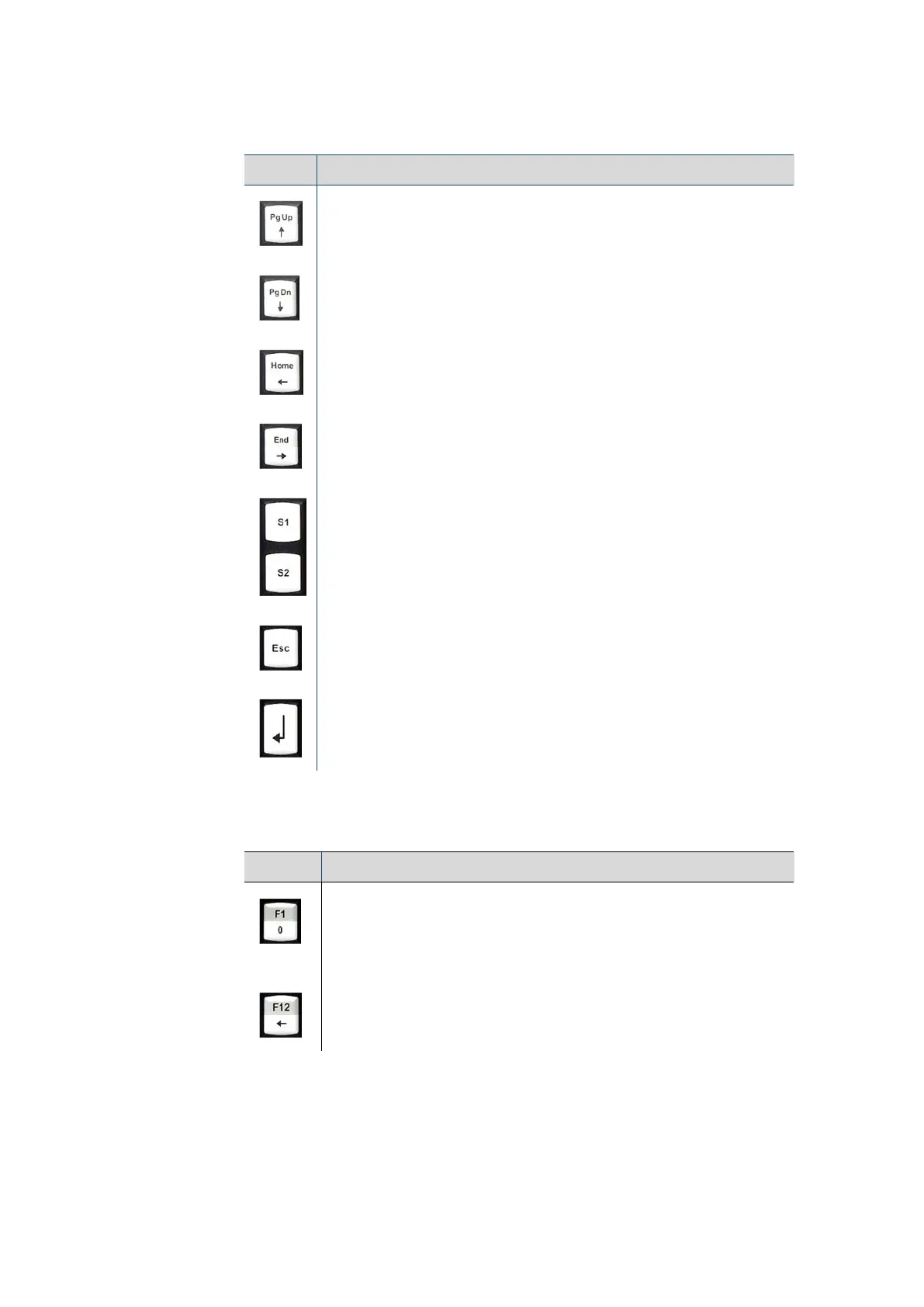
Key Explanation
Page Up / Line Up (switch with <Shift> key)
Page Down / Line Down (switch with <Shift> key)
Home / Backwards (switch with <Shift> key)
End / Forwards (switch with <Shift> key)
Special keys <S1> and <S2>
These keys are configured with the "DLoG Config" program;
the associated manual is available on our websites.
<Esc> key
<Enter> key
Below on the device:
Key Explanation
…
Function keys and numbers 0 to 9, backspace
<Shift> pressed: Key function marked in grey is active
<Shift> not pressed: Key function marked in white is active.
The function keys are configured with the "DLoG Config" program, the
associated manual is available on our websites.



 To Next Page