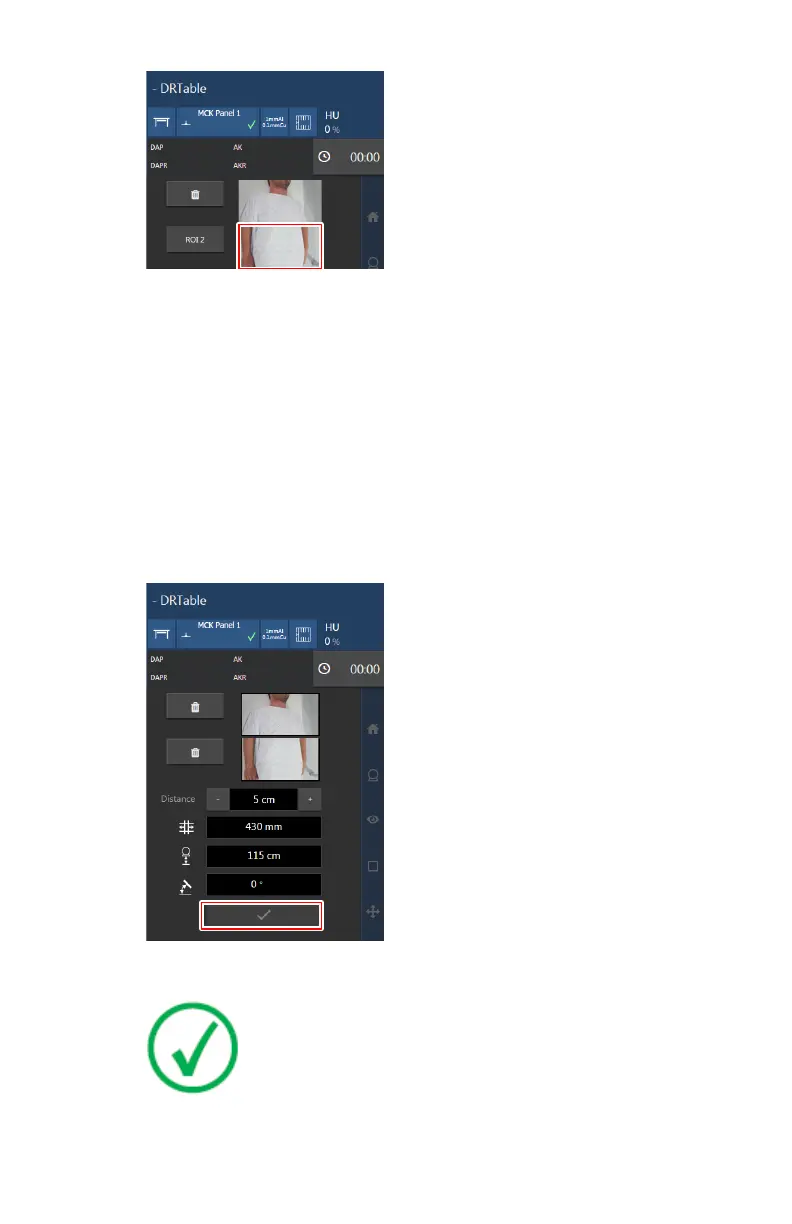
Figure 130: Setting the bottom most position for the examination
7. Press the ROI 2 button to confirm the position.
To adjust the positions, press the waste bin icon and repeat the
positioning.
8. Enter the value for the distance by using the up and down arrows at the
touch screen console.
Distance/OID: if the image is used for making length measurements in NX
or on true size printed images, estimate the distance between the FLFS
overlay and the horizontal plane in which measurements are to be made.
This distance is used for calibrating distance measurements on the image
in NX. If no calibration is required, leave the default value.
9. Confirm the positioning.
Figure 131: Confirmation button
Note: The maximum size of the region of interest is
approximately 140 cm. For using the maximum region of
interest, the X-ray tube must be exactly in the middle of the
region of interest.
DR 800 | Full Leg Full Spine | 165
0392C EN 20210309 1049



 To Next Page