Making Connections Messaging 97
4. AfteryourphoneconnectswiththeGoogleservers,selecttheitemsyouwouldliketosyncwith
yourphoneandthentapSync now.
5. TapFinish setup.
YouaresignedintoyourGoogleAccount,andyoucanaccessbothofyourGmailaccounts
fromtheGmailapp.
Note:YoucanalsosignupforanewGmailaccountfromtheSettingsmenu.Instep2above,tap
Or create a new accountandfollowtheprompts.
Switching between Gmail Accounts
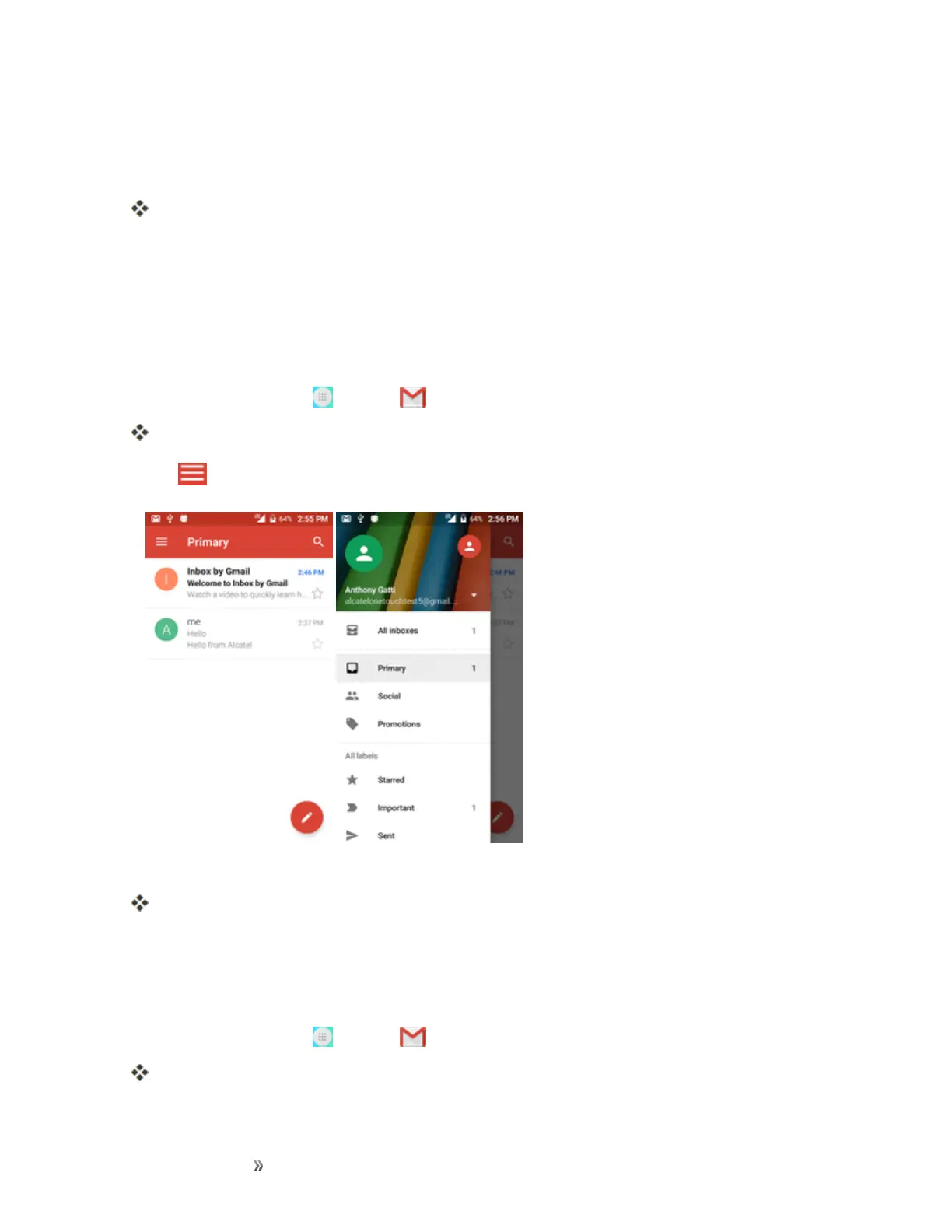
IfyouhavemorethanoneGmailaccountsetup,youcanswitchbetweenthemintheGmailapp.
1.
Fromhome,tapApps >Gmail .
Theinboxopens.
2.
Tap .
3. Taptheaccountyouwanttoviewfromthelistatthetopofthemenu.
Theselectedaccountinboxisdisplayed.
Gmail Settings
YoucanaccesssettingsfortheGmailappandforyourindividualGmailaccountsfromtheGmail
Settingsmenu.
1.
Fromhome,tapApps >Gmail .
ThePrimaryinboxopens.













 To Next Page