Getting Started Set Up Your Phone 16
Note:Youcanalsoactivatebyphonebycalling1-888-BOOST-4U(1-888-266-7848)fromany
otherphone.
Activate Your Phone
Aftersettingupyouraccountonboostmobile.com,simplyturnyourdeviceon.Yourdeviceis
designedtoactivateautomatically.IfyouareswappingfromanotherBoostMobiledevicetoanew
one,besuretoturnofftheolddevicebeforeswappingtheserialnumber(MEID).OncetheMEID
swapiscomplete,turnonthenewdeviceandtheprogramminginformationwillbepushedtoyour
deviceautomatically.
Youcanalsostarttheactivationprocessmanually.
n
Fromhome,tapApps >Settings >Activate this device .
Complete the Setup Screens
Thesetupscreenshelpyousetupcertainfeaturesandpreferencesonyourphone.Onceyour
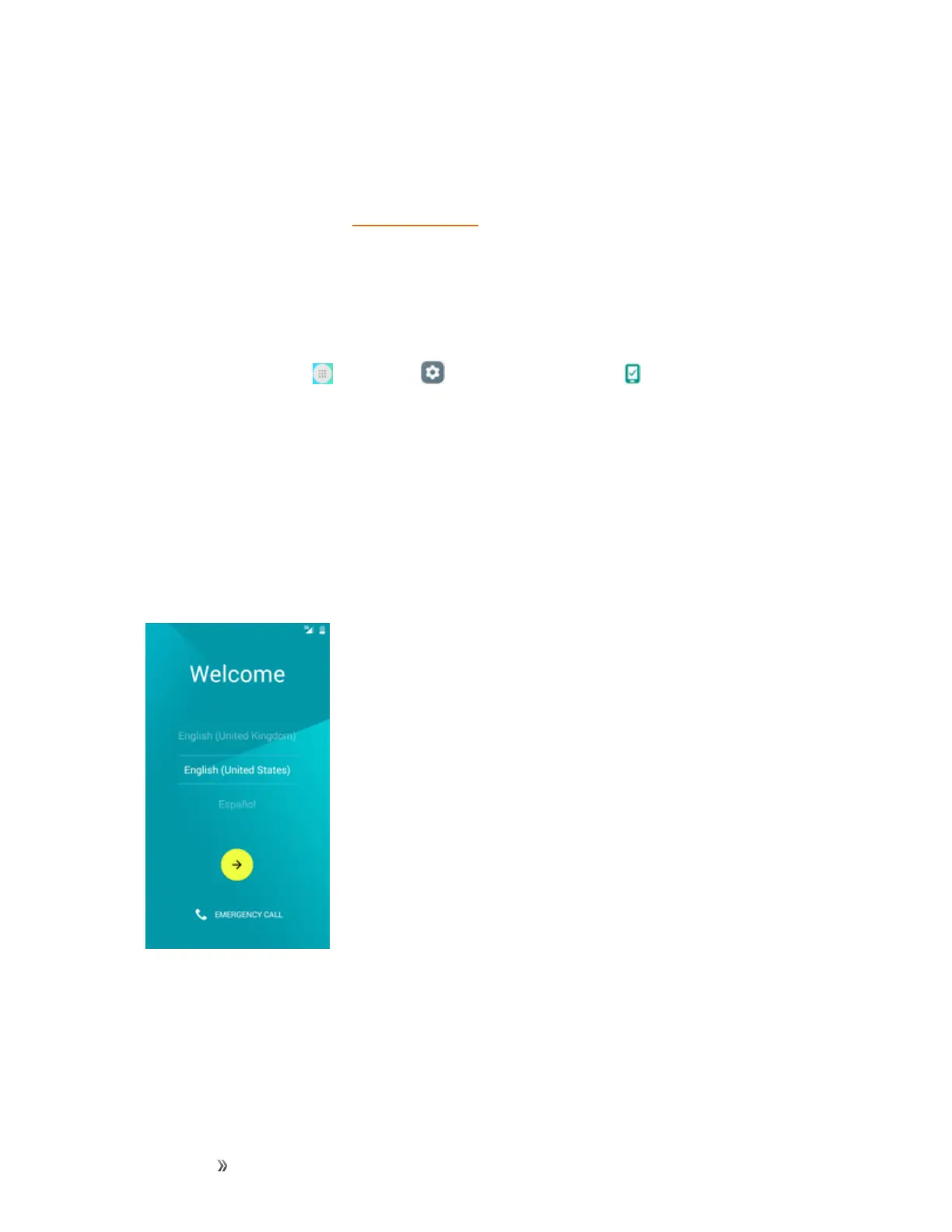
phonehasbeenturnedon,youwillseeaWelcomemessage.Youcanthencompletethesetup
process.
Note:Youmaybeabletocompletethesetupscreensbeforeyourphonehasbeenactivatedon
youraccount.
1. FromtheWelcomescreen,selectalanguageandtapNexttogetstarted.
l Toskipanysection,tapNextorSkip.
Note:OntheWelcomescreen,theremayalsobeanAccessibilitybutton.Ifyouarevisually
impairedorhardofhearing,tapAccessibilitytochangetheaccessibilitysettings.
2. Followtheonscreeninstructionstocompleteeachsection.Foreachtopic,youwillhavethe
optiontoskipitandcontinuetothenextscreen.













 To Next Page