Making Connections Phone Calls and Voicemail 59
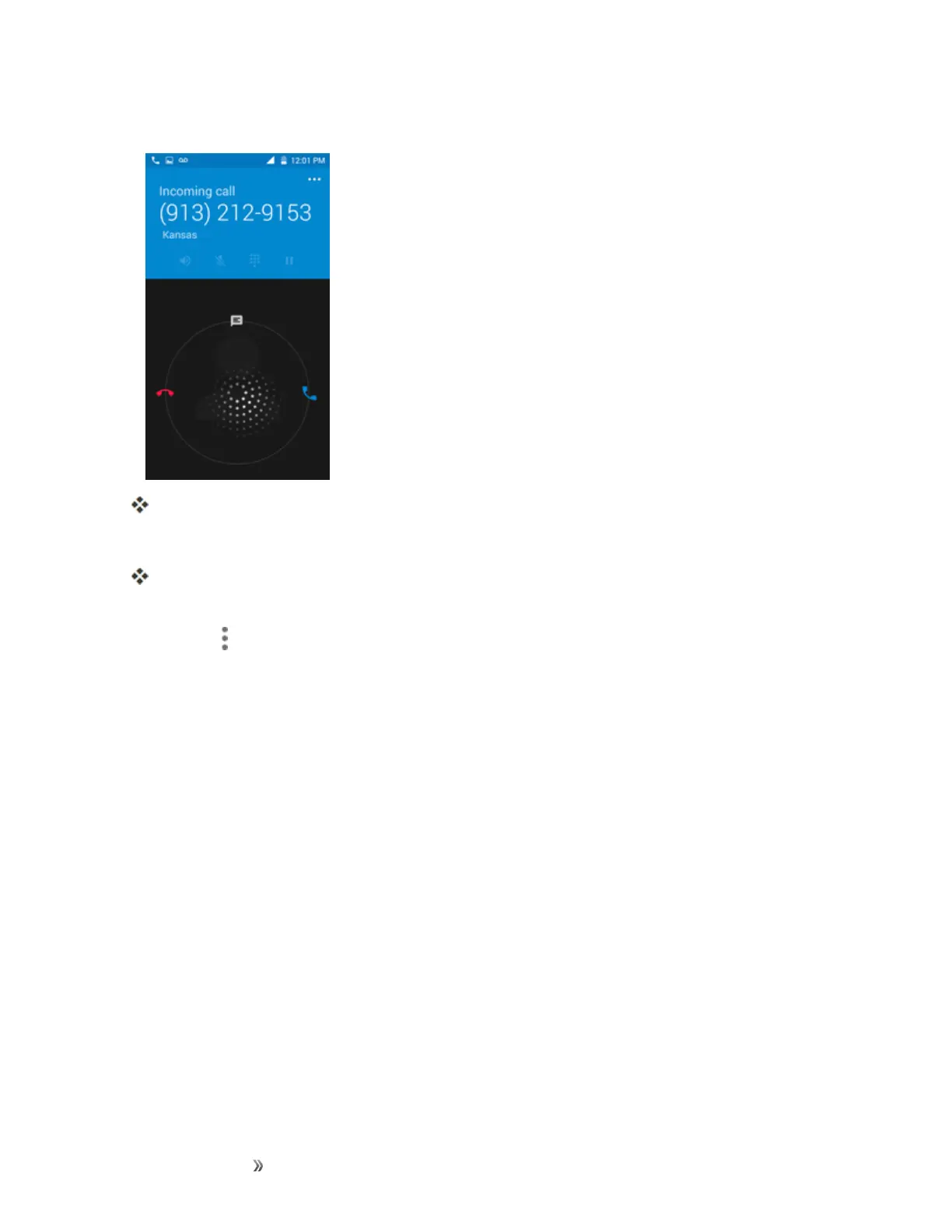
1. Whenacallarrives,slideReject call with messageupfromthebottomofthescreen.
Theringtoneorvibrationwillstopandyouwillseealistofpresettextmessages.
2. Taponeofthemessagestosendittothecaller.
Theselectedmessagewillbedeliveredtothecaller.
l YoucanedittherejectmessagesthroughtheCallsettingsmenu.Fromthephoneapp,tap
Menu >Settings>General settings>Quick Responsesandeditorcreatethereject
messages.
In-Call Screen Layout and Operations
Whileyou’reonacall,youwillseeanumberofonscreenoptions.













 To Next Page