Settings Personal Settings 172
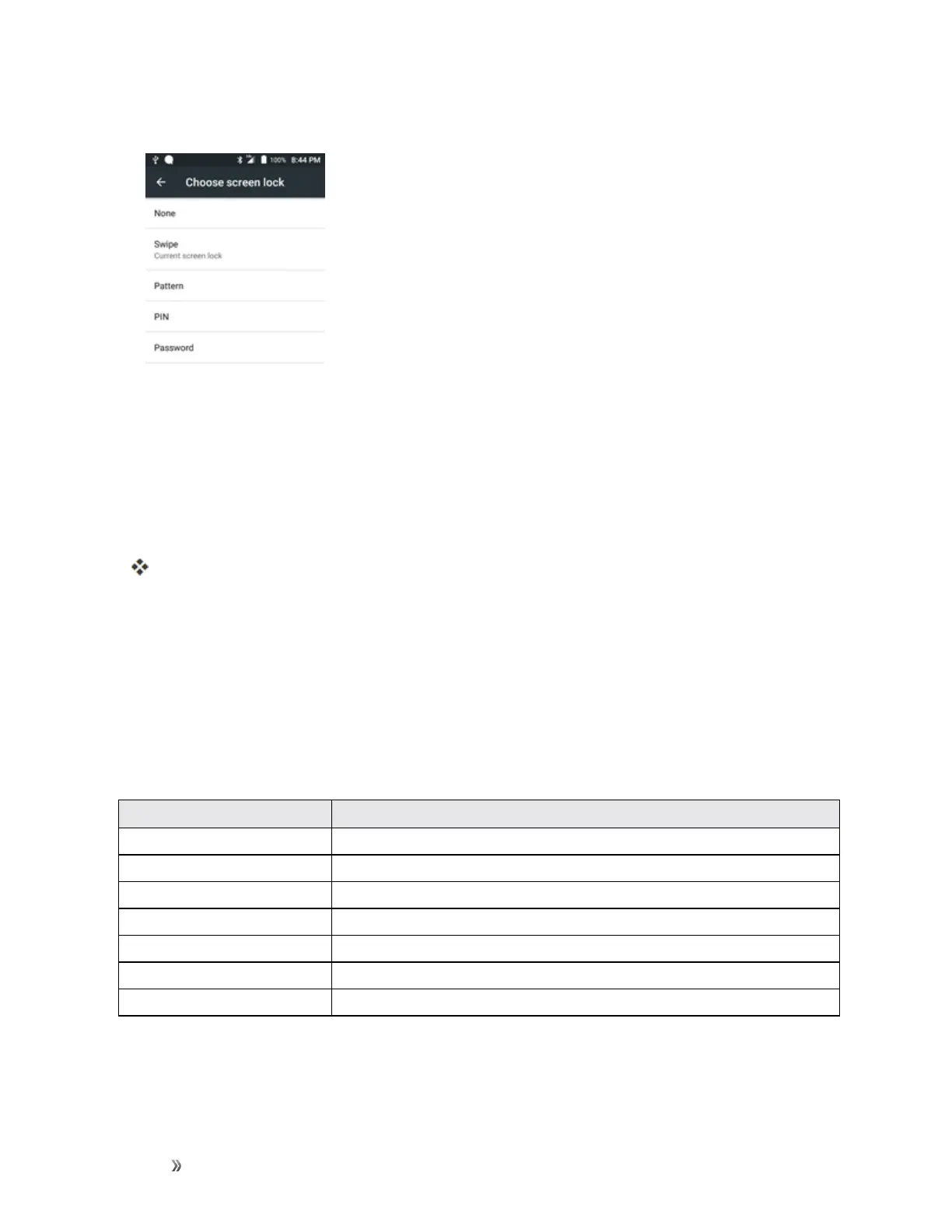
2. TapScreen lock.
3. Drawyourunlockscreenpattern,enteryourPIN,orenteryourpassword.
4. TapNone.
Thescreenlockisdisabled.
Note:Ifyoufailtoenterthecorrectpasswordafterfiveattempts,youwillbepromptedtowaitfor30
secondsbeforeyoucantryagain.
Lock Screen Options
ThereareseveralconfigurableoptionsavailableintheLockScreensettingsmenu.
Lock Screen Options Overview
ThefollowingoptionsareavailableintheLockScreensettingsmenu:
Lock Screen Setting Description
Screen Lock Setyourscreenlock.
Multiple widgets Displaymultiplewidgetsonyourlockscreen.
Clock widget options Settheoptionsfortheclockwidgetonthelockscreen.
Shortcuts Enableordisableanappshortcutsavailablefromthelockscreen.
Personal message Addamessageonthelockscreen.
Owner information Showyourinformationonthelockscreen.
Unlock effect Settheeffectshownwhenthelockscreenwakesup.













 To Next Page