Getting Started Set Up Your Phone 12
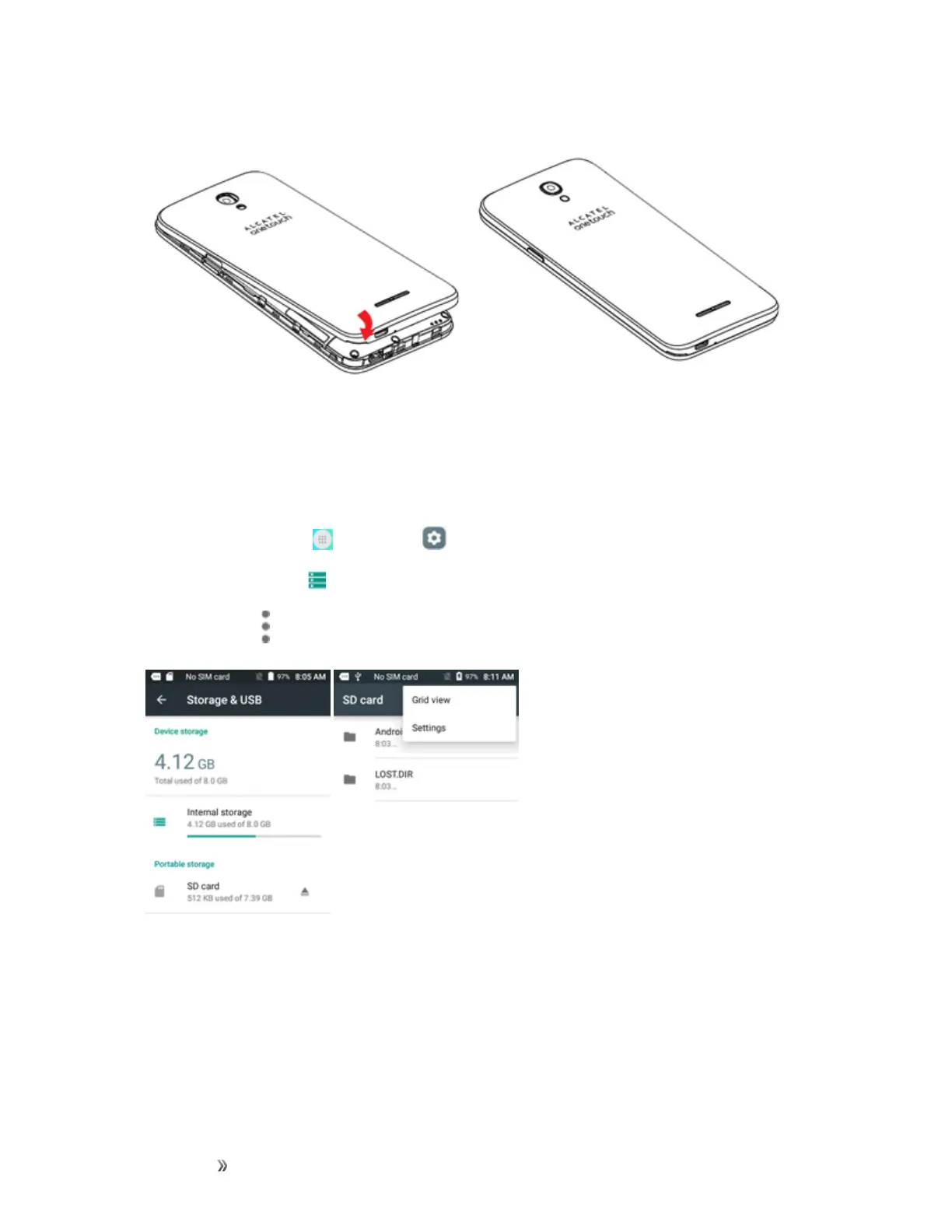
5. Attachthebatterycover.
l Makesureallthetabsaresecureandtherearenogapsaroundthecover.
Format an SD Card
WhenyouinsertanoptionalSDcardforthefirsttime,itisrecommendedthatyouformatitonyour
phone.
1.
Fromhome,tapApps >Settings .
2.
TapStorage & USB .
3.
TapSD card> >Settings.













 To Next Page