Getting Started Your Phone's Home Screen 48
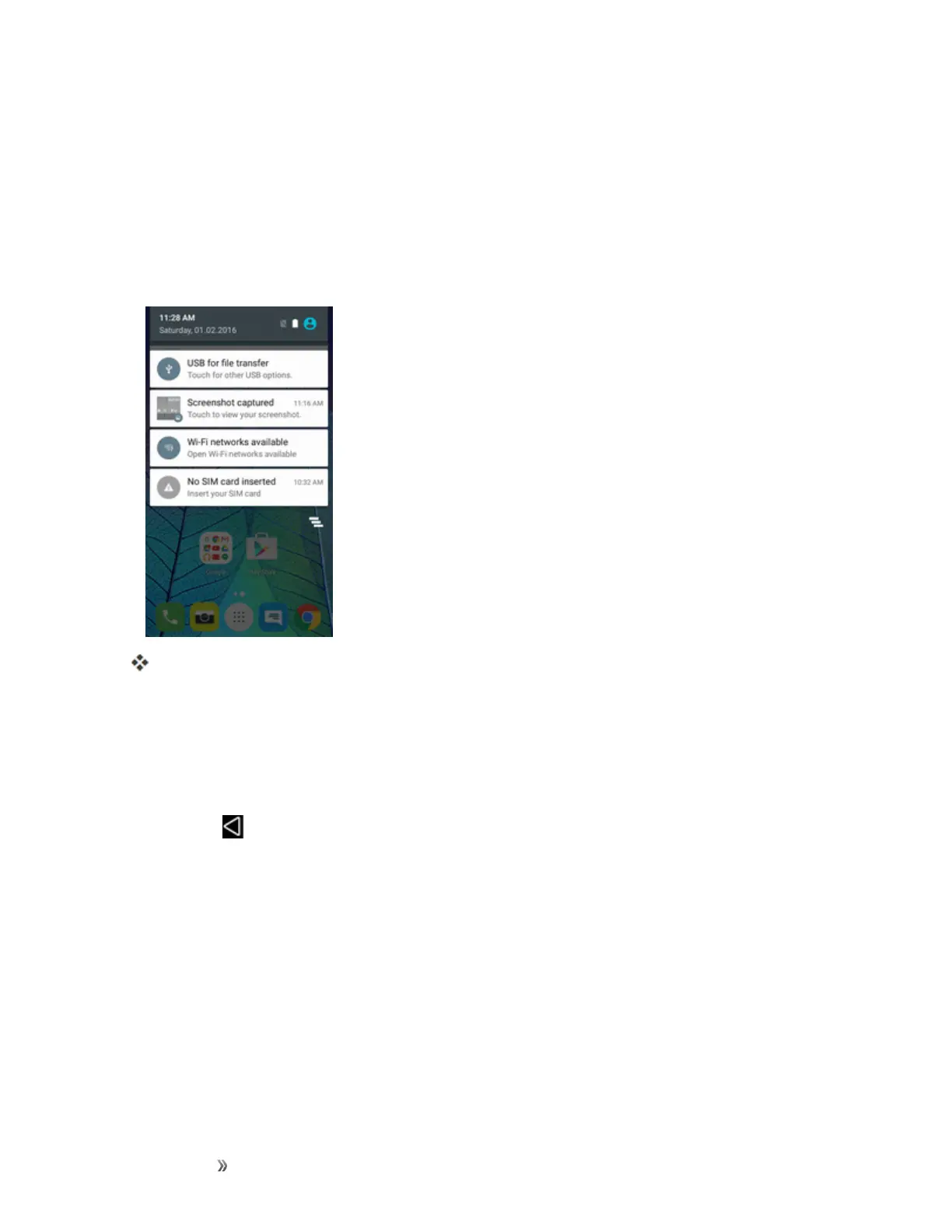
Notification Panel
Yourphone’snotificationsappearattheleftsideofthestatusbar,andyoucanaccessthefull
notificationpanelbypullingdownthestatusbar.Fromthere,youcanchecknotifications,download
updates,openmessagingapps,usethequicksettingsmenu,andmore.
Open the Notification Panel
n Pulldownthestatusbar.(Slideyourfingerdownfromthetopofthescreen.)
Thenotificationpanelopens.Tochecknotifications,tapaniteminthelist.
Close the Notification Panel
n Slidethenotificationpanelup.(Slideyourfingerupfromthebottomofthescreen.)
–or–
TapBack toclosethenotificationpanel.













 To Next Page