Making Connections Contacts 76
Thecontactisadded.
Save a Phone Number
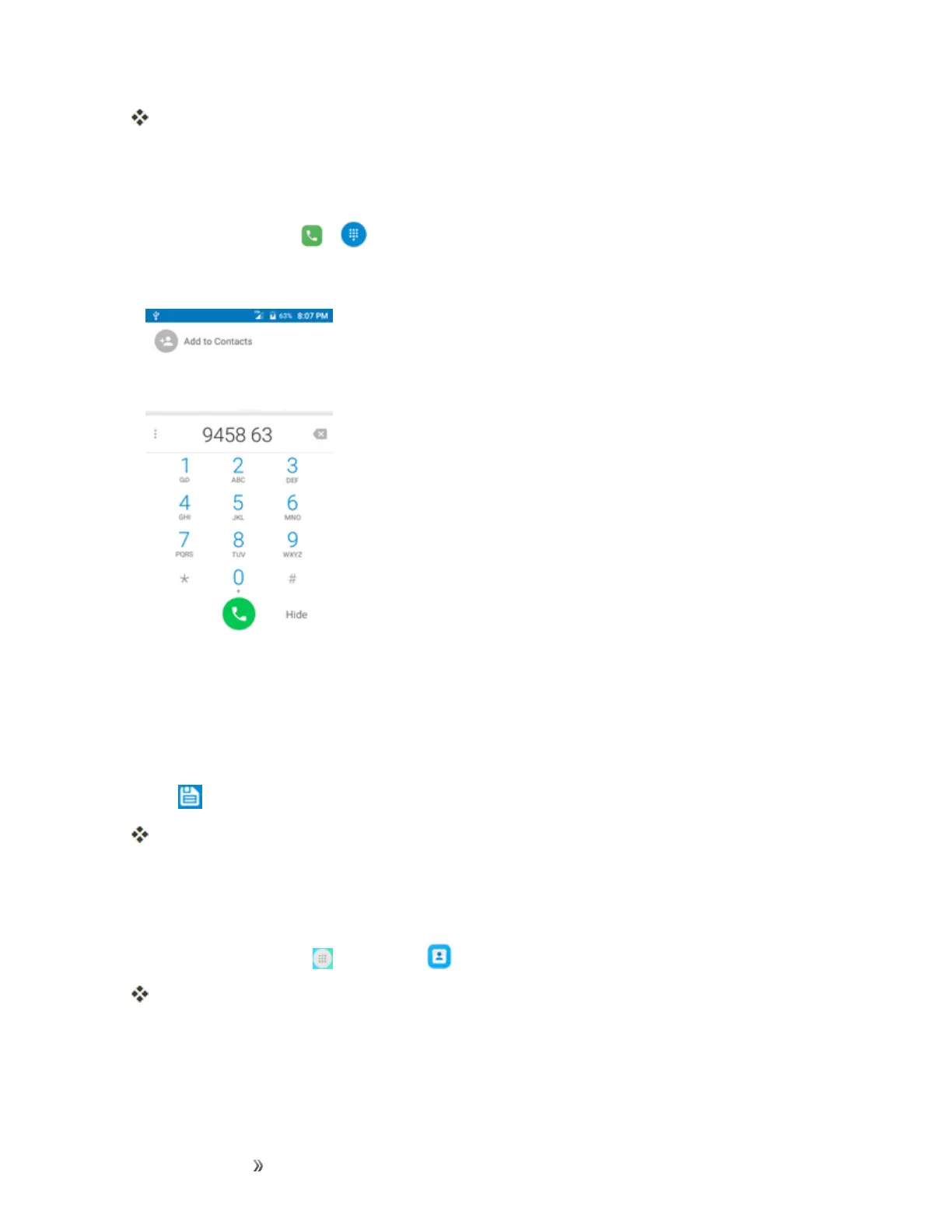
YoucansaveaphonenumbertoContactsdirectlyfromthephonekeypad.
1.
Fromhome,tapCall > .
2. EnteraphonenumberandtapAdd to Contacts.
3. Toaddthenumbertoanexistingcontact,tapthetargetcontactyouwanttoupdate.Toadda
newcontact,tapCreate new contact.
l Foranexistingcontact,tapthecontactnameandselectanumbertypeforthenewnumber.
l Foranewcontact,enterthenameandanyadditionalinformation.
4.
Tap .
Thecontactisadded.
View Contacts
Viewacontact’sdetailsbydisplayingacontactentry.
1.
Fromhome,tapApps >Contacts .
YouwillseetheContactslist.













 To Next Page