Making Connections Contacts 82
Back Up Contacts
IfyouaresavingcontactstoanaccountthatdoesnotautomaticallybackthemupviatheCloud,you
canmanuallybackthemuptoanoptionalinstalledSDcardforre-importifneeded.
Before Backing Up Contacts to an SD Card
YouwillneedtohaveinstalledanSDcardwithpreviouslybackedupcontactsinformationintoyour
phonebeforeyoucanbackupyourcontacts.SeeSDCardforSDcardinformation.
Back Up Contacts to Your SD Card
1.
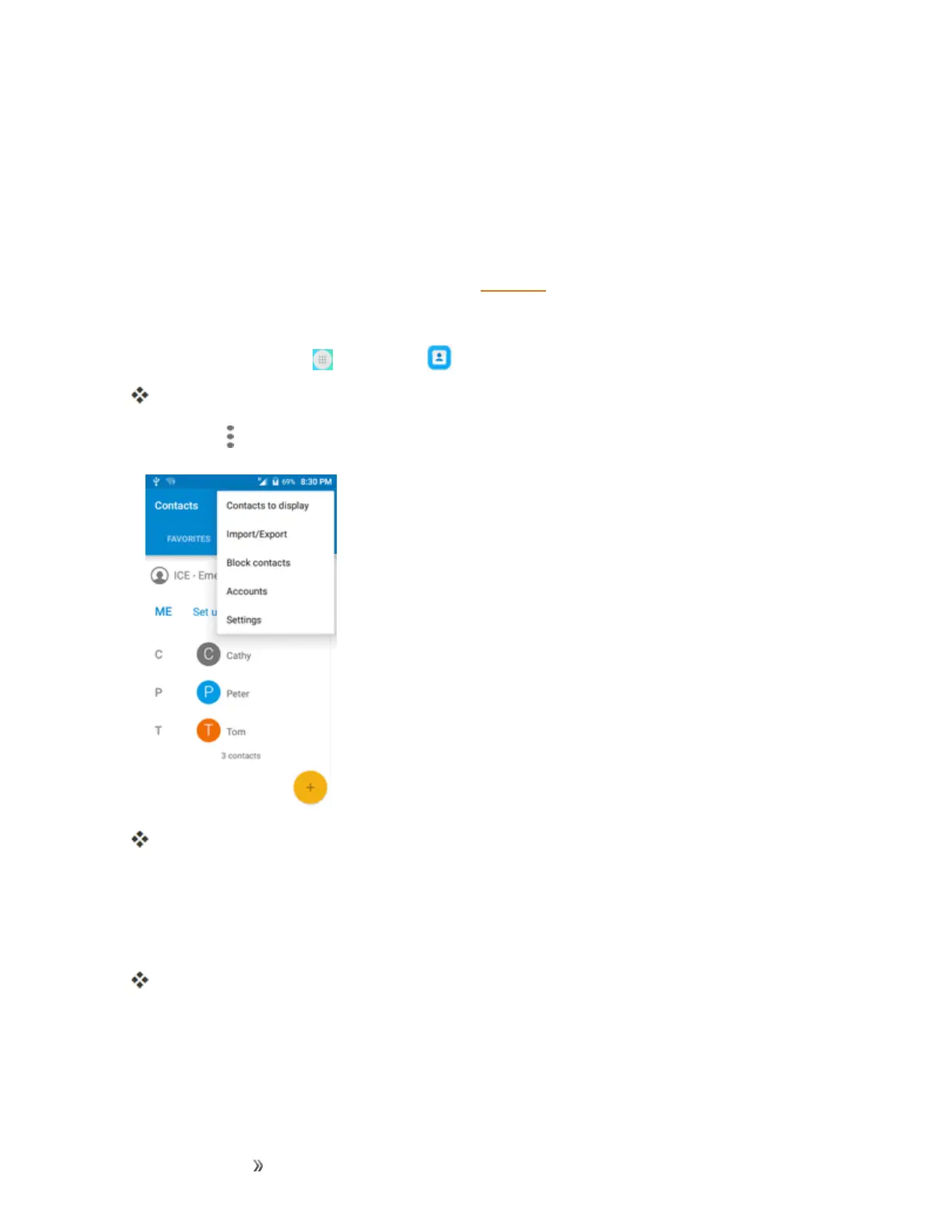
Fromhome,tapApps >Contacts .
YouwillseetheContactslist.
2.
TapMenu >Import/Export.
YouwillseetheImport/Exportcontactsmenu.
3. TapExport to SD storage.
4. TapEXPORTtoconfirmtheexport.
5. Followtheonscreeninstructionstocompletetheexport.
ThecontactsareexportedandsavedtotheinstalledSDcard.













 To Next Page