Making Connections Phone Calls and Voicemail 65
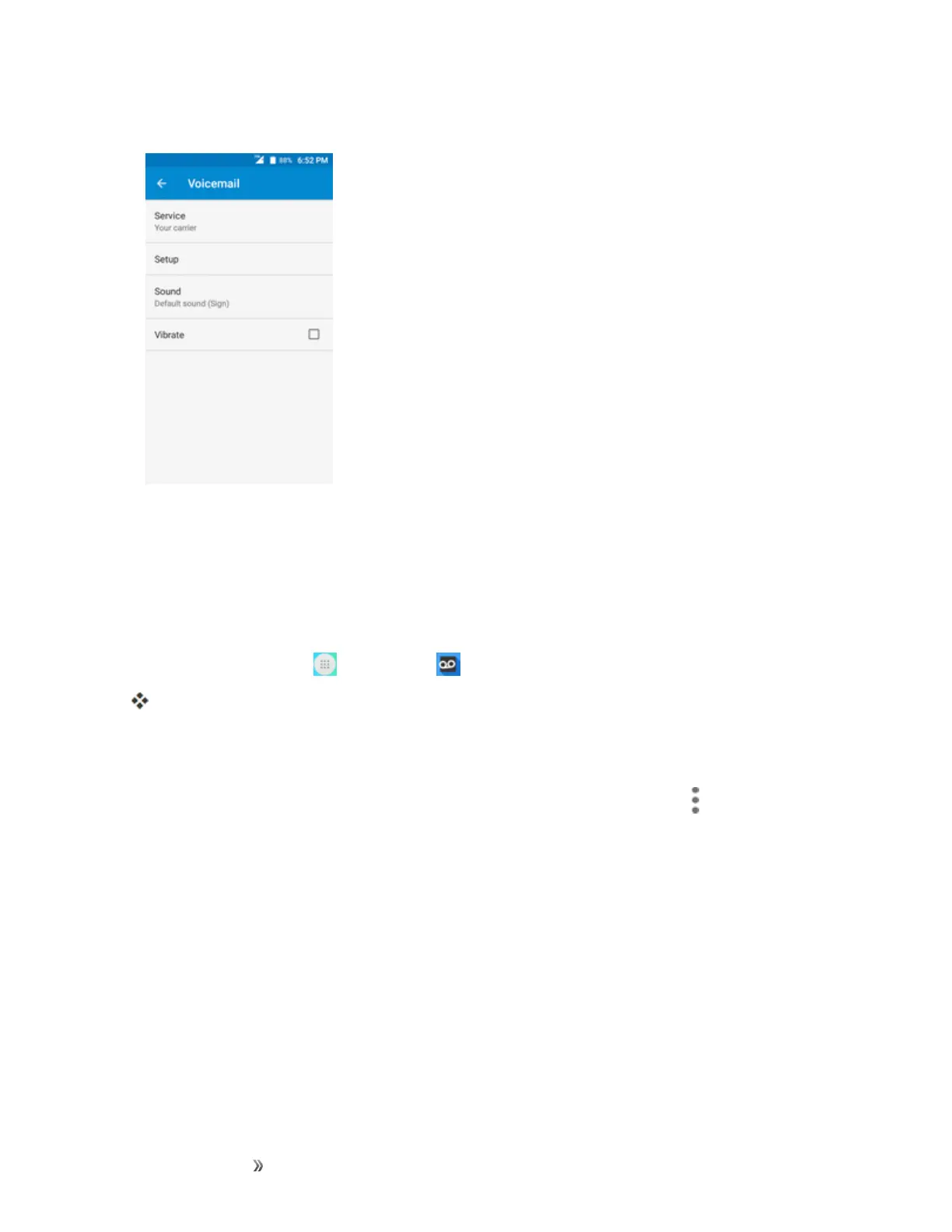
2. TapSetuptosetforvoicemail.
Important: Voicemail Passcode–Itisstronglyrecommendedthatyoucreateapasscodewhen
settingupyourvoicemailtoprotectagainstunauthorizedaccess.Withoutapasscode,anyonewho
hasaccesstoyourphoneisabletoaccessyourvoicemailmessages.
Review Visual Voicemail
VisualVoicemailletsyoueasilyaccessandselectwhichmessagesyouwanttoreview.
1.
Fromhome,tap Apps >Voicemail .
Youwillseethevoicemailinbox.
2. Tapamessagetoreviewit.
Tip:Thereareseveraliconsatthebottomofthereviewscreenformaintenance,storage,
messaging,andotheroptions.Foranexplanationofallyouroptions,tapMenu >Help>Visual
Voicemail Menu.
Listen to Multiple Voicemail Messages
Whenyouaredonelisteningtoavoicemailmessageyoucaneasilyaccessothervoicemail
messageswithoutreturningtothemainvoicemailscreen.













 To Next Page