Making Connections Messaging 92
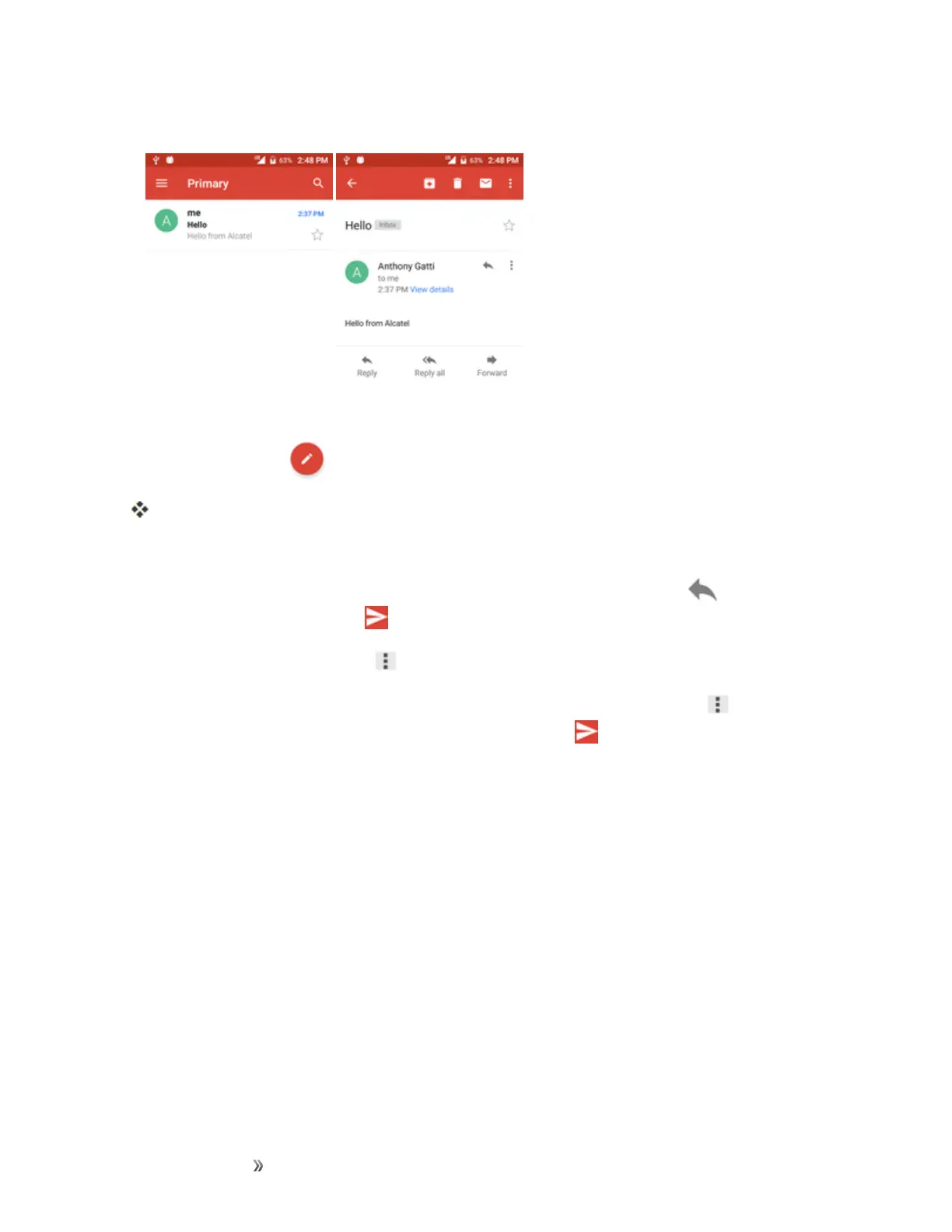
2. Tapthemessagethreadyouwanttoview.
Themessagethreadopens,withthenewestmessagedisplayed.
Options when Reviewing Gmail Messages
n
Replying to Gmail Messages:WiththeGmailmessageopen,tapReply ,composeyour
replymessage,andtapSend .
l
Toreplytoall,tapOptions >Reply all.
n
Forwarding Gmail Messages:WiththeGmailmessageopen,tapOptions >Forward,
enterarecipientandanadditionalmessage,andtapSend .
Use Gmail Labels
Gmailsavesallmailinonebox,butyoucanaddlabelsthatallowyoutosortyourGmail
conversationthreads.Forexample,whenanewthreadstartswithareceivedmail,thelabel"Inbox"
isautomaticallyaddedtothethread.Bythenaddingthelabel"travel,"allthreadswith"travel"are
showninalist.













 To Next Page