Settings Device Settings 162
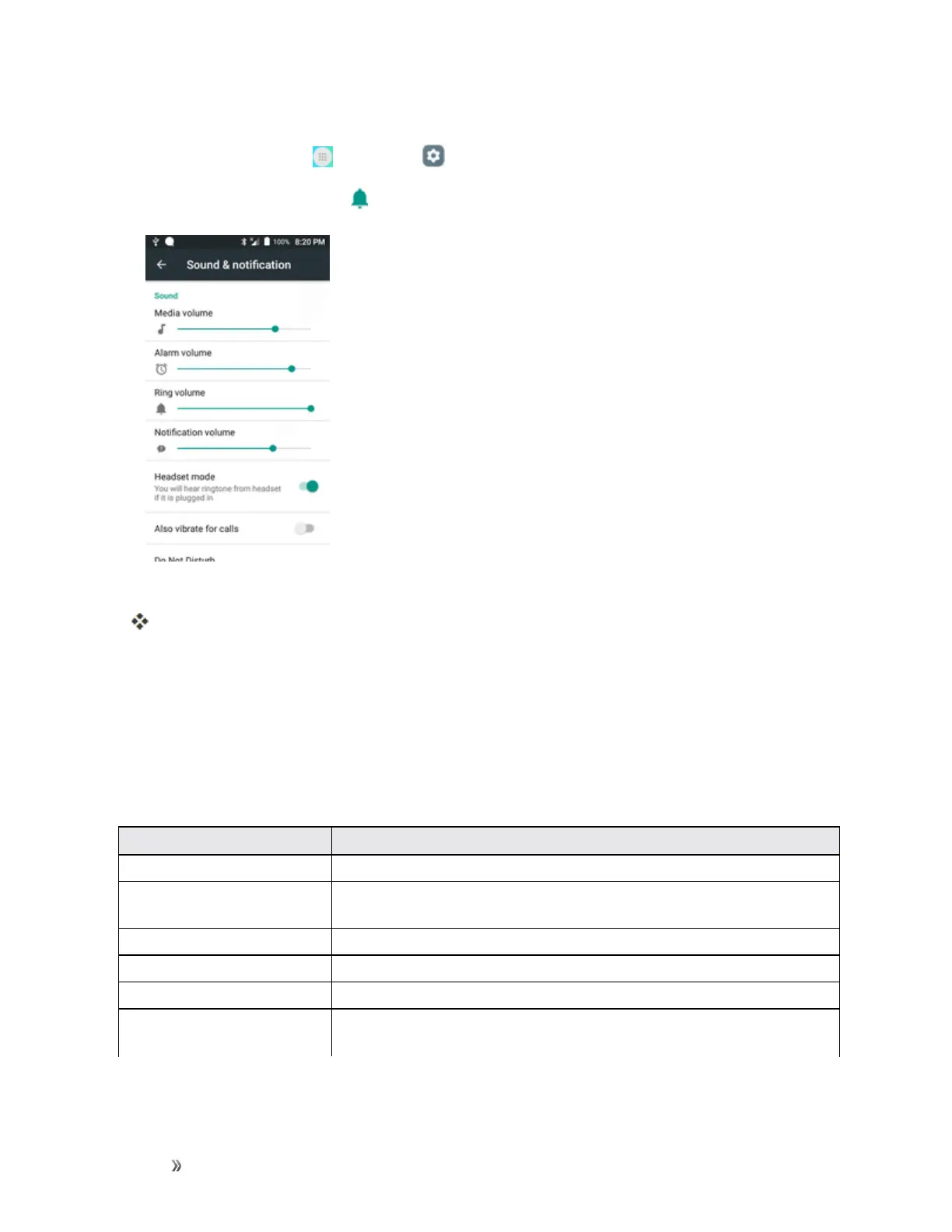
Access Sound Settings
1.
Fromhome,tapApps >Settings .
2.
TapSound & notification .
3. Setyoursoundoptions.
Yoursoundsettingsaresavedandapplied.
Display Settings
Usethephone'sdisplaysettingsmenutoadjustitemssuchaswallpaper,brightness,screen
timeout,andmore.
Display Settings Overview
Thedisplaysettingsmenuallowsyoutoconfigurethefollowingoptions:
Display Setting Description
Wallpaper Setawallpaper.
Notification panel Setoptionsmenuforthenotificationpanel,includingbrightnessadjustment
andquickmenuitems.
Screen mode Selectascreenmode.
Reading mode Setwhethertooptimizethescreenforreading(inapplicableapps).
Brightness Setthedisplaybrightness.
Auto rotate screen Setwhethertoallowthescreentorotatethedisplaywiththephone
orientation,whereapplicable.













 To Next Page