Getting Started Your Phone's Home Screen 45
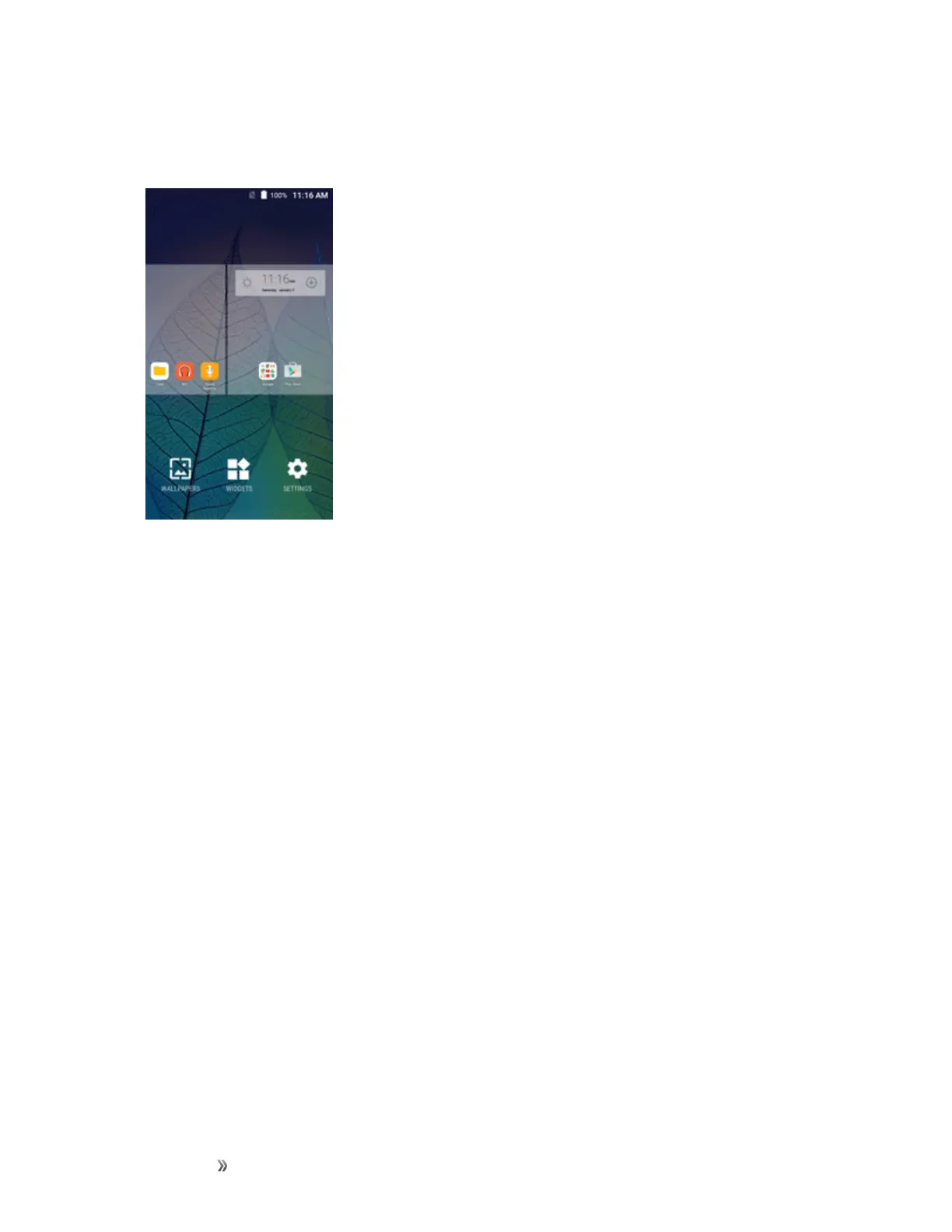
Togodirectlytoaparticularscreen:
1. Fromanyscreen,pinchthescreentodisplaythumbnailimagesofallscreens.
2. Tapthescreenyouwanttoopen.
Status Bar and Notification Panel
Yourphone’sstatusandnotificationsareavailableataglanceatthetopofthescreen.
Status Bar
Thestatusbaratthetopofthehomescreenprovidesphoneandservicestatusinformationonthe
rightsideandnotificationalertsontheleft.Toviewthenotificationpaneloraccessthequicksettings
menu,pulldownthestatusbarfromthetopofthescreen.













 To Next Page