Getting Started Your Phone's Home Screen 50
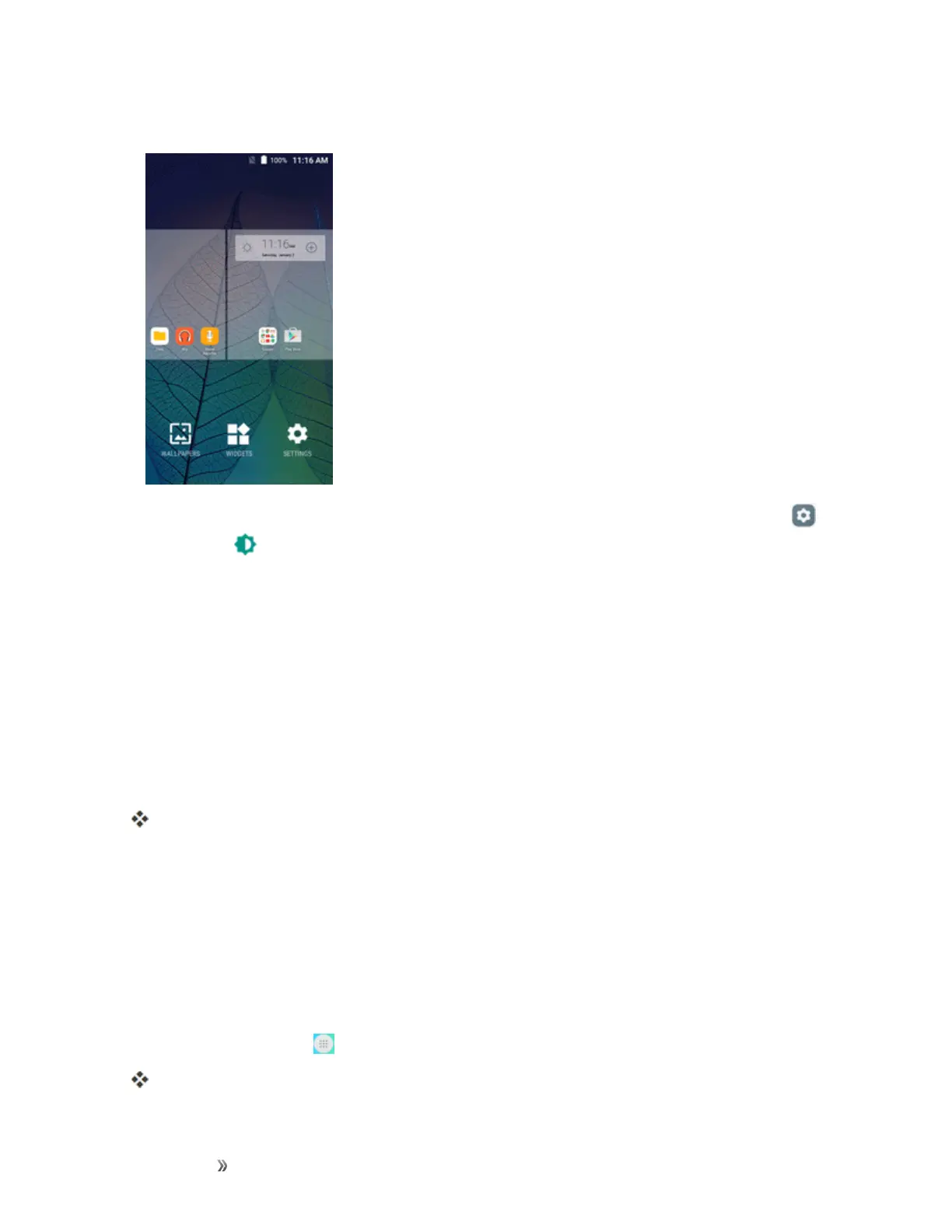
1. Fromhome,touchandholdanemptyspace,andthentapWALLPAPERS.
l
Youcanalsoaccessthewallpapermenuthroughsettings.Fromhome,tapSettings >
Display >Wallpaper.
2. Tapanoptiontoselectthewallpaper.
l Home screentosetthebackgroundwallpaperforyourhomescreen.SelectfromGallery,
Wallpapers,orLive Wallpapers.
l Lock screentosetthewallpaperforyourphone’slockscreen.SelectfromGalleryor
Wallpapers.
l Home and lock screenstosetawallpaperforbothyourhomescreenandyourlock
screen.SelectfromGallery,Wallpapers,orLive Wallpapers.
3. SelectawallpaperandtapSet wallpaper.
Thewallpaperisset.
Note:IfyouselectGallery,youwillneedtoselectanalbumandapicture.Onceselected,usethe
croptooltoresizeandpositiontheimageandthentapDone.
Note:IfyouselectLive Wallpapers,beforeyoutapSet wallpaper,youcantapSettingstoselect
customanimationsettings,etc.,forthelivewallpaper.
Add Shortcuts to the Home Screen
Youcanaddshortcutsforquickaccesstofavoriteappsfromthehomescreen.
1.
Fromhome,tap Apps .
TheAppslistopens.













 To Next Page