Getting Started Basic Operations 28
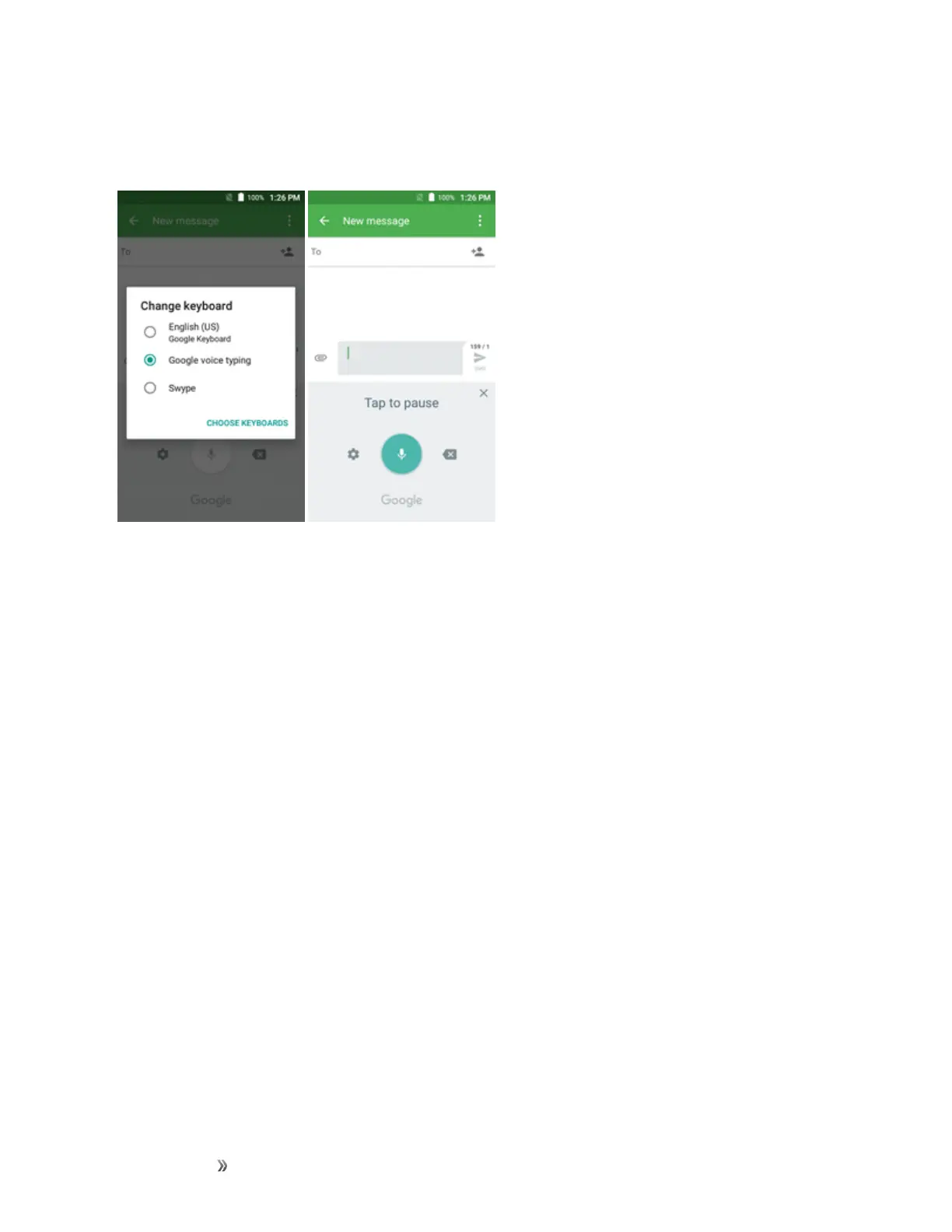
Google Voice Typing
GoogleVoicetypingusesGooglevoicerecognitiontoconvertspeechtotext
Tips for Editing Text
Yourphonegivesyoumanyoptionstomakeenteringtexteasier,includingcopying,cutting,and
pastingtext,usingvoice-to-textinput,customizingtheuserdictionary,usingpredictivetext,and
more.
Toedittextyouhaveentered:
1. Touchandholdordouble-touchwithinthetextyouwouldliketoedit.
2. Dragthetabstochangethehighlightedselection.
3. Thefollowingoptionswillappear:SELECT ALL,CUT,COPY, SHARE and PASTE (only
aftertheCOPYaction).
Toinsertnewtext:
1. Touchwhereyouwanttotype,ortouchandholdablankspace,thecursorwillblinkandthe
tabswillshow.Dragthetabtomovethecursor.













 To Next Page