Getting Started Your Phone's Home Screen 51
2. Touchandholdanappicon.
Theiconwilldisengageandyouwillseethumbnailsofyourhomescreens.
3. Dragtheicontoanemptylocationononeofthehomescreens.
Theshortcutisaddedtothehomescreen.
Add Widgets to the Home Screen
Youcanaddwidgetstoyourphone’shomescreen.Widgetsareself-containedappsthatdisplayon
ahomescreen.Unlikeashortcut,theWidgetworkslikeasanonscreenapplication.Thereareall
kindsofwidgets,includinglinkstoaspecificcontact,Internetbookmarks,Facebook
®
status
windows,Gmailandemailaccounts,andmanyothers.
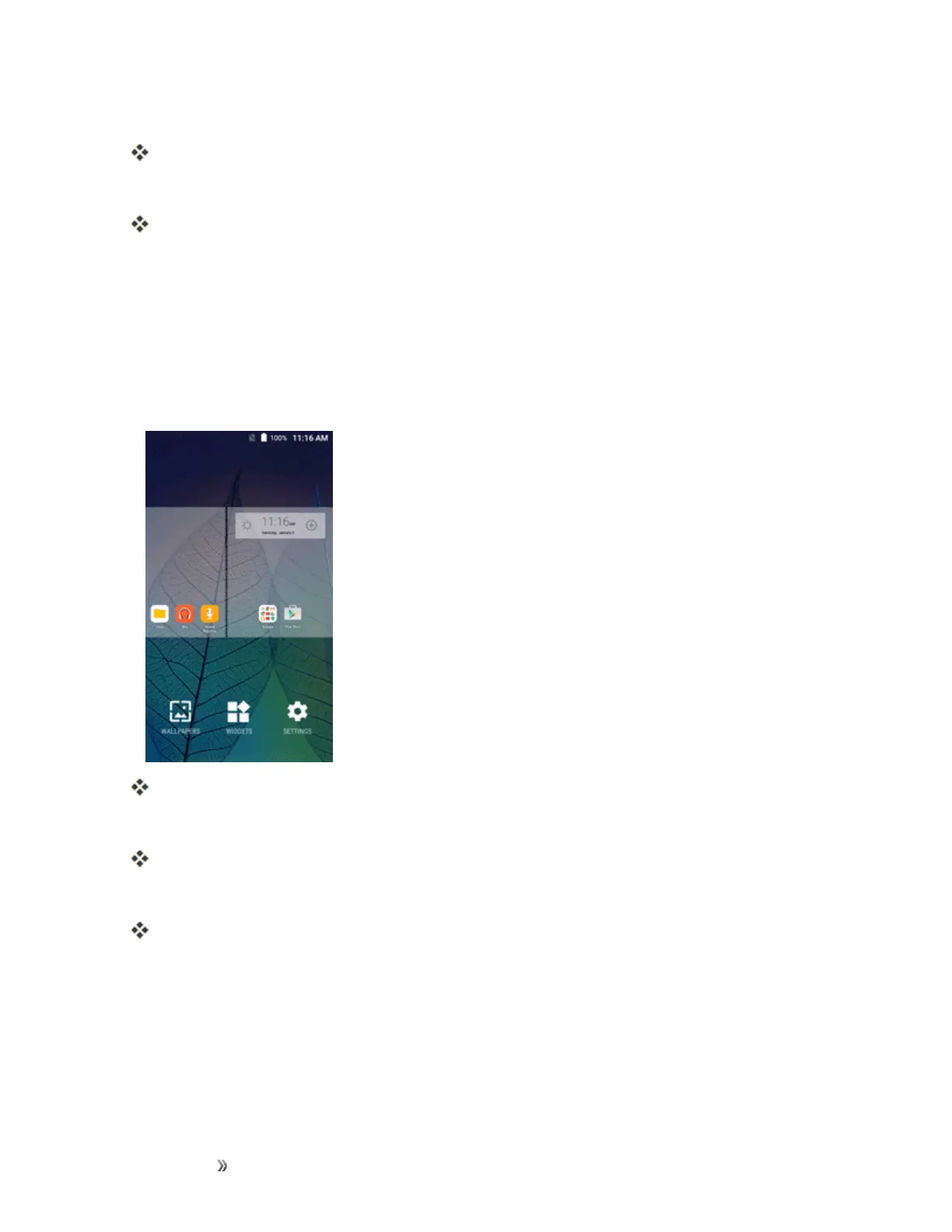
1. Fromhome,touchandholdanemptyspace,andthentapWIDGETS.
TheWidgetslistopens.
2. Touchandholdawidgeticon.
Theiconwilldisengageandyouwillseethumbnailsofyourhomescreens.
3. Dragtheicontoanemptylocationononeofthehomescreens.
Thewidgetisaddedtothehomescreen.
Add Folders to the Home Screen
Youcangrouphomescreenshortcutsintofoldersforconvenientaccess.













 To Next Page