Apps and Entertainment Camera and Video 128
Send Pictures or Videos Using Bluetooth
Youcanselectseveralpictures,videos,orbothandsendthemtosomeone’sphoneoryour
computerusingBluetooth.
1.
Fromhome,tapApps >Gallery .
Thealbumlistopens.
2. Tapanalbum(suchasCamera).
Thelistofpicturesandvideosforthealbumopens.
3. Tapthepicturesorvideosyouwanttoshare.
l Toselectmultipleitems,touchandholdanimagetoturnonmultipleselect.Tapalltheitems
youwanttoinclude.
4.
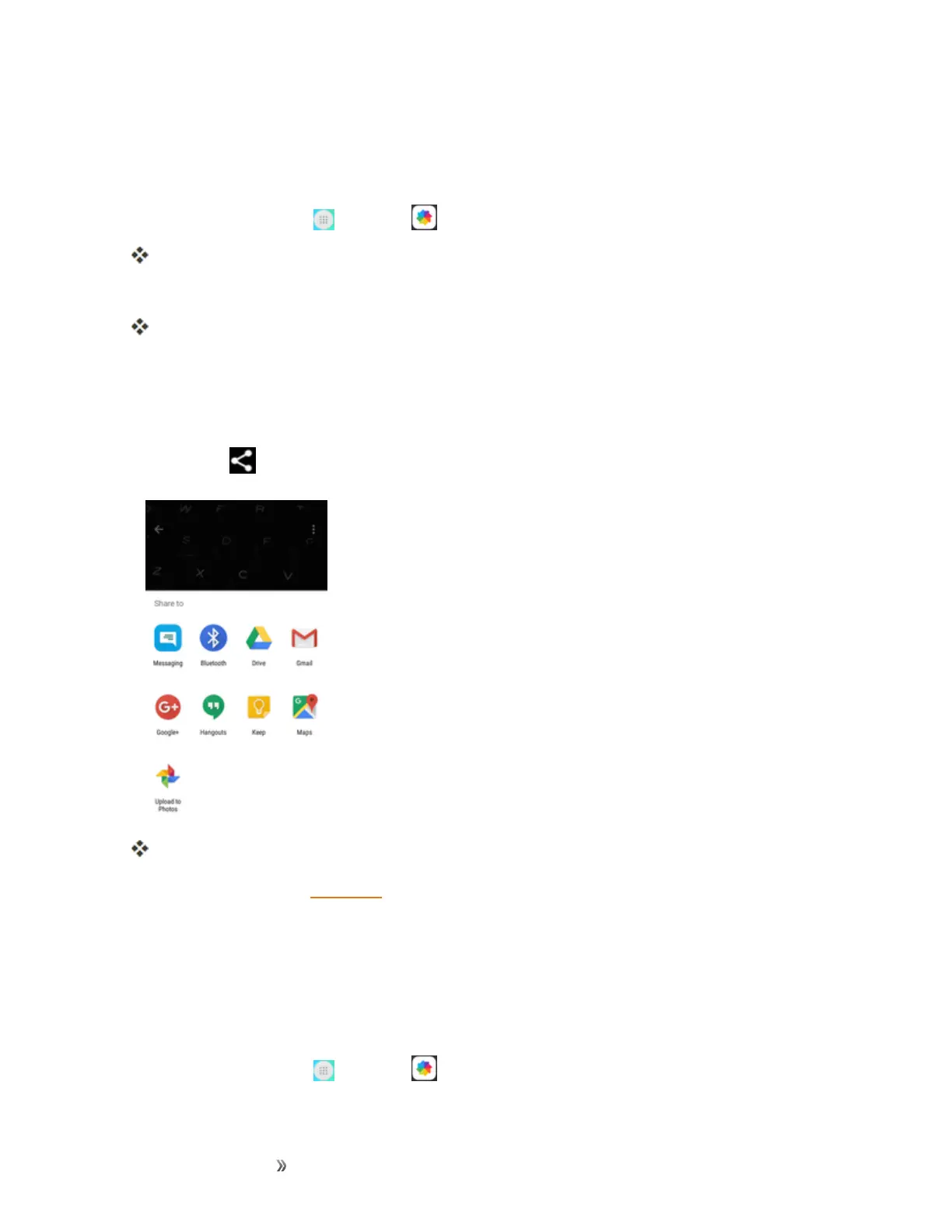
TapShare andthenontheShareviamenu,tapBluetooth.
Followtheonscreenpromptstocompleteandsendthefiles.
Formoreinformation,seeBluetooth.
Share Pictures or Videos via Additional Apps or Social
Media
FromGallery,youcanshareyourpicturesandvideosfromavarietyofappsandsocialmediasites,
suchasFacebook,Google+,Hangouts,Instagram,Flickr,Picasa,andmore.Availableappswill
varydependingonwhatyouhaveinstalledonyourphone.
1.
Fromhome,tapApps >Gallery .













 To Next Page