Making Connections Contacts 78
Item Description
Groups tab Showcontactgroups.
Favorites tab Showfavoritecontacts.
All contacts tab Showallcontacts.
Contact Taptoshowcontact’sdetails.
Contact image Taptoshowthumbnailofcontactentry.Tapanicontoplaceacall,sendamessage,
etc.
Search Searchcontacts.
Index Browsecontactsbyletter.
Add new Addanewcontact.
Edit a Contact
Onceyou’veaddedacontact,youcanaddoreditanyoftheinformationintheentry,assignacaller
IDpicture,customizewithauniqueringtone,andmore.
1.
Fromhome,tapApps >Contacts .
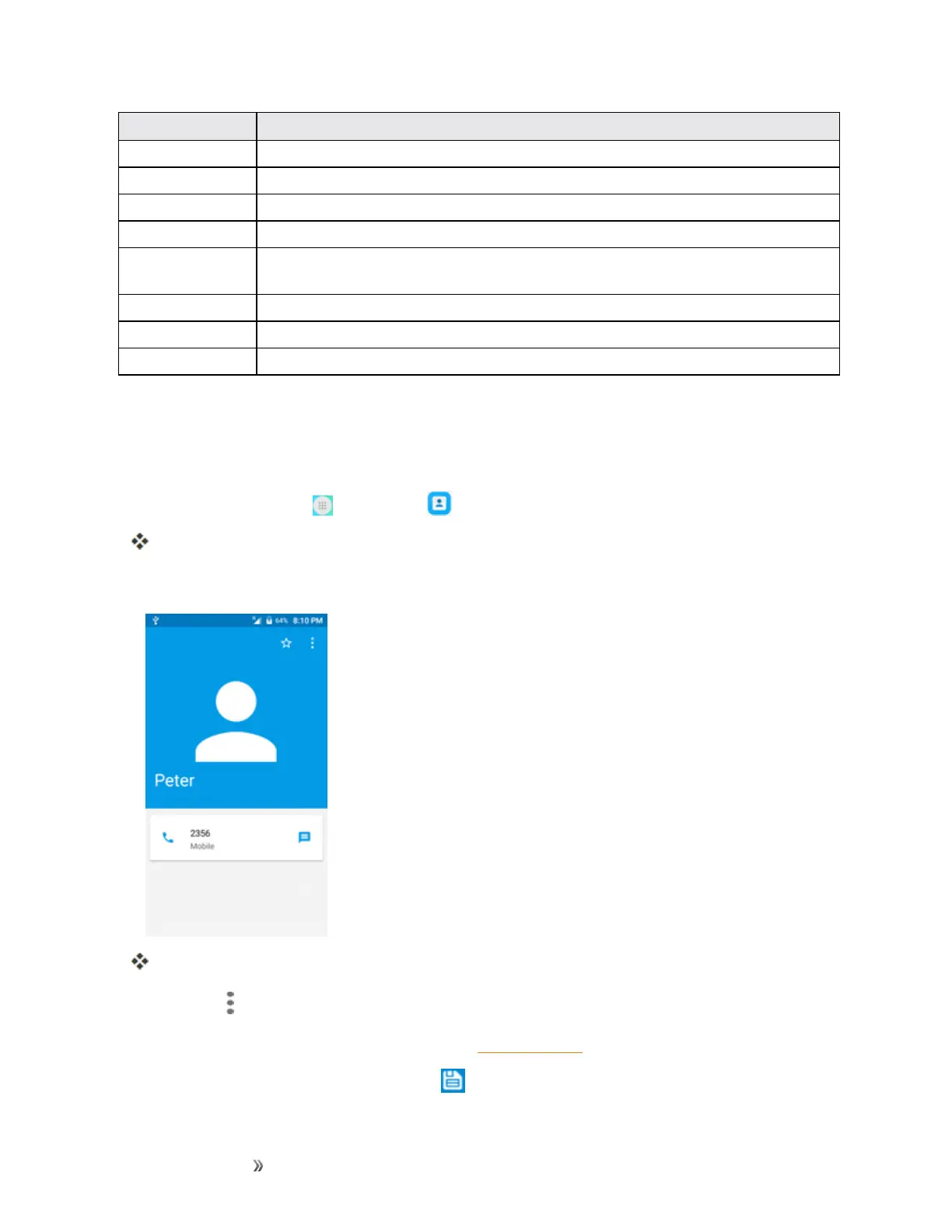
YouwillseetheContactslist.
2. Tapacontacttoviewitsdetails.
Thecontact’sdetailedlistingappears.
3.
TapMenu >Edit.
4. Tapanyfieldyouwanttochangeoradd.SeeAddaContact.
5.
Addoredittheinformation,andthentap .













 To Next Page