Settings System Settings 182
Accessibility Option Description
Speak passwords Setthephonetoreadpasswordsastheyareentered.
Accessibility shortcut Taptoturnon/offtheAccessibilityshortcut.
Text-to-speech output Settext-to-speechoptions.
Touch & hold delay Taptoadjustthedurationoftouchandholddelay.Thisfunctionenables
yourphonetodiffertouchandtouch&hold,whichmayavoidincorrect
operations.
Stereo and mono TaptosetStereoormono.
Sound balance Taptosetsoundbalance.
Persistent alerts Markthecheckboxtoenablepersistentalerts.
Color inversion Setcolorinversionmayaffectperformance.
Color correction Taptosetcolorcorrection.
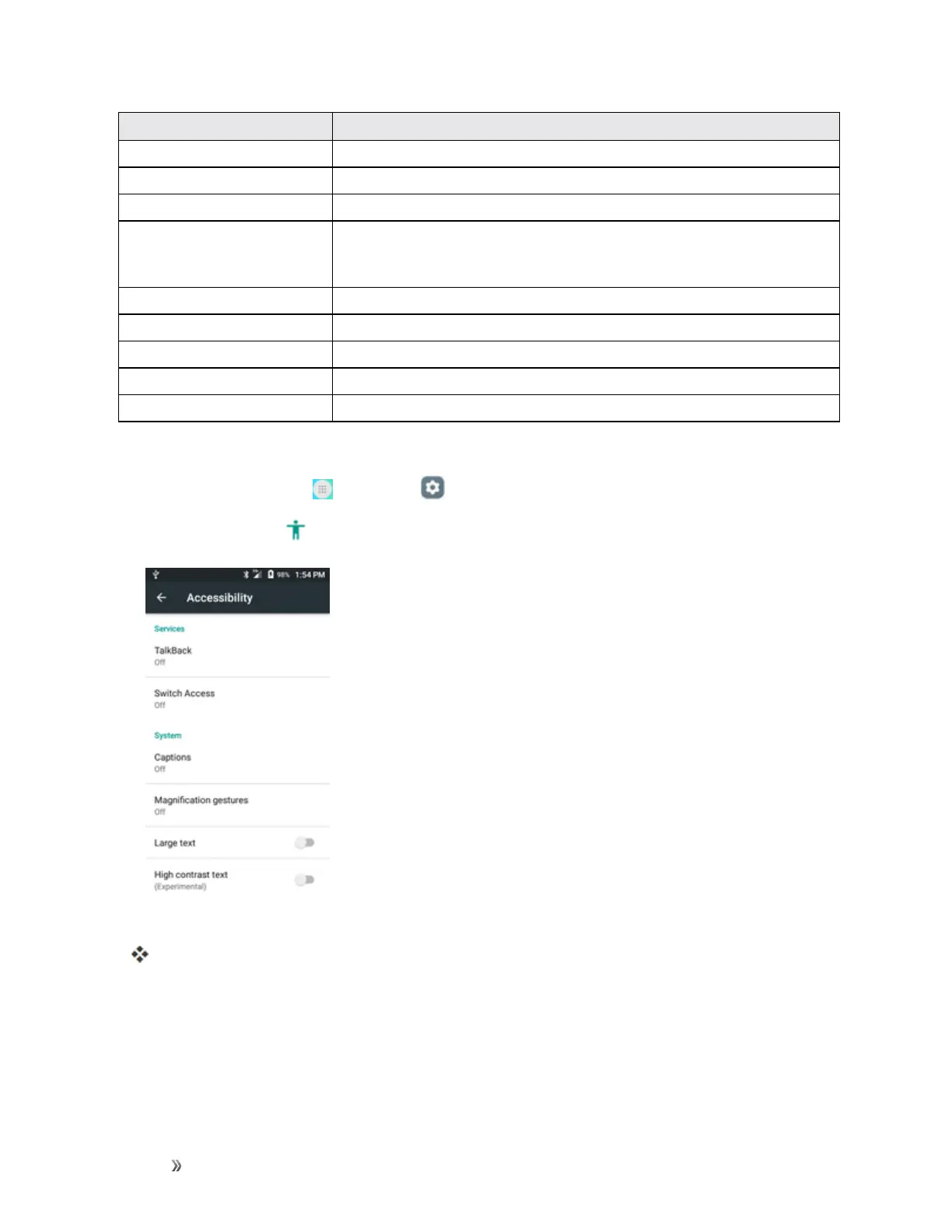
Access Accessibility Options
1.
Fromhome,tapApps >Settings .
2.
TapAccessibility .
3. Setavailableaccessibilityoptions.
Youraccessibilitysettingsareappliedandsaved.
Activate This Device
Thismenuletsyouactivateanewphoneoruseadditionalself-serviceoptionssuchascheckingthe
statusofanin-servicephone.













 To Next Page