Settings Personal Settings 169
1.
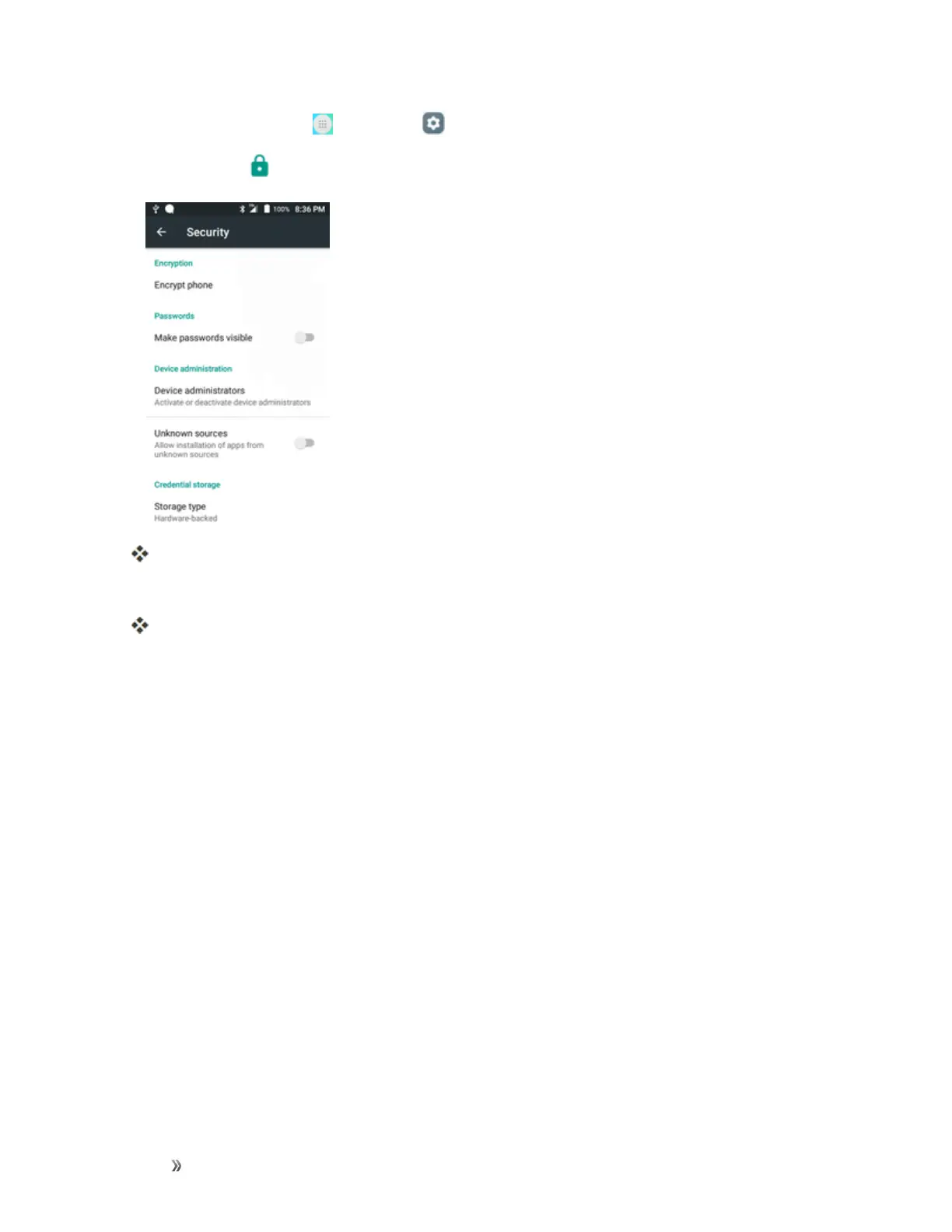
Fromhome,tapApps >Settings .
2.
TapSecurity .
TheSecuritysettingsmenuopens.
3. Setyoursecurityoptions.
Yoursecuritysettingsareappliedandsaved.
Lock Screen Settings
Thelockscreensettingsletyousetyourmethodforunlockingyourphone,customizelockscreen
options,determinewhethertoshowpop-uptipsforunlockingthephone,andenteryourowner
informationtobedisplayedonthelockscreen.
Screen Lock
Youcanincreasethesecurityofyourphonebycreatingascreenlock.Whenenabled,youhaveto
drawthecorrectunlockpatternonthescreen,enterthecorrectPIN,orenterthecorrectpassword
tounlockthephone’scontrolkeys,buttons,andtouchscreen.
Inorderfromleastsecuretomostsecure,theavailablescreenlockoptionsare:
n None
n Swipe
n Pattern
n PIN
n Password













 To Next Page