Getting Started Basic Operations 18
Basic Operations
Thefollowingtopicsoutlinebasicfeaturesandoperationsofyourphone.
Basics
Thefollowingtopicsofferanoverviewofyourphone’sbasicoperations.
Home Screen and Applications (Apps) List
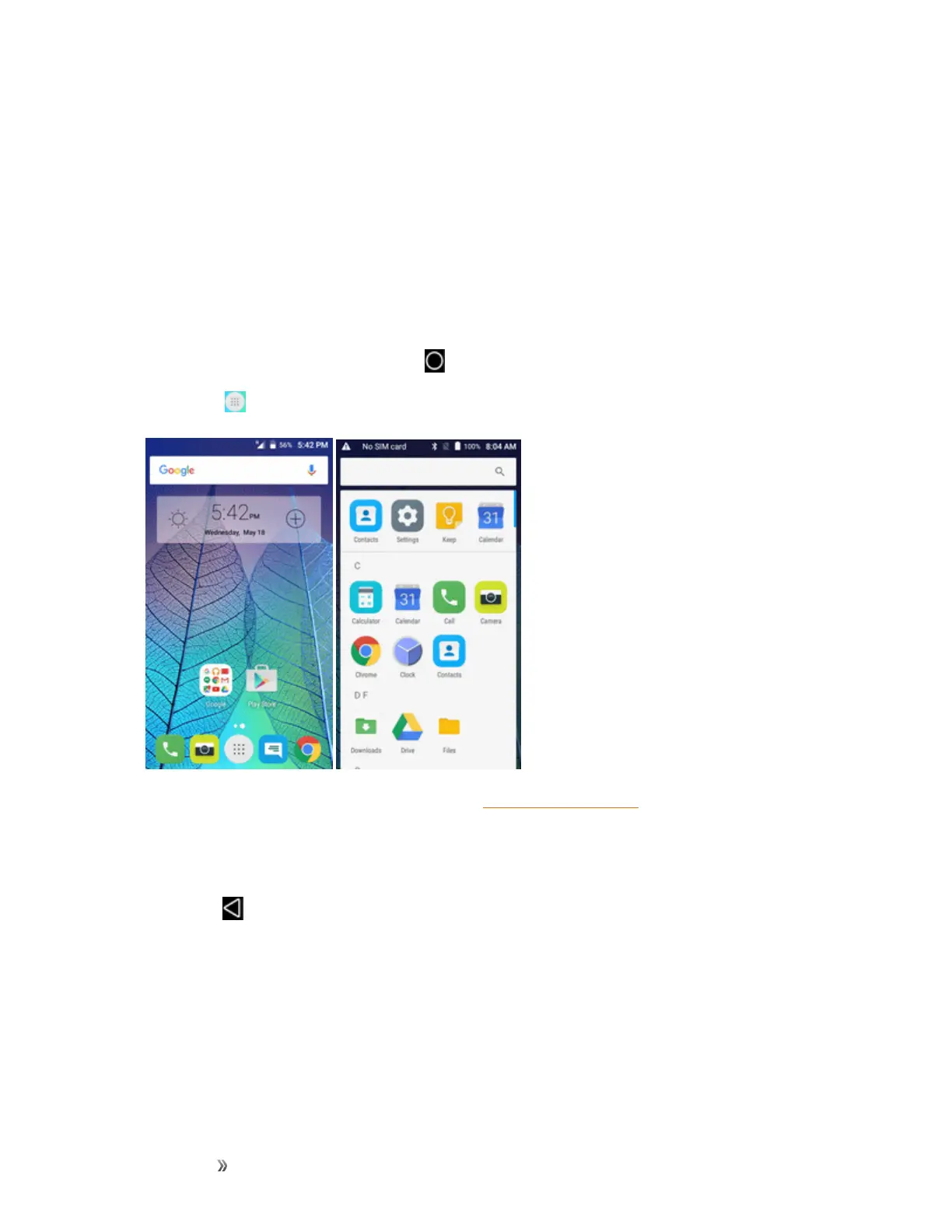
Mostofyourphone’soperationsoriginatefromthehomescreenortheappslist.
1.
FromanyscreenpresstheHomekey todisplaythehomescreen.
2.
TapApps todisplaytheappslist.
Forinformationaboutusingthehomescreen,seeHomeScreenBasics.
Select Options and Navigate Screens
Tapicons,onscreenkeys,andotheritemstoopenoractivatetheassignedfunction.
n
TapBack toreturntothepreviousscreen.
Recent Applications
YoucandisplayalistofrecentlyusedapplicationsusingtheRecentAppskey.













 To Next Page