Settings Personal Settings 173
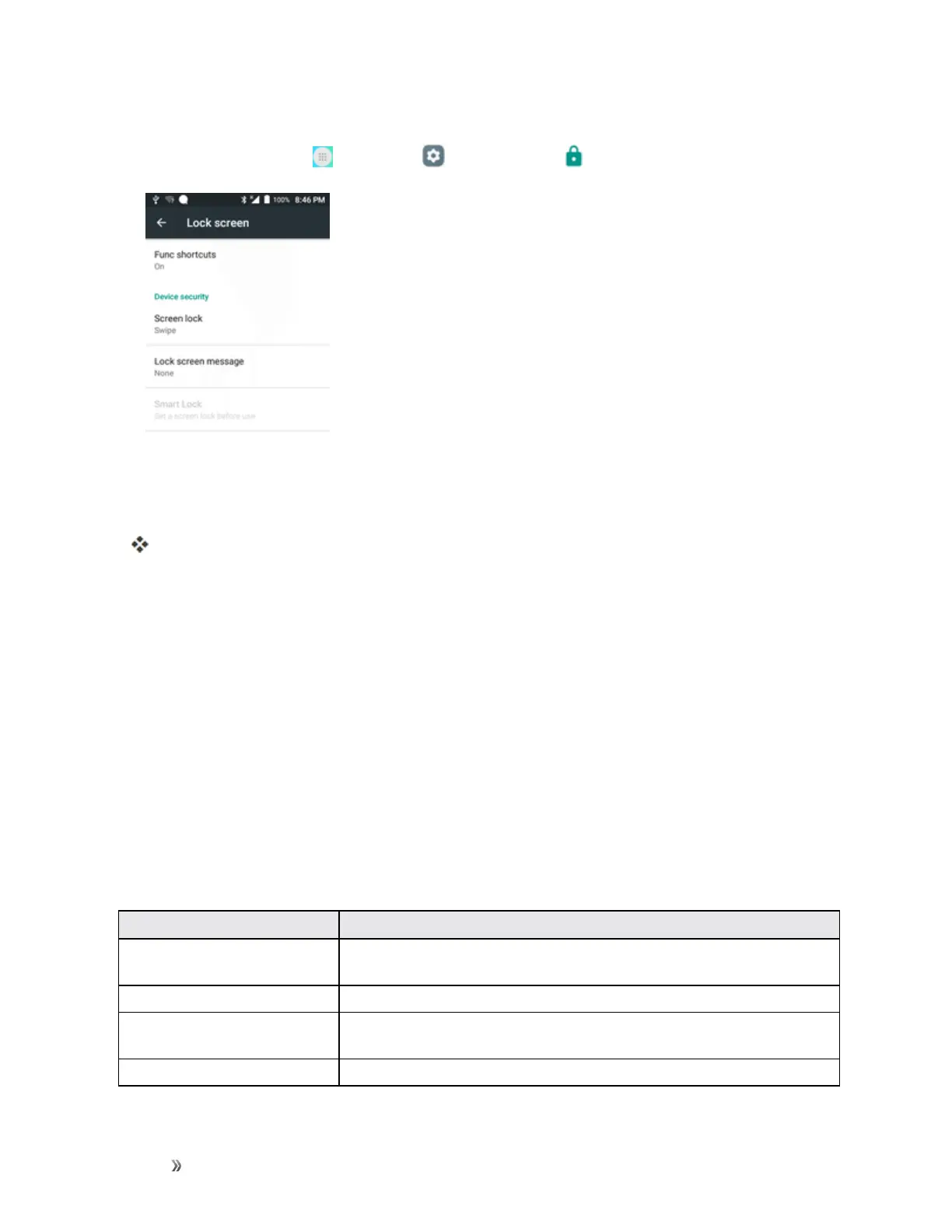
Access Lock Screen Options
n
Fromhome,tapApps >Settings >Lock screen .
TheLockscreensettingsmenuopens.
Backup and Reset
Yourphone’sBackup and resetmenuletsyoubackupyourphone’sdataandsettingstoGoogle
serversbeforeresettingyourphonetotheoriginalfactorysettings.TheFactorydatareseterases
alldatafromthephone’sapplicationstorage,including:
n YourGoogleAccount
n Allotheremailandsocialnetworkingaccounts
n Systemandapplicationdataandsettings
n Downloadedapplications
Backup and Reset Overview
ThefollowingoptionsareavailableintheBackupandresetmenu:
Backup and Reset Option Description
Back up my data Enablebackupforapplicationdata,Wi-Fipasswords,andothersettings
toGoogleservers.
Backup account Selecttheaccountusedtobackupdata.
Automatic restore Whenreinstallinganapplication,backedupsettingsanddatawillbe
restored.
Factory data reset Resetallsettingsanddeletealldataonphone.













 To Next Page