Apps and Entertainment Camera and Video 123
View Pictures and Videos
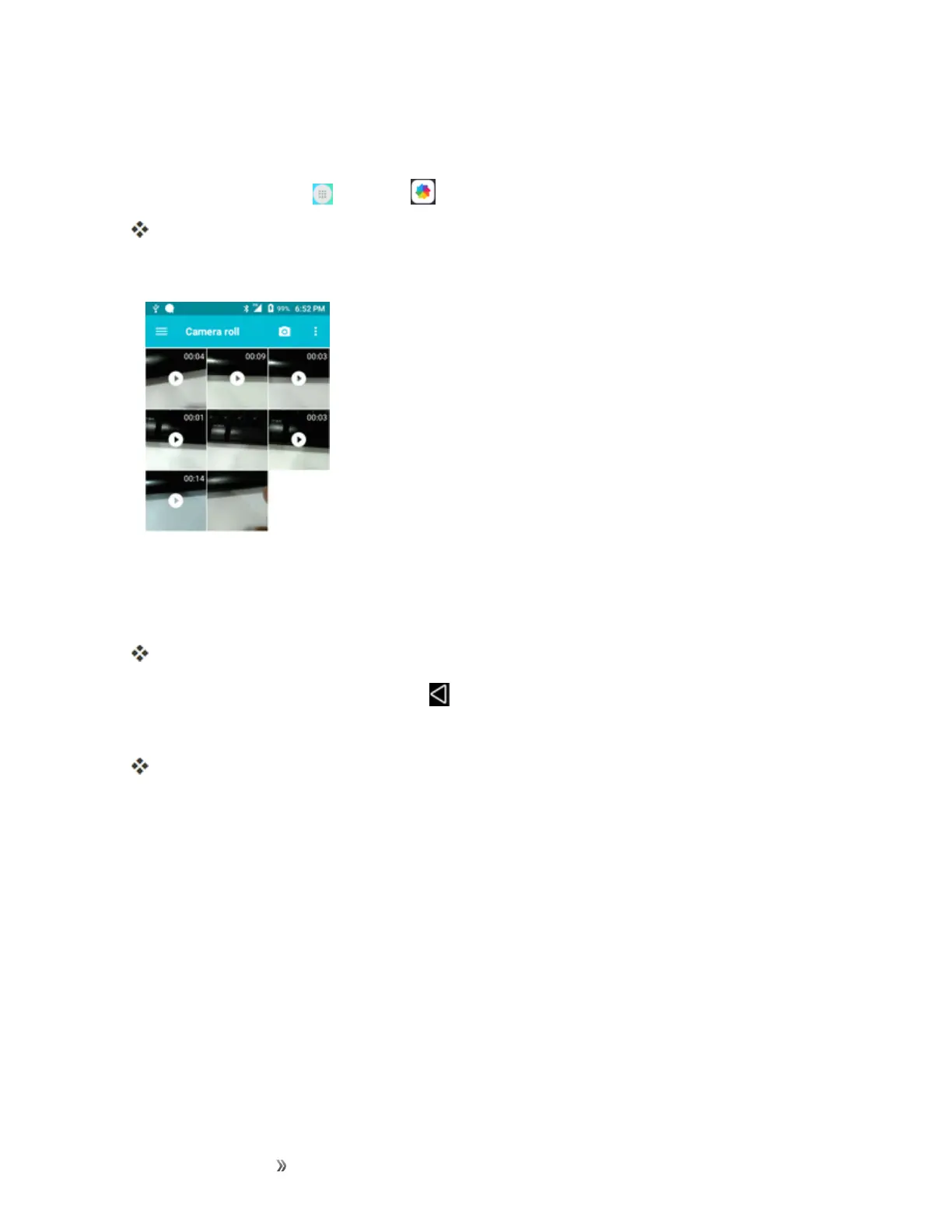
Youcanaccessandviewallyourstoredpicturesandvideosfromyourphone’sGallery.
1.
Fromhome,tapApps >Gallery .
Thealbumlistopens.
2. Tapanalbum(suchasCamera).
Thelistofpicturesandvideosforthealbumopens.
l
Toselectanotheralbum,tapBack toreturntotheAlbumstab.
3. Tapanimagetoviewthepictureorvideo.
Thepictureopensorthevideobeginsplaying.
l Tapapictureorvideotoviewitfullscreen.
l Whenviewingpicturesandvideos,youcantouchandholdanimagetoopenaselection
menuandchoosewhattodowiththepictureorvideo.
Pictures and Videos: Review Screen
Aftercapturingapictureorvideo,fromthecamerascreen,tapthethumbnailimageatthebottom
rightcornerofthescreentoseetheiteminthereviewscreen.Fromthere,youcanaccessoptions
suchassave,view,send,ordeletethepictureorvideo.
Pictures and Videos: Options while Viewing
n Zoom In or Out on a Picture or Video:Tapthescreentwiceorpinchthescreentozoomin
oroutonapictureorvideo.
n Viewing Videos:Usetheonscreencontrolstoplay,pause,orstopthevideoplayback.













 To Next Page