Making Connections Connectivity 105
Connectivity
Thefollowingtopicsaddressyourphone’sconnectivityoptions,includingUSBfiletransfer,Wi-Fi,
Bluetooth,IRconnectivity,andmore.
Transfer Files between Your Phone and a
Computer
YoucanusethesuppliedUSBcabletoconnectyourphonedirectlytoyourcomputerandtransfer
music,pictures,andothercontentfiles.
Forexample,ifyouhaveamusicalbumstoredonyourcomputerthatyouwanttolistentoonyour
phonewithanyofthemusicapps,justattachyourphonetothecomputerandcopythefilestothe
musicfolder.
File Transfer Tips
n IfyouwanttosavedatatoanSDcardonyourphone,makesuretheSDcardisinstalledand
active.SeeSDCard.
n AvoidremovingthebatteryorSDcardwhiletransferringdata.
n Dataexchangemayusethemethodsoutlinedinthefollowingtable:
Method Description
Media Device (MTP) TransferfilesbetweenyourphoneandPCsuchaspictures,videos,andmusic.
Camera (PTP) TransferpictureandvideofilesbetweenyourphoneandPC.
Transfer Files between the Phone and a Computer
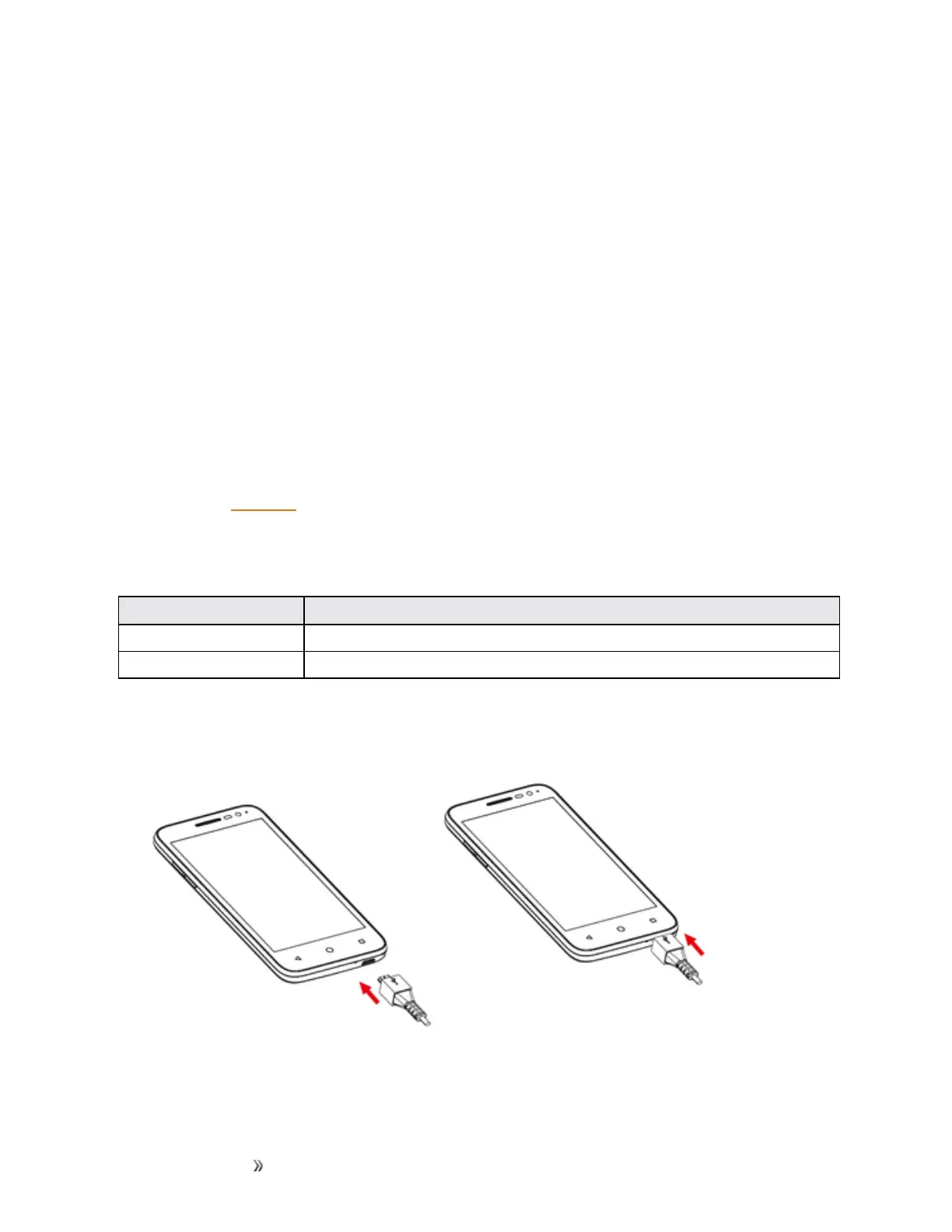
1. ConnectyourphonetoyourcomputerusingthesuppliedUSB/chargingcable.













 To Next Page