Making Connections Messaging 84
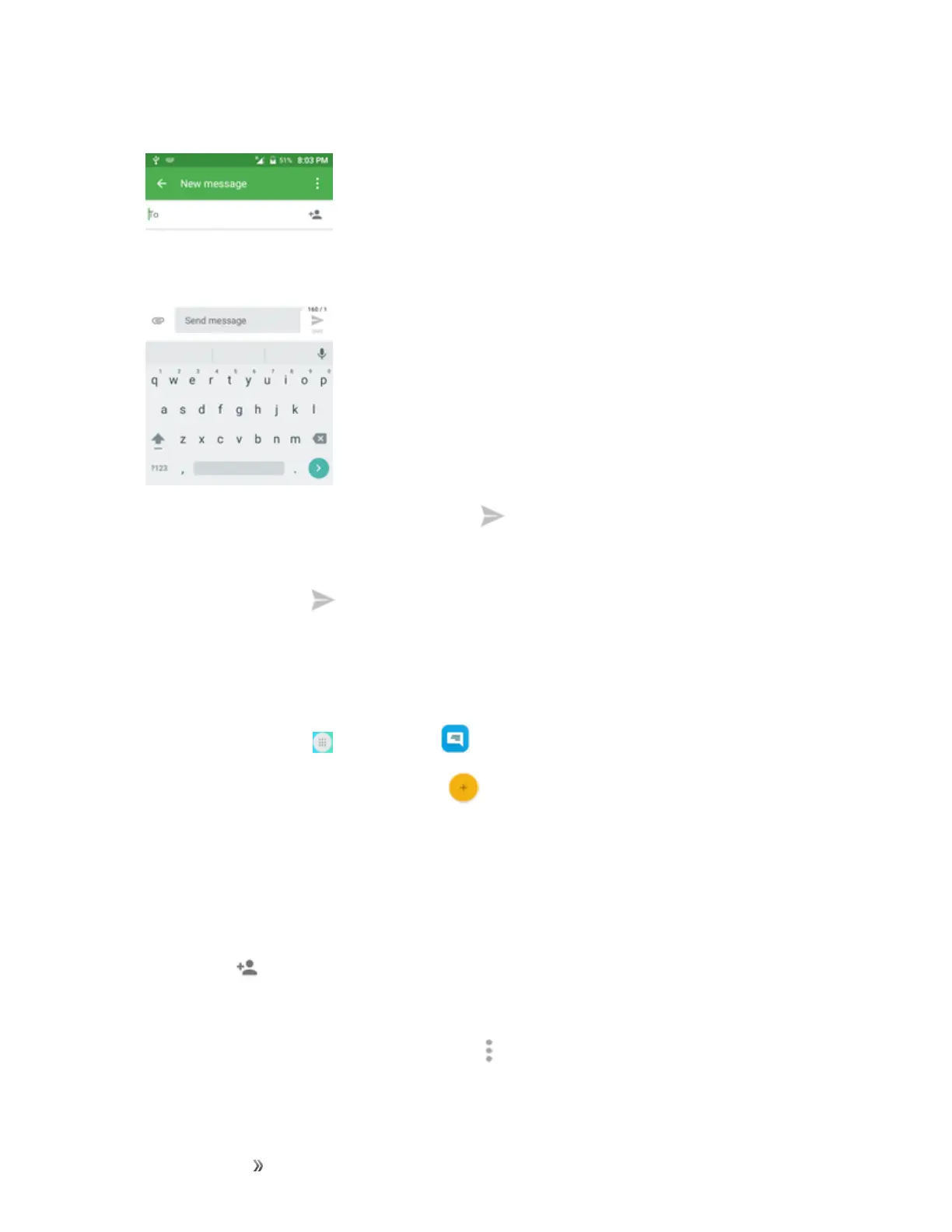
4. Tapthe“Sendmessage”boxandthenstartcomposingyourmessage.
Note:AcounterappearsabovetheSendbutton( )totellyouhowmanycharactersyouhave
enteredandhowmanycharactersareleft.Onceyougooverthe160-characterlimit,anew
messageiscreatedbutautomaticallyjoinedintoonewhenreceived.
5.
Whendone,tapSend tosendthetextmessage.
Send a Multimedia Message (MMS)
Whenyouneedtoaddalittlemoretoatextmessage,youcansendamultimediamessage(MMS)
withpictures,voicerecordings,audioorvideofiles,contactcards(vCard).
1.
Fromhome,tapApps >Messaging .
2.
OntheMessagingscreen,tapCompose .TheComposescreenopens.
3. Fillinoneormorerecipients.Youcan:
l EnterphonenumbersdirectlyintheEnterrecipientfield.Ifyou’resendingthemessageto
severalphonenumbers,separatethephonenumberswithacomma.Asyouenter
information,anymatchingphonenumbersfromyourcontactslistaredisplayed.Tapa
matchtoenterthatnumberoraddressdirectly.
l
Tapthe icon,andthenselectthecontactstowhomyouwanttosendthemessage.You
canalsoselectcontactgroupsasrecipients.Whenyouhaveselectedallthemessage
recipients,tapDone.
Note:YoucanaddasubjectlinebytappingMenu >Add subject.













 To Next Page