Making Connections Contacts 81
Import Contacts from an SD Card or USB Storage
1.
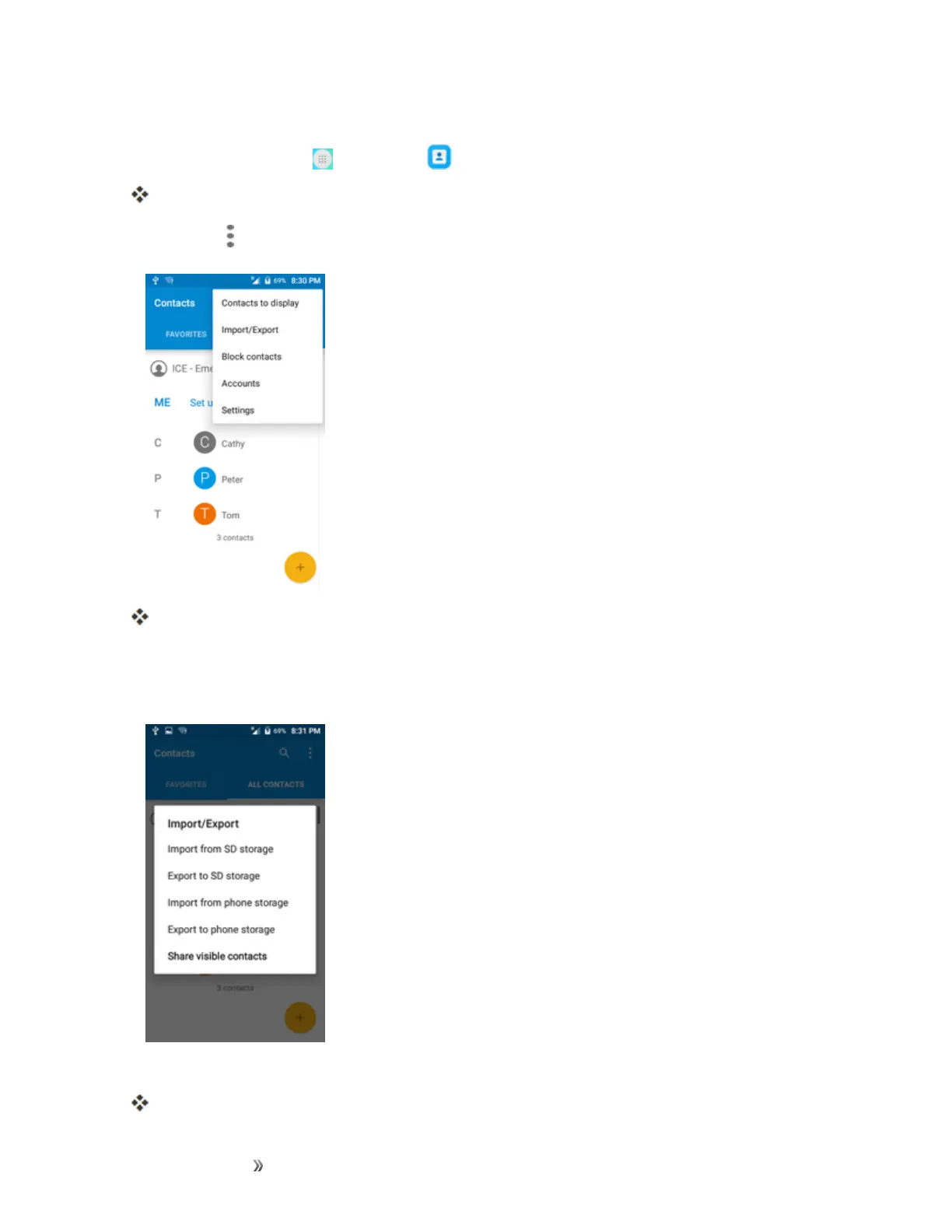
Fromhome,tapApps >Contacts .
YouwillseetheContactslist.
2.
TapMenu >Import/Export.
YouwillseetheImport/Exportcontactsmenu.
3. TapImport from SD cardorImport from USB storage.
4. Selectadestinationfortheimportedcontacts.
5. Followtheonscreeninstructionstocompletetheimport.
Thecontactsareimportedandstoredintheselectedaccount.













 To Next Page