Making Connections Internet and Social Networking 103
Using Hangouts
1.
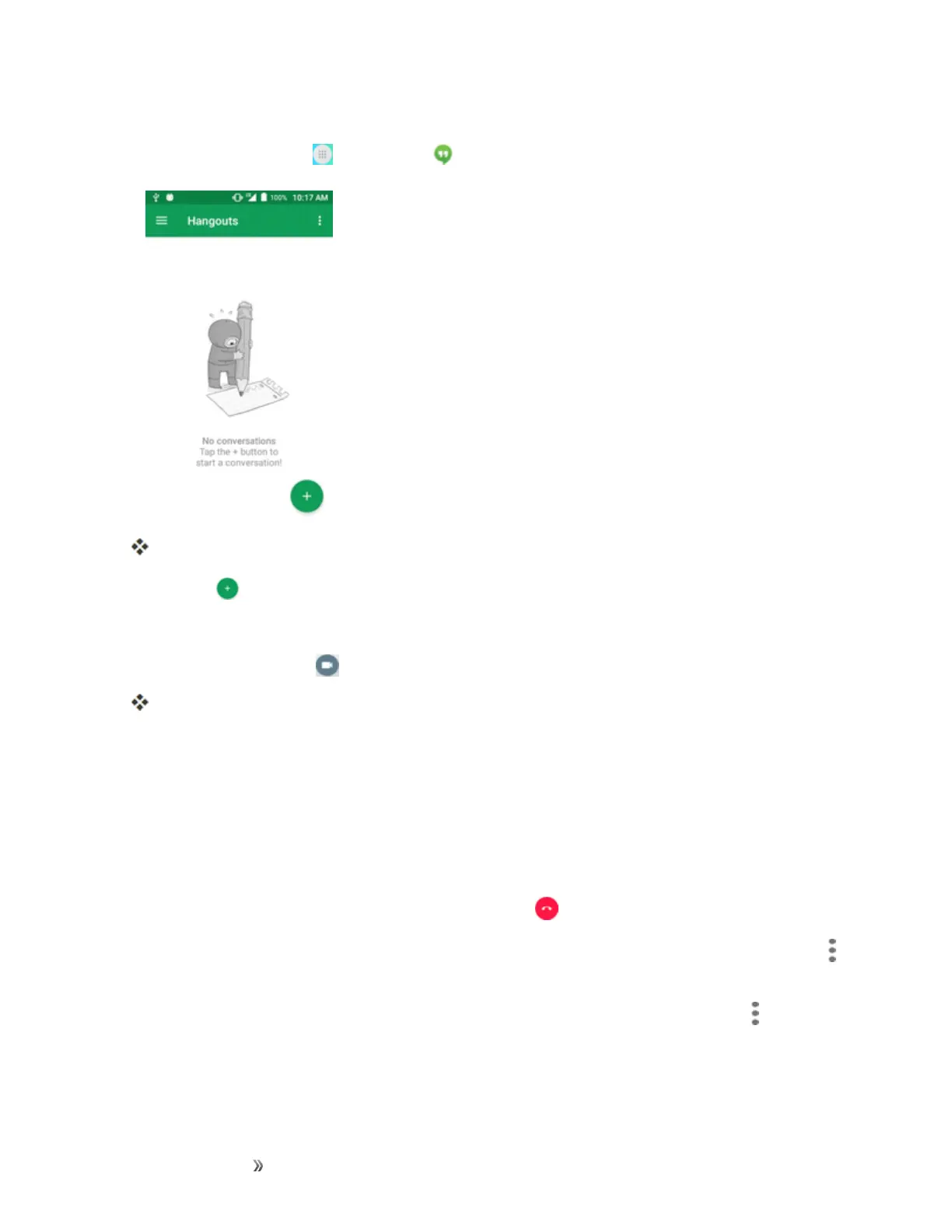
Fromhome,tapApps >Hangouts .
TheHangoutsappwillopen.
2.
TapAdd tostartanewHangout.
3. Typeaname,email,number,orcircle,orselectacontactfromthelist.
4.
Typeamessageortap tostartavideochat.
Achatwindoworavideochatwindowopens.
l Eachtimetextisentered,thecorrespondingfriendappears.
l IfafriendisnotinaHangout,youwillseeamessage.TapSend invitationtoinvitethemto
jointheHangout.
Hangouts Operations
n Ending a Chat:IntheHangoutswindow,flickthechatfromlefttoright.
n
Ending a Video Chat:Inthevideochatwindow,tap .
n
Disabling Chat History:Ifyoudon’twanttokeepchathistory,inthechatwindow,tapMenu
>Turn history off.
n
Delete Chat History:Todeleteallyourchathistory,inthechatwindow,tapMenu >Delete
>Delete.













 To Next Page