Getting Started Set Up Your Phone 7
Charge Using the AC Adapter
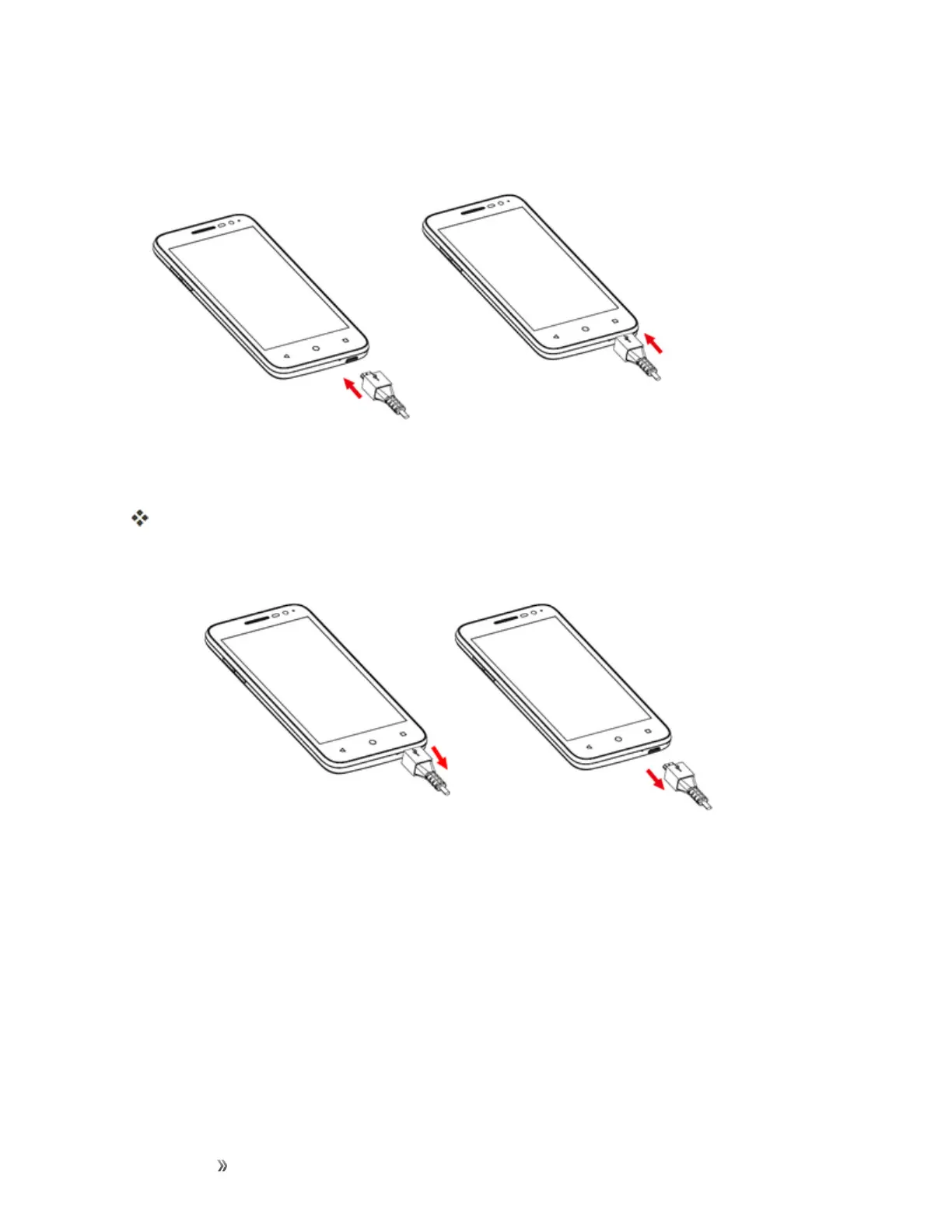
1. PlugtheUSBconnectorintothecharger/accessoryjackonthebottomofyourphone.
2. PlugtheotherendoftheUSBcableintotheACadapter.
3. PlugtheACadapterintoanelectricaloutlet.
Theindicatorlightilluminateswhenchargingstarts.Thelightgoesoffwhenthebatteryisfully
charged.Fullychargingabatterymaytakeuptothreehours.
4. Aftercharging,disconnectthephonefromthecharger.
l UnplugtheACadapterfromtheoutlet,andremovetheUSBcablefromthephoneandthe
ACadapter.
Charge Using a PC Connection
BeforeusingaPCconnectiontochargeyourphone,ensurethatthecomputeristurnedon.
Dependingonthetypeofconnection,yourphone’sbatterymaynotcharge.
1. InsertthesmallendoftheUSBcordintothecharger/accessoryjackonthebottomofyour
phone.













 To Next Page