Getting Started Basic Operations 32
1.
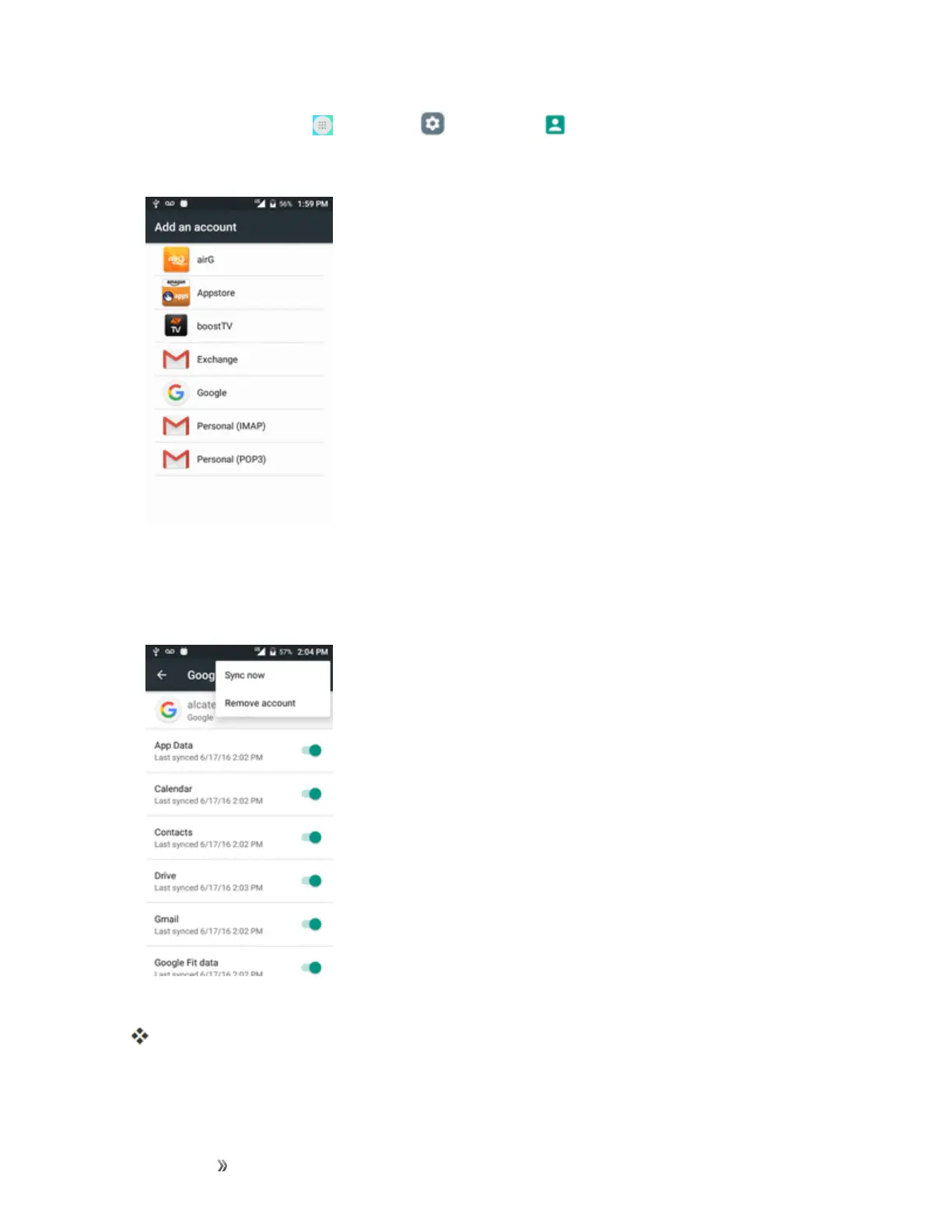
Fromhome,tapApps >Settings >Accounts >Add account.
2. TapGoogle,andthentapEnter your email.
3. EnteryourGmailaddressandpassword,andthentapNext.
4. AfteryourphoneconnectswiththeGoogleservers,selecttheitemsyouwouldliketosyncwith
yourphoneandthentapSync now.
5. TapFinish setup.
YouaresignedintoyourGoogleAccount,andyourphonewillsynchronizetheselected
items.













 To Next Page