Getting Started Basic Operations 40
1.
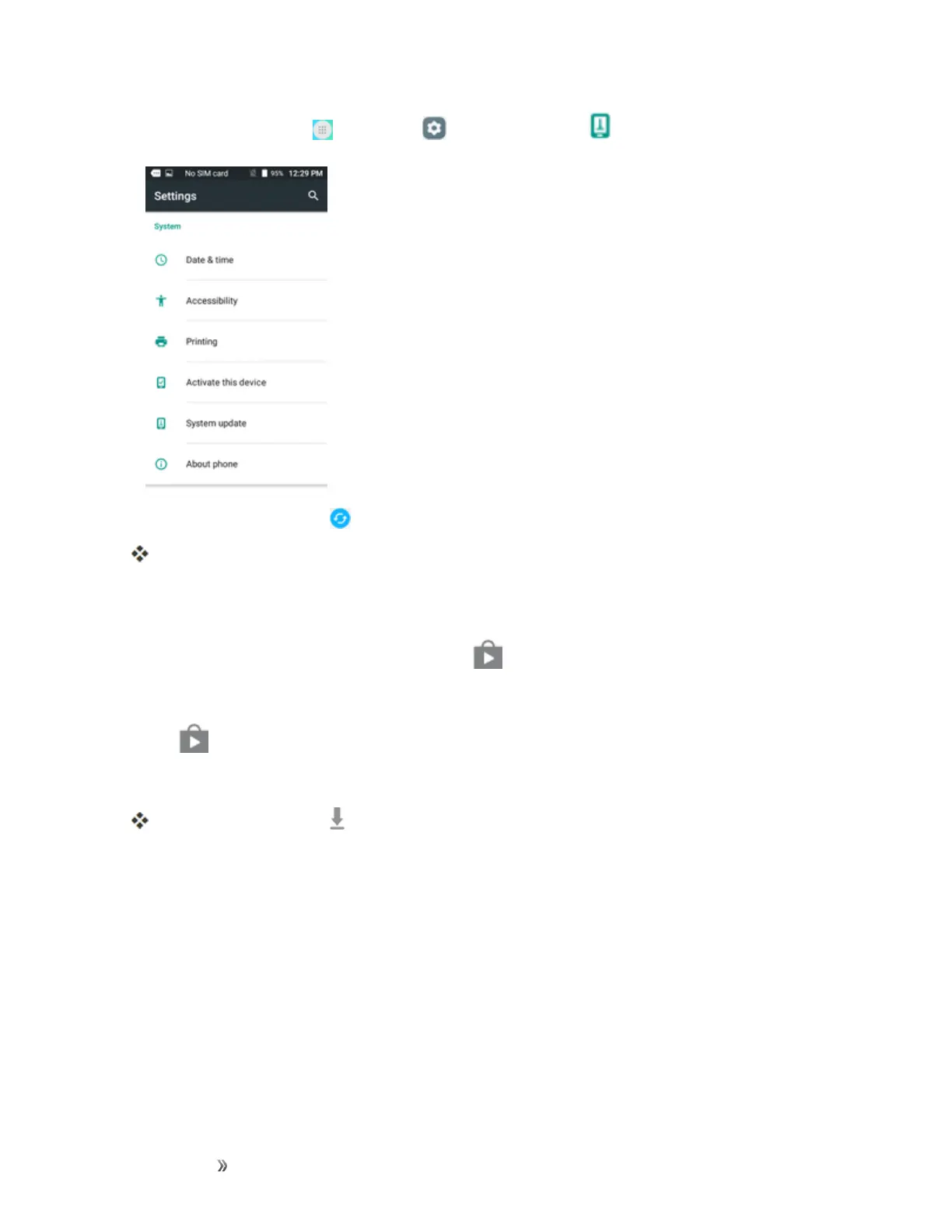
Fromhome,tapApps >Settings >System update .
2.
TapSystem Updates > .
Yourphoneautomaticallydownloadsandinstallsanyavailableupdates.Youmayberequired
topoweryourphoneoffandbackontocompletethesoftwareupgrade.
Alternatively,youcanaccesssystemupdatesthroughthenotificationpanel.
1.
LocatetheSystem Update Availableicon( )innotifications.
2. Pulldownthestatusbar.
3.
Tap toopentheSystemUpdatesscreen.
4. TapDownloadandfollowtheonscreeninstructions.
Thedownloadingicon( )appearswithinthestatusbartoindicatethephoneisdownloading
thenecessaryfiles.
5. TapRestartandinstalltocompletetheprocess.













 To Next Page