2. Authentication Mode choose WPA-PSK or WPA2-PSK
3. Cipher Mode choose AES+TKIP
4. Group Key Update Interval: set interval
5. Pass Phrase set the password
6. Click Submit
7. Click Save&Apply to apply
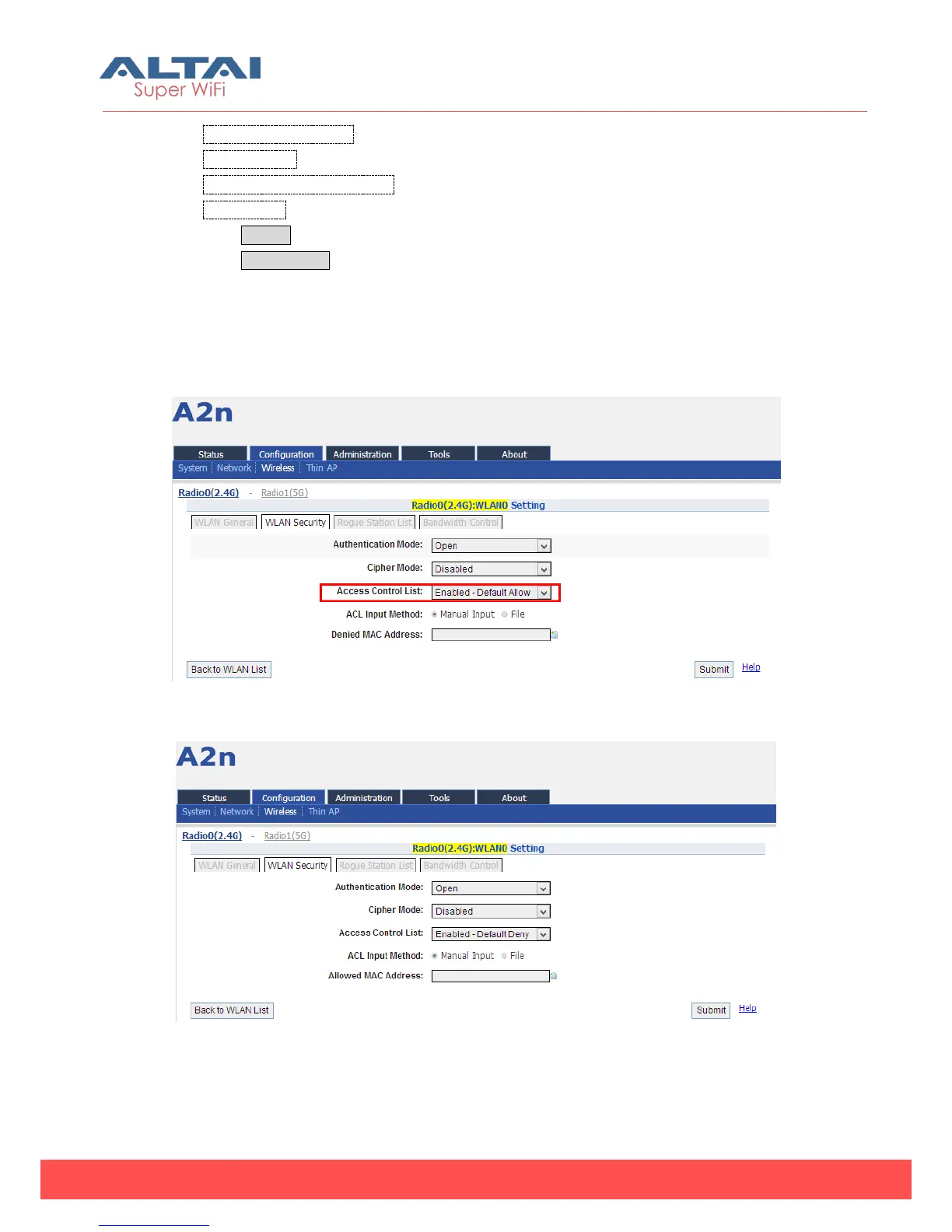
5) ACL Configurations
A2n supports ACL (Access Control List), it bases on MAC address filter.
Figure 5-32 ACL – Default Allow
Figure 5-33 ACL – Default Deny



 To Next Page