MM-400A
8. Operation Screens
8-112
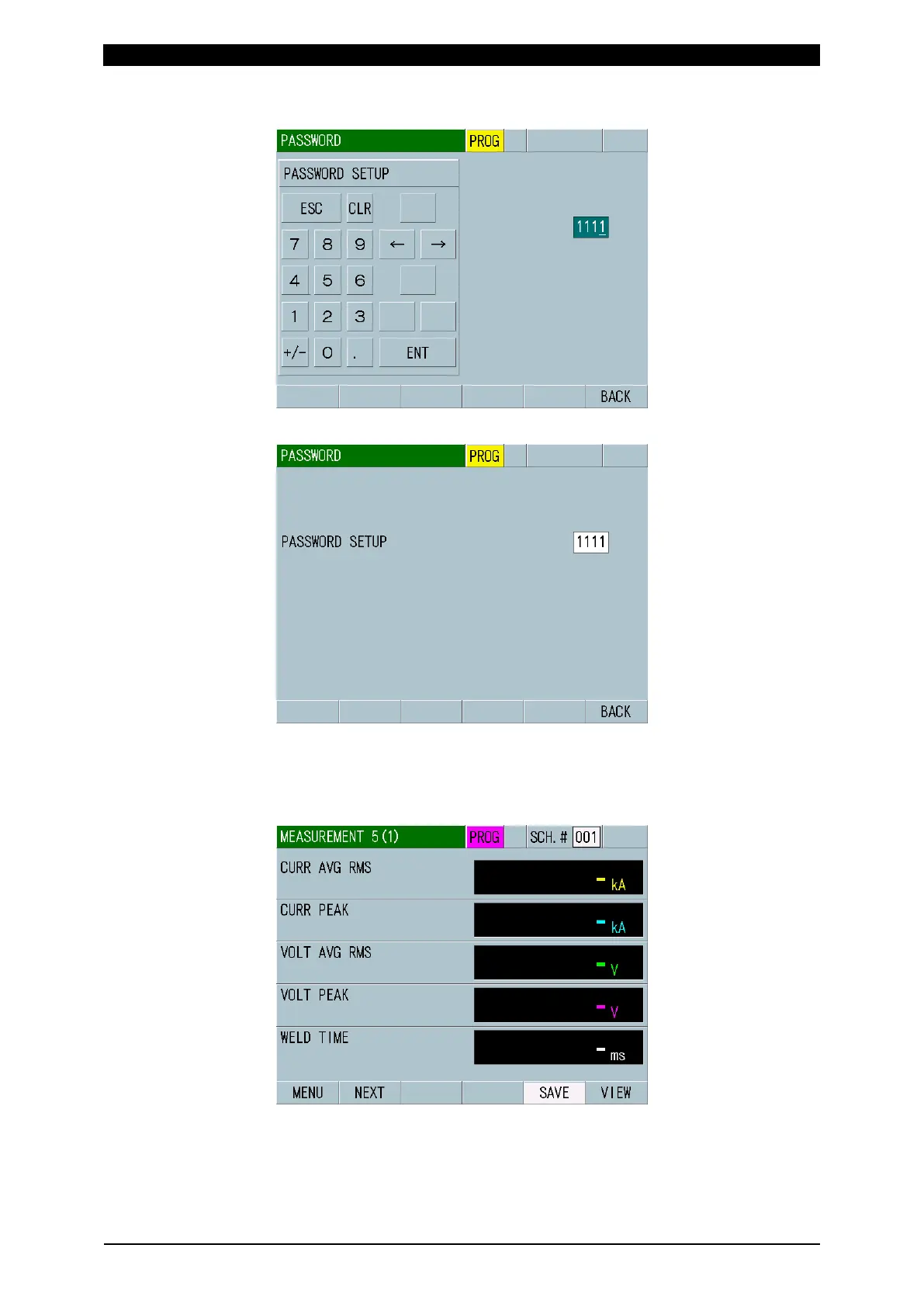
4) Touch the white frame and input a desired password 1111.
5) Touching ENT changes the number of PASSWORD SETUP.
Password change is now complete. When you go to the other screen, perform
the same procedures from 1).
6) When you touch MEAS in the MEASUREMENT screen after restarting the
power supply, PROG is displayed in purple color indicating the operator mode.



 To Next Page