MM-400A
9. Measurement
9-22
(5) Continuously Measuring Displacement, Force and
External Input (Force/displacement-equipped
specification function)
1) Connect the MM-400A to a power supply, and plug any of the following
sensors to measure to the MM-400A: the displacement sensor, force sensor,
external ±10 V voltage input, or external 4 to 20 mA current input. (For more
information, refer to (2) b to e in Chapter 6.)
2) Set the main power switch on the rear panel to the ON position (– side) to start
the MM-400A.
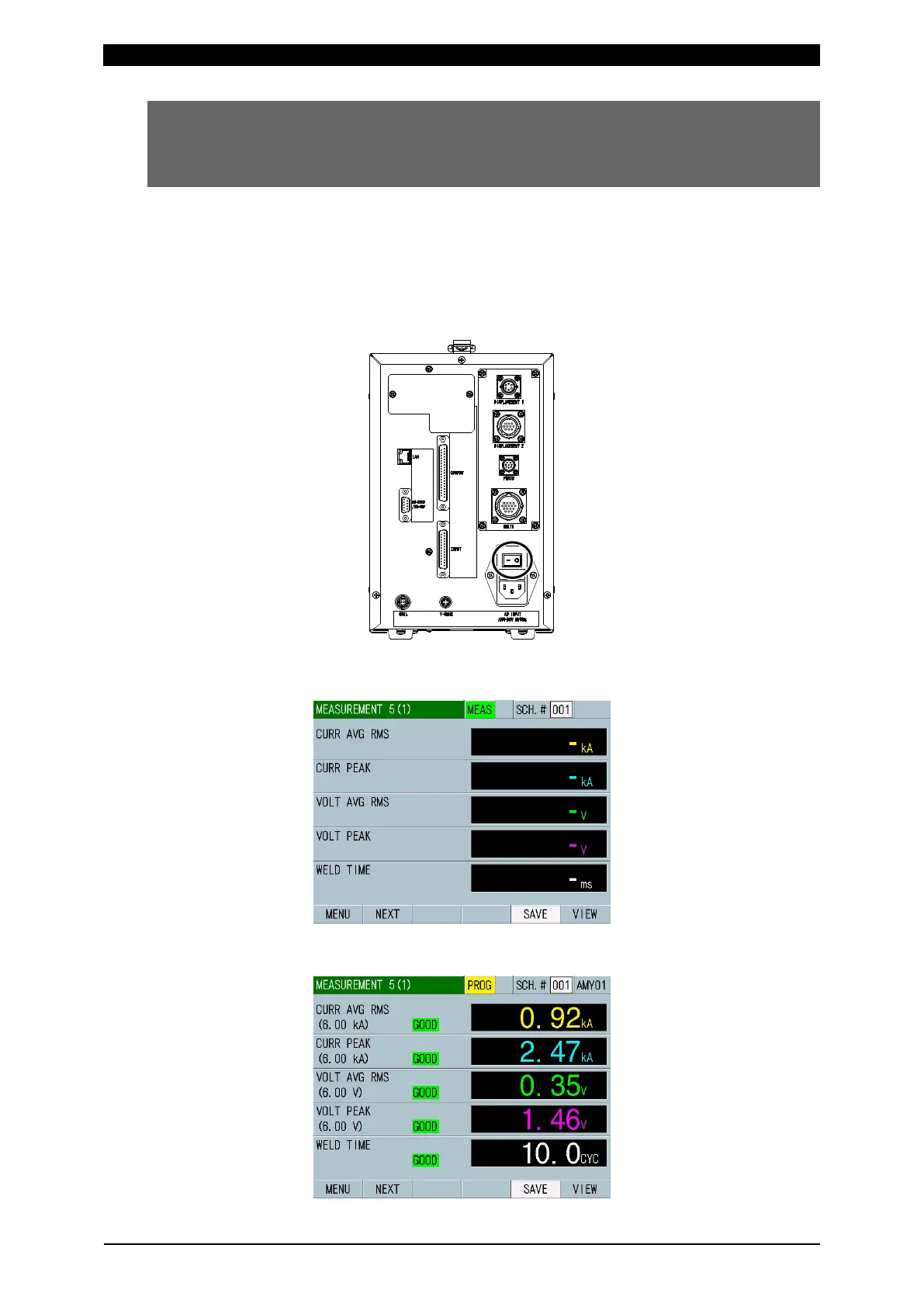
3) The MEASUREMENT 5(1) or MEASUREMENT 10 screen appears on the
display after a while.
To change or check the setting, touch MEAS to change it to PROG.
(Alternately switched by touching.)



 To Next Page