MM-400A
12. Data Communication
12-3
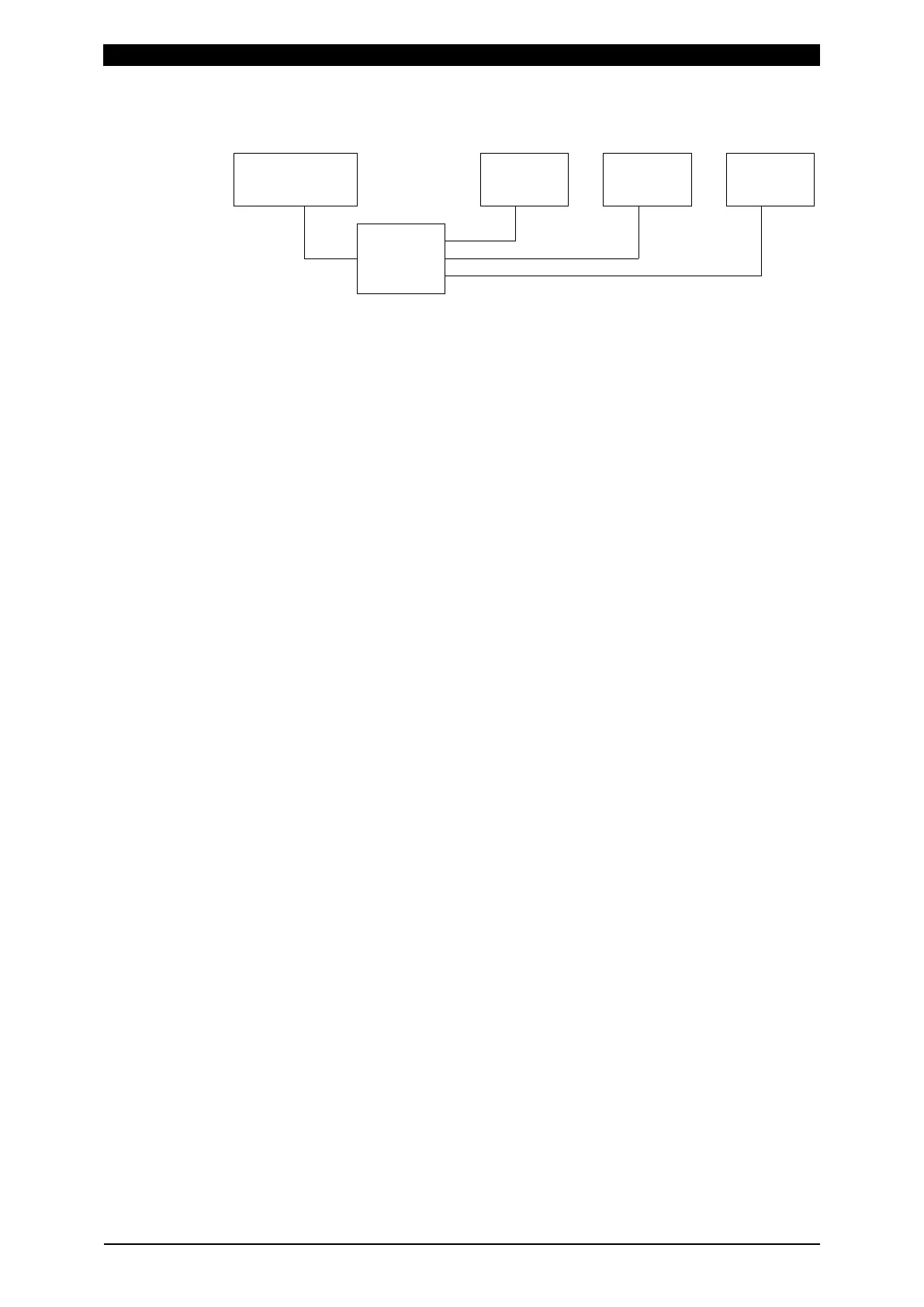
c. Ethernet
LAN
MM-400A
MM-400A
MM-400A
192.168.001.010
192.168.001.012 192.168.001.013192.168.001.011
Host computer
Switching hub
* Prepare the switching hub at customer’s side.
* The LAN cable is optional (straight). Use a cable of Category 6 or higher. In a high
noise environment, a cable of Category 7 is recommended.
* How to establish communication
Establish connection from the host computer to the MM-400A. Connect it to IP
address and Port No. set in the MM-400A. Use TCP/IP for communication
protocol.
Example)
Host computer
IP address: 192.168.1.11, Subnet mask: 255.255.255.0
MM-400A
IP address: 192.168.1.10, Subnet mask: 255.255.255.0, Port No.: 1024
Establish connection from the host computer to the MM-400A with settings of IP
address: 192.168.1.10 and Port No.: 1024.
Since connection is released when the settings of the MM-400A (MODE, ID
NUMBER, IP ADDRESS, SUBNET MASK, DEFAULT GATEWAY, and PORT
NUMBER) are changed, the power supply of the MM-400A is turned off, and
communication from the MM-400A cannot be made, establish connection again.
The number of connectable MM-400As changes according to the host computer.



 To Next Page