MM-400A
12. Data Communication
12-4
[IP address setting]
Set the IP address of the host computer.
The IP address of the MM-400A has been set to [192.168.1.10] at the factory. Use
[192.168.1.11] or later for the IP address of the host computer. However, do not set the IP
address to the same as the default gateway.
Setting procedure (for Windows 10)
The setting procedure depends on the operating system to use. Check the setting method
for your operating system.
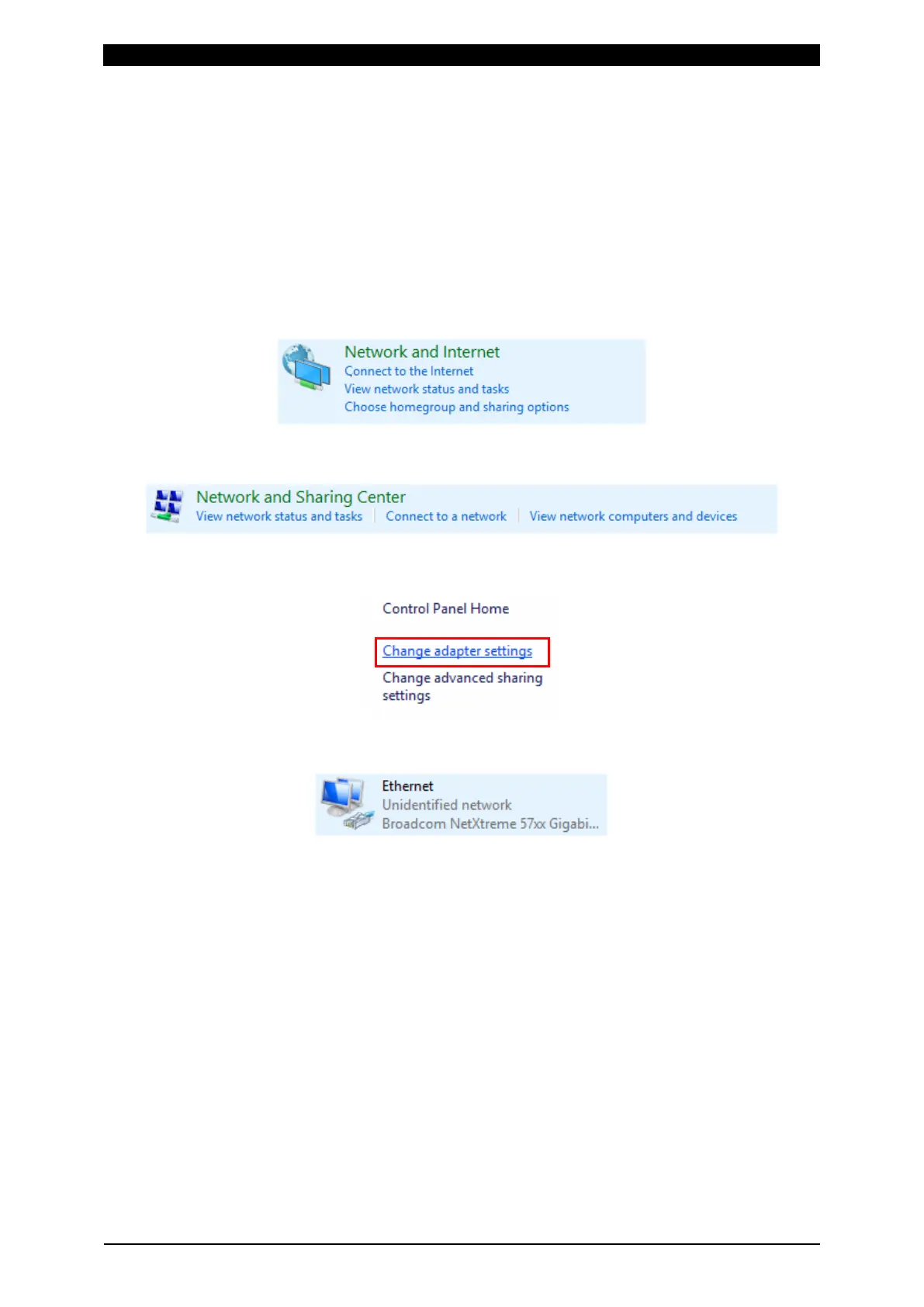
1) From the control panel, select the [Network and Internet].
2) Select the [Network and Sharing Center].
3) Select the [Change adapter settings].
4) Select a network card to use.
* Displays vary according to the personal computer or network card in use.



 To Next Page