MM-400A
8. Operation Screens
8-18
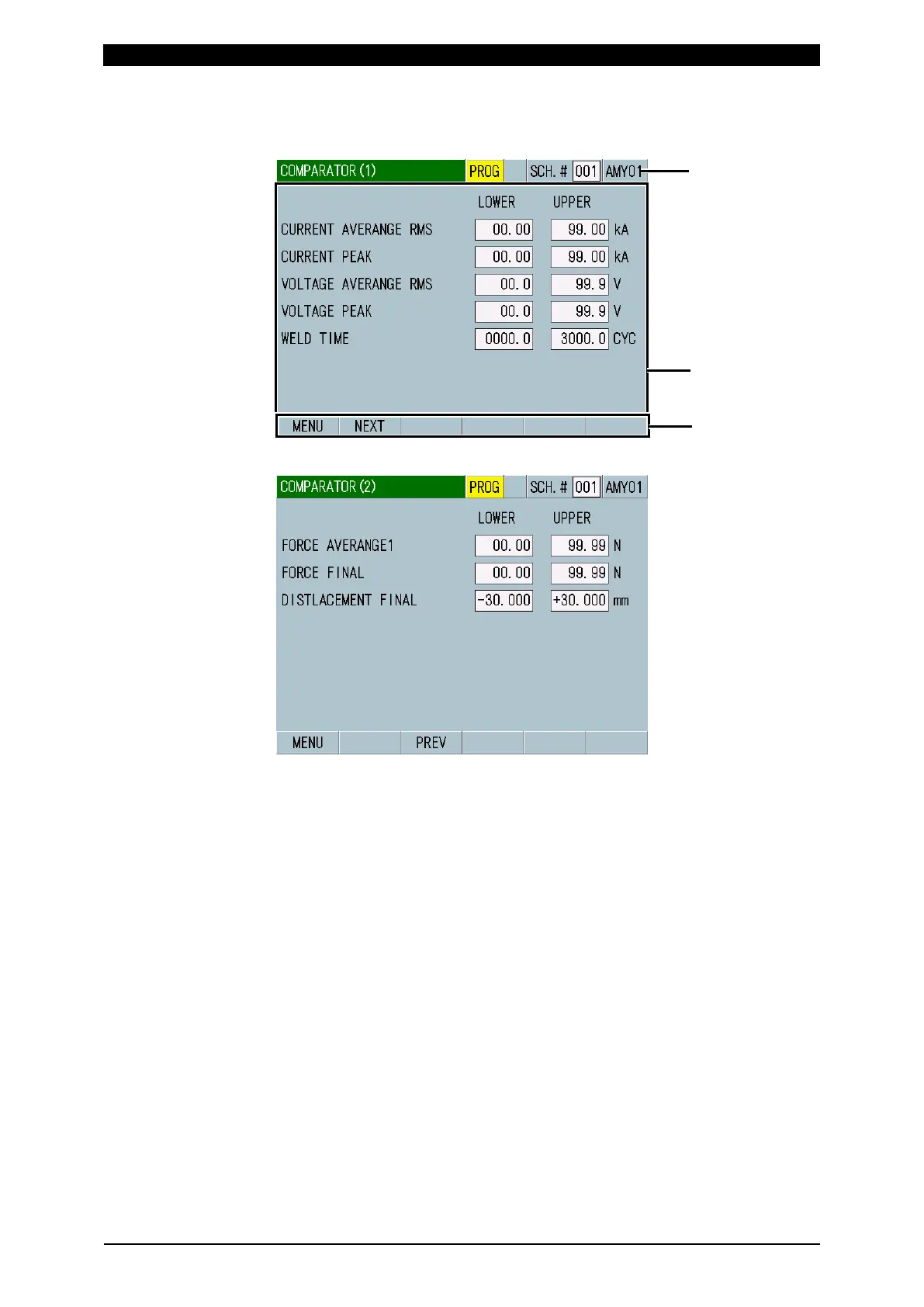
e. COMPARATOR Screen
e-1. COMPARATOR (1) Screen
e-2. COMPARATOR (2) Screen
(1) SCH.#
Shows the measurement schedule number used (1 to 127). On the other hand,
you can change schedules by selecting this field and inputting a value.
(2) Schedule name
Shows the name of SCH.#. This can be set in the BASIC SETUP (1) screen.
(3) Parameter setting
Set upper and lower limits for the measurement items selected in the VIEW
screen as follows. Items 1 to 5 are on the COMPARATOR (1) screen and
items 6 to 10 are on the COMPARATOR (2) screen.
When the measurement item is changed, upper and lower limits for the
changed measurement item may be initialized. (Refer to "c. VIEW Screen.")
When the TRIGGER and TIME settings are changed, upper and lower limits
for measurement items WELD TIME and FLOW TIME may be initialized. Set
upper and lower limits again. (Refer to "l-1. BASIC SETUP (1) Screen.")
• CURRENT (PEAK, RMS, AVERAGE RMS)
Set upper and lower limits in the following ranges depending on the type of
toroidal coil connected and according to the CURR RANGE setting in the
BASIC SETUP (1) screen:



 To Next Page