MM-400A
9. Measurement
9-12
(3) Measuring Force (Force/displacement-equipped
specification function)
CAUTION
• Before using the force sensor MA-520B/521B/522B, be sure to turn
off the power of the welding machine and confirm that no welding
current is flowing.
• Select an appropriate force sensor according to the force range you
wish to measure.
• Before measuring force, be sure to set the force sensor’s offset to “0.”
You can set the offset to “0” by touching the FORCE 0 key on the
SYSTEM SETUP (2) screen. At this time make sure that no force is
applied to the sensor.
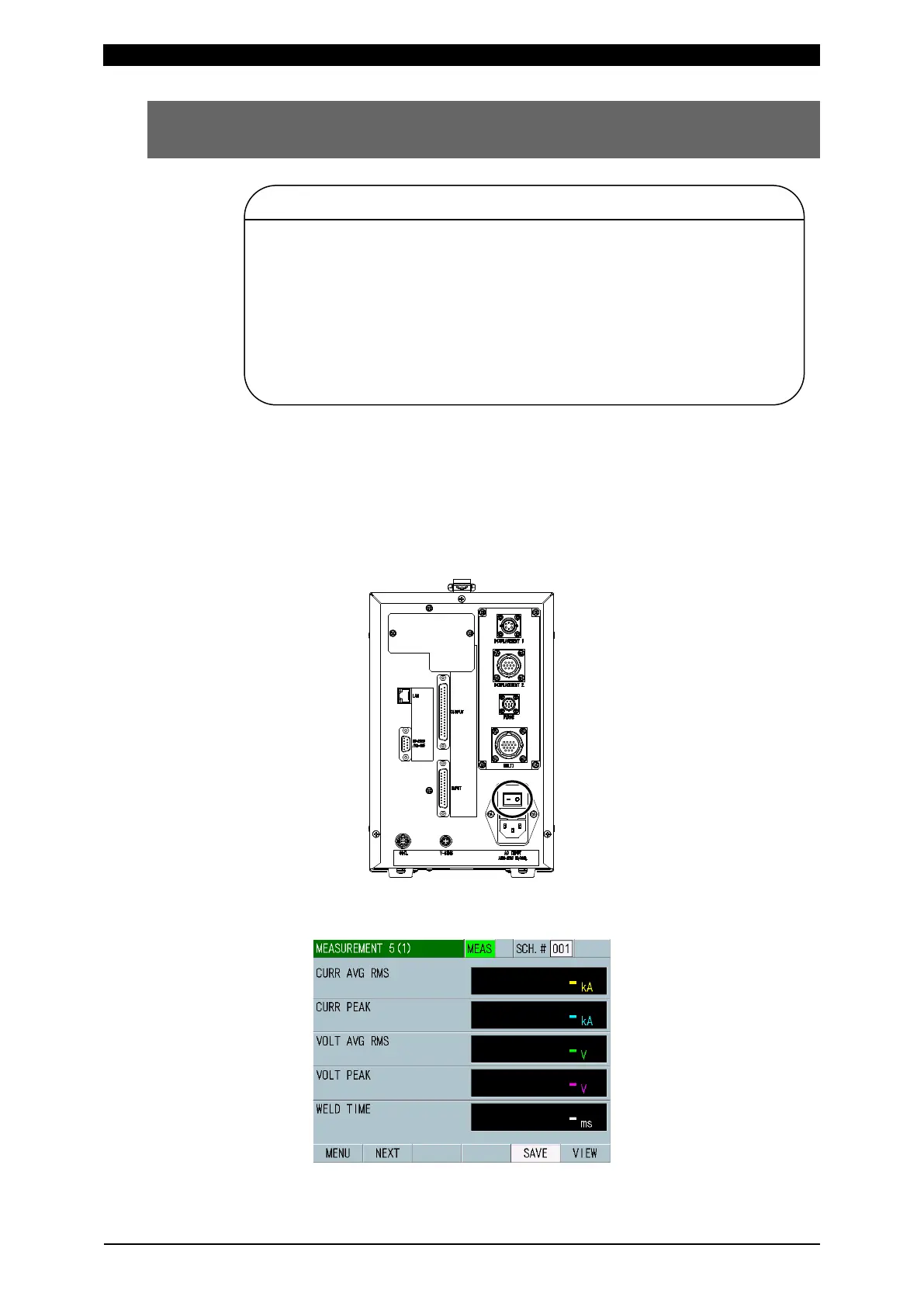
1) Connect the MM-400A to a power supply, and plug the force or current/force
sensor to the MM-400A. If you wish to measure the current and voltage as
well as the force at the same time, use the pressure follow-up mechanism
element P unit or the current/force sensor. (For more information, refer to (2) c
1) and 2) in Chapter 6.)
2) Set the main power switch on the rear panel to the ON position (– side) to start
the MM-400A.
3) The MEASUREMENT 5(1) or MEASUREMENT 10 screen appears on the
display after a while.



 To Next Page