MM-400A
8. Operation Screens
8-113
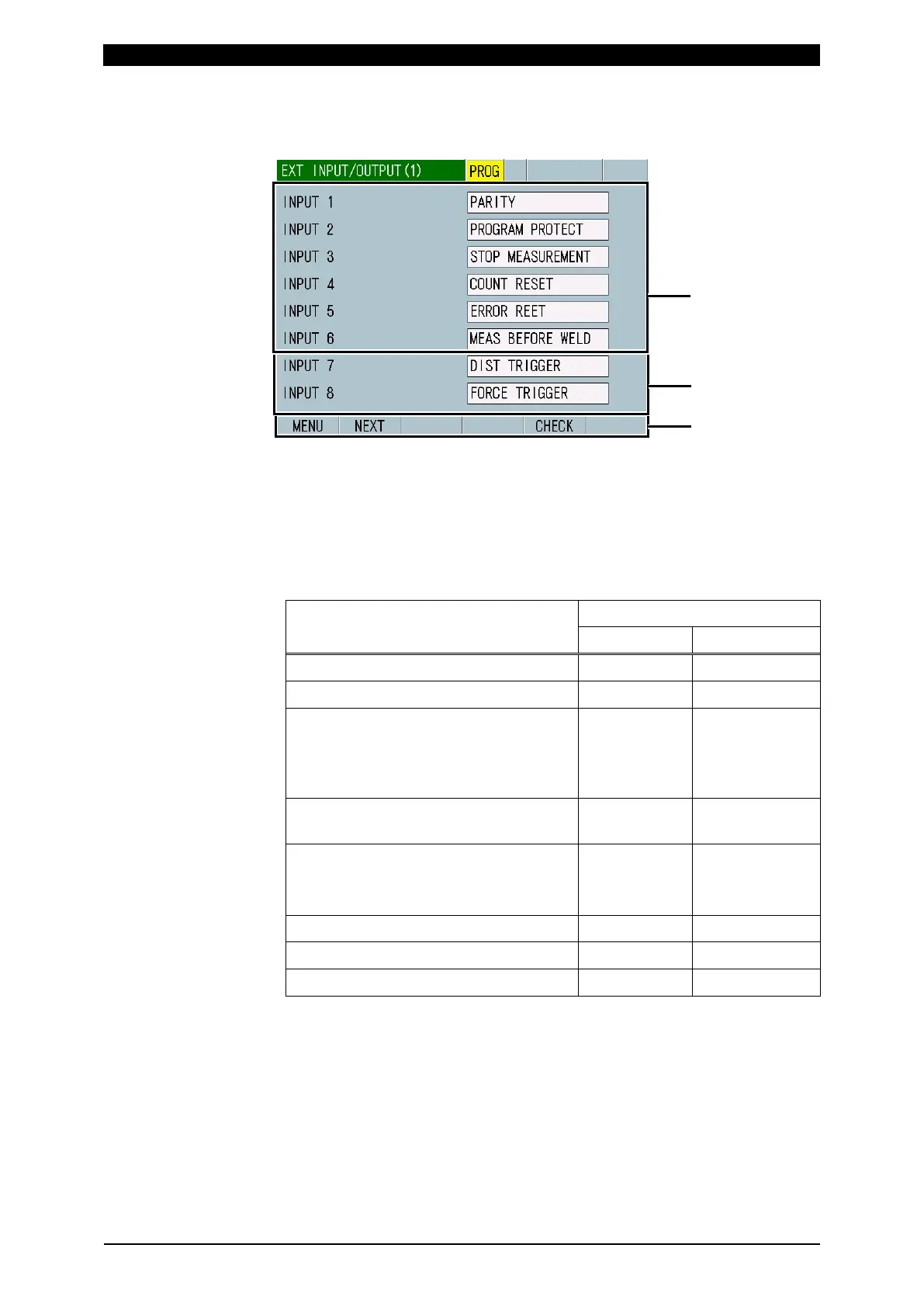
o. EXT INPUT/OUTPUT Screen
o-1. EXT INPUT/OUTPUT (1) Screen
(1) INPUT 1 to 6
Select from the following nine items:
• PARITY: Be sure that the number of signal lines to turn ON is always odd
when selecting the schedule by SCH1 to 64.
• PROGRAM PROTECT: When this terminal closed, schedule setting input
from the panel is rejected.
Operation contents
PROGRAM PROTECT
Open Closed
Schedule setting in each screen Can change Cannot change
COPY in the BASIC SETUP (1) screen Can operate Cannot operate
CT RESET and INIT in the SYSTEM
SETUP (1) screen
DIST 0 and FORCE 0 in the SETUP (2)
screen
Can operate Cannot operate
COUNT RESET, DIST 0 RESET and
FORCE 0 RESET in the external inputs
Can input Can input
ALL DEL in the HISTORY screen
READ and ALL DEL in the READ
FLASH MEMORY Screen
Can operate Cannot operate
Schedule number in the PROG mode
*1
Can change Can change
Schedule number in the MEAS mode
*1
Can change Cannot change
SCH1 to 64 in the external inputs Can input Can input
*1: When you change the schedule number from 3 to 5 with PROGRAM PROTECT
open and switch the mode to MEAS, the schedule number changes to 5. When
you change the schedule number from 3 to 5 with PROGRAM PROTECT
closed and switch the mode to MEAS, the schedule number returns to 3. (You
cannot change the schedule number for measurement with PROGRAM
PROTECT closed.)
• STOP MEASUREMENT: The instrument does not perform any
measurement while this terminal is closed. If the terminal closes during
current flow, the data during that period is ignored.
• COUNT RESET: Closing this terminal resets the counter to 0.



 To Next Page