MM-400A
8. Operation Screens
8-45
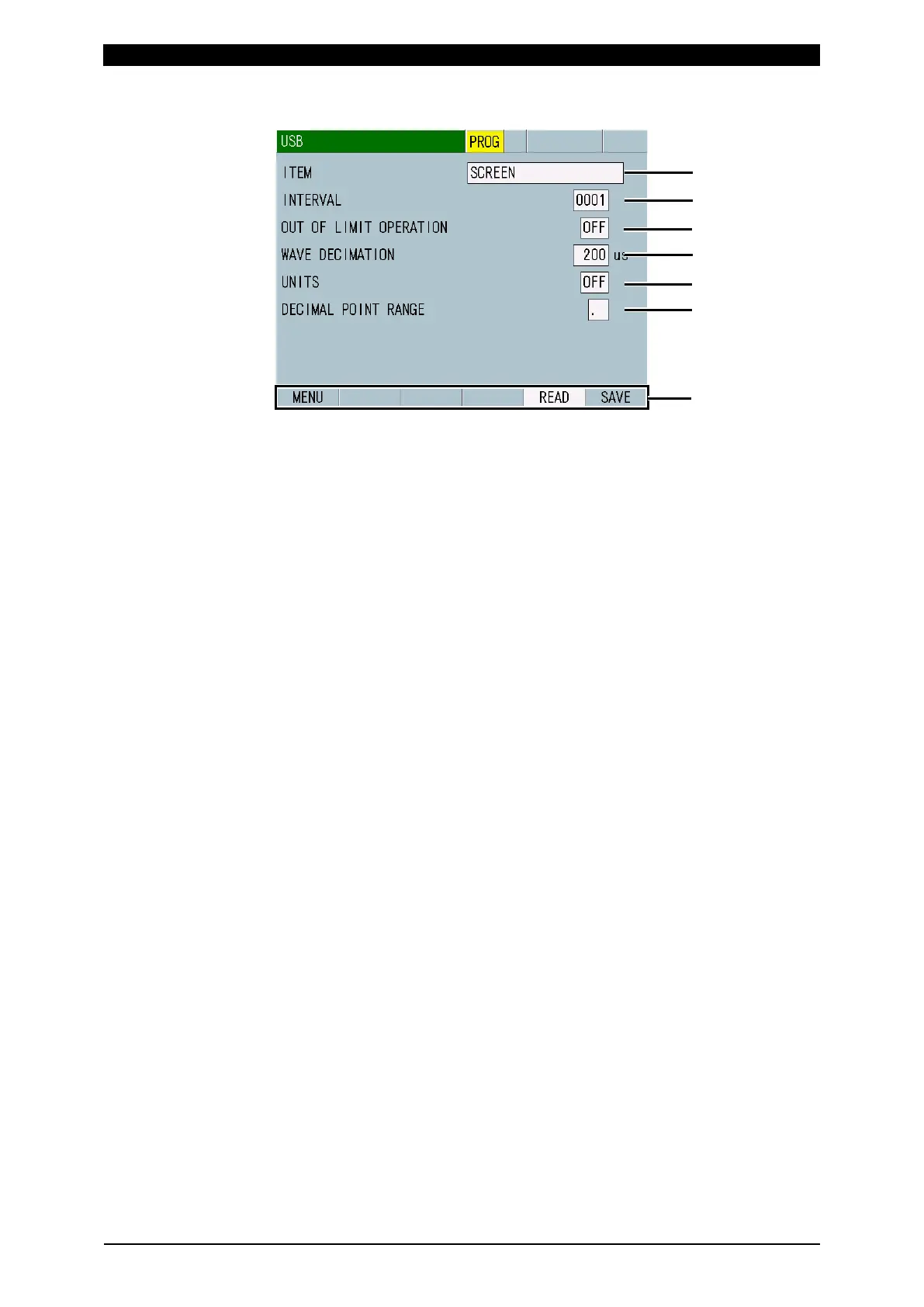
i. USB Screen
(1) ITEM
Select the data to read from or write in the USB memory from the following:
• OFF
No writing and reading in/from the USB memory.
• MEASUREMENT
Writes the measured values of ten items selected in the VIEW screen in the
USB memory.
The filenames are “measure-0.CSV” to “measure-1000.CSV.” After 1000,
the filename returns to 0. The file is overwritten. A thousand of measured
values are written in a file.
In saving by the SAVE key, a measured value is written and “¥measure”
folder is created.
In automatic saving for every interval, up to 1000 measured values are
written in a file and “¥measure_in_meas” folder is created.
When MM-400A is powered off, USB memory is removed, or “E14: USB
ERROR” occurs, the measured value is written with a new filename.
When SEAM is selected for MODE in the SYSTEM SETUP (1) screen, no
writing in the USB memory is made.
• WAVEFORM
Writes the waveforms of four items selected in the VIEW screen in the USB
memory.
The filenames are “wav-0.csv” to “wav-1000.csv.” After 1000, the filename
returns to 0. The file is overwritten.
“¥wav” folder is created by the SAVE key and “¥wav_in_meas” folder is
created by automatic saving for every interval.
Waveforms are not saved in the seam measurement.
When SEAM is selected for MODE in the SYSTEM SETUP (1) screen, no
writing in the USB memory is made.
• CURR ALL CYCLE
Writes current all cycles in the USB memory.
The filenames are “curr_allcycle-0.csv” to “curr_allcycle-1000.csv.” After
1000, the filename returns to 0. The file is overwritten.
“¥curr_allcycle” folder is created by the SAVE key and
“¥cur_allcycle_in_meas” folder is created by automatic saving for every
interval.
When SEAM is selected for MODE in the SYSTEM SETUP (1) screen or
ISO17657 is selected for CALCULATION in the BASIC SETUP (3) screen,
no writing in the USB memory is made.



 To Next Page