MM-400A
8. Operation Screens
8-44
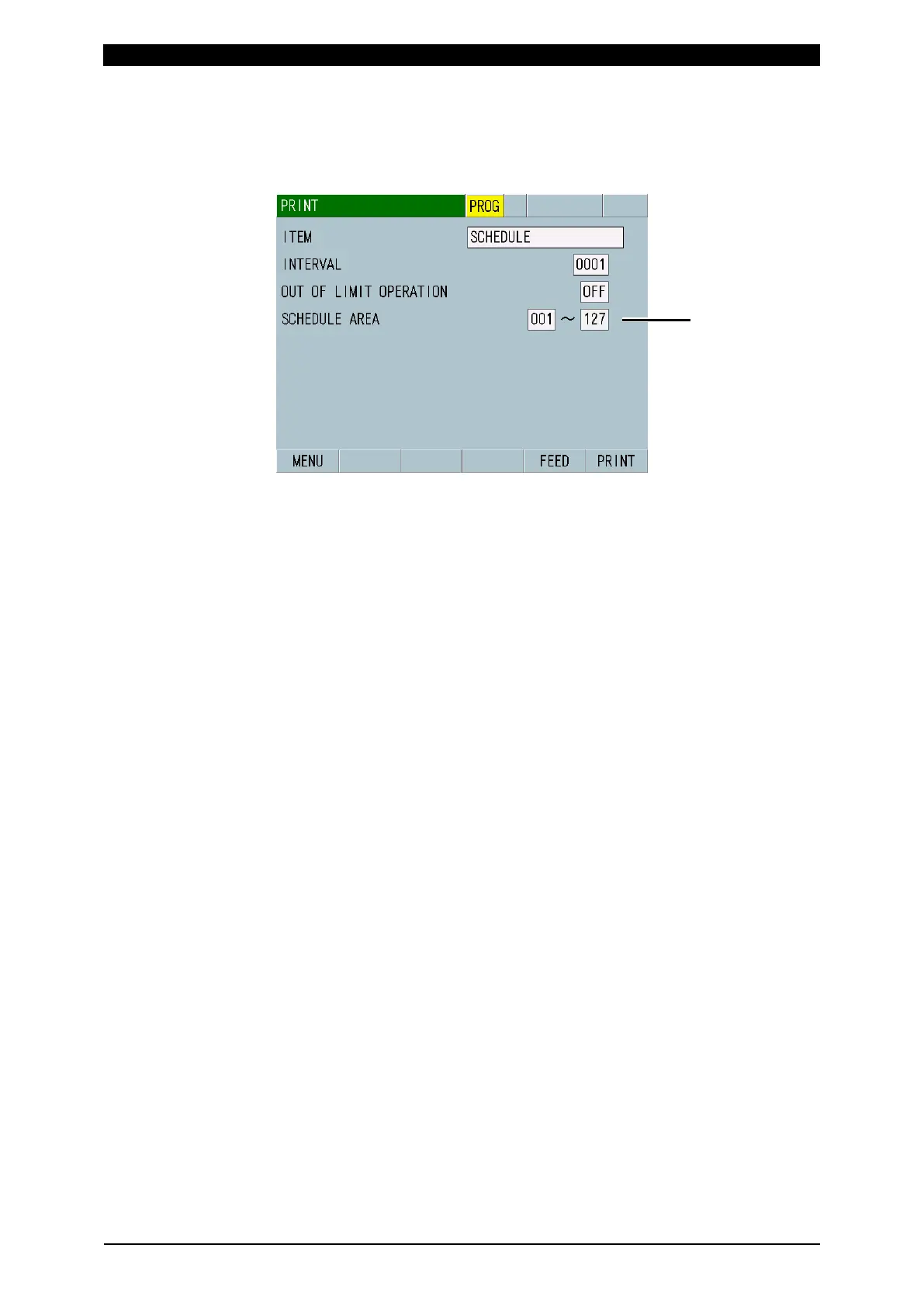
(5) SCHEDULE AREA
Shown when you have selected SCHEDULE for ITEM. Set the range of
schedule numbers to print schedule data from 001 to 127. The setting of
schedule data range is valid only when schedule data is printed.
(6) Function keys
MENU: Touching this displays the MENU screen.
FEED: Touching this feeds paper.
PRINT: Touching this prints the item selected for ITEM. To pause printing,
press the [RESET] button. Printing will stop after the data stored in the printer
is printed.



 To Next Page