MM-400A
8. Operation Screens
8-1
8. Operation Screens
(1) Operation Screen Organization
Turn on the power supply and switch the measurement mode “MEAS” and the program
mode “PROG” on the MEASUREMENT screen. Touch the MENU key to display the
MENU screen, and select each screen.
You can measure current, force and others in the MEASUREMENT, WAVEFORM and
ALL CYCLE screens.
The MEASUREMENT screen accepts next measurement even while the screen is
being updated following a measurement.
In contrast, the WAVEFORM, ALL CYCLE and ENVELOPE screens accept next
measurement only after the screen is updated.
If you switch to the measurement mode with data shown in a screen other than the
MEASUREMENT, WAVEFORM, ALL CYCLE, and ENVELOPE screens, the display
returns to the MEASUREMENT screen to move to the measurement mode, after which
next measurement starts.
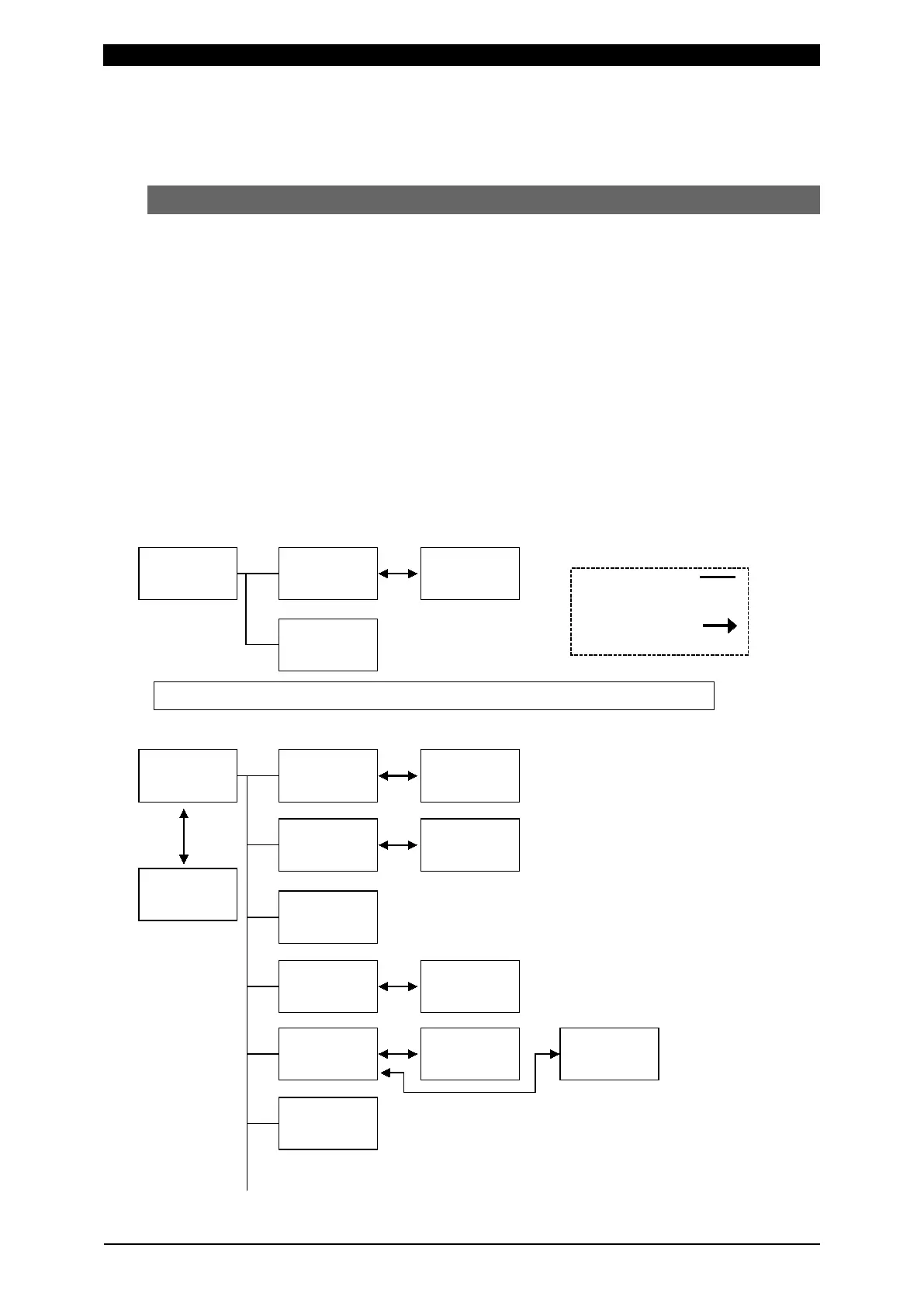
The MM-400A’s operation screens (normal screen) are organized as shown below.
menu selection
Switchover through
function keys
The followings are set after the measurement mode (MEAS) is changed to the program mode (PROG).



 To Next Page